MagSafe phone stand for a home-office desk: 비티냐 360° Rotating
In short
비티냐 360° Rotating MagSafe Stand is a desk stand used in a home office in Korea for watching videos during meals and for work. Its smooth rotation, secure phone hold, and stable iPad support worked well, though the rear support initially felt a little stiff. Verdict: a tidy, dependable stand for a shared work-and-dining desk.
Good to know
- Product
- 비티냐 360° Rotating MagSafe Stand
- Use context
- Holding a phone and iPad on a home-office desk that also serves as a dining table
- Rotation and adjustment
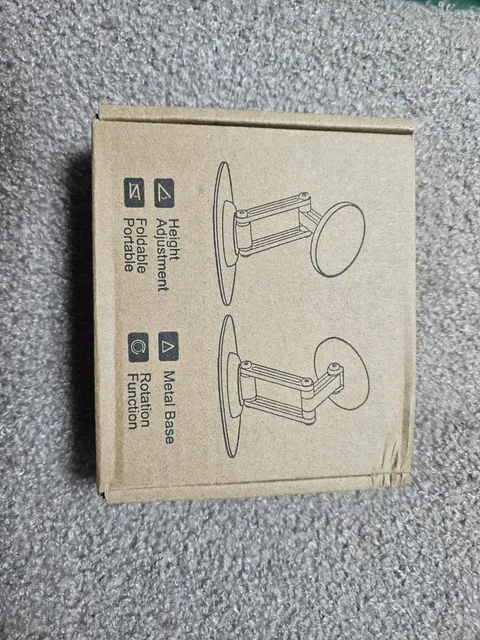
- 360° rotation and angle adjustment; includes a tool for adjusting tightness
- Base and finish
- Non-slip base, matte material, and a rounded-square base
Prices as written by the tester on Feb 8, 2026 · not updated automatically
Why did I need a stand at my home-office desk?
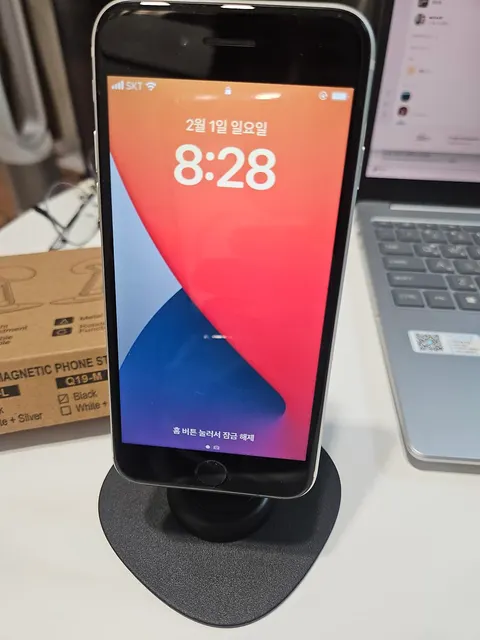
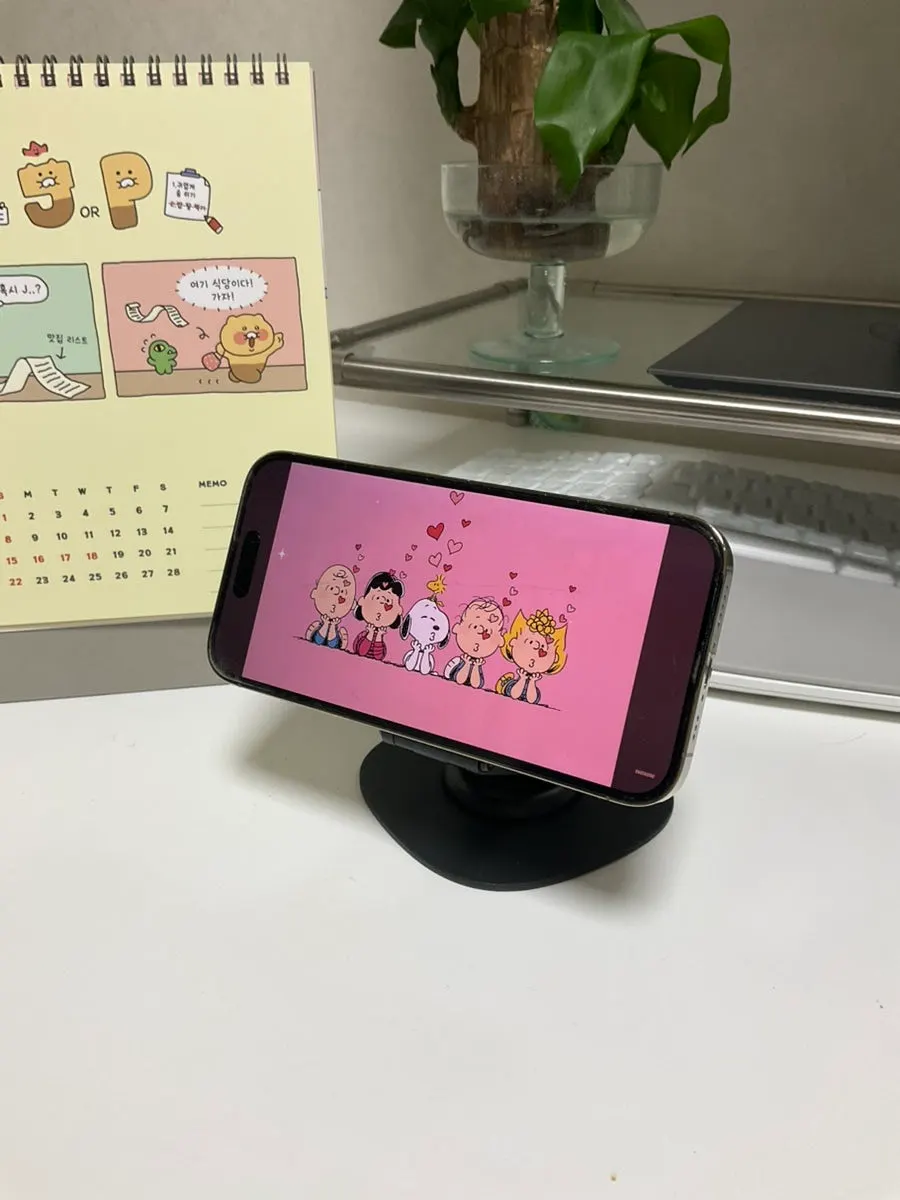
I use my work desk as a dining table too, so I needed a stand for watching YouTube on my phone while eating. Watching on the computer meant food sometimes splattered onto the keyboard, and I wanted to separate the setup for working from the setup for eating, even at the same desk.
I had previously used the same brand's car mount and liked that it was easy to secure and did not leave behind sticky adhesive residue. Based on that experience, I tried the 비티냐 MagSafe stand this time.
Does it hold a phone securely on a desk?
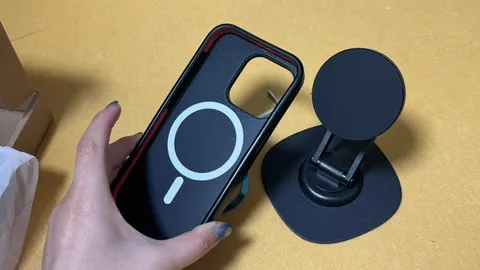
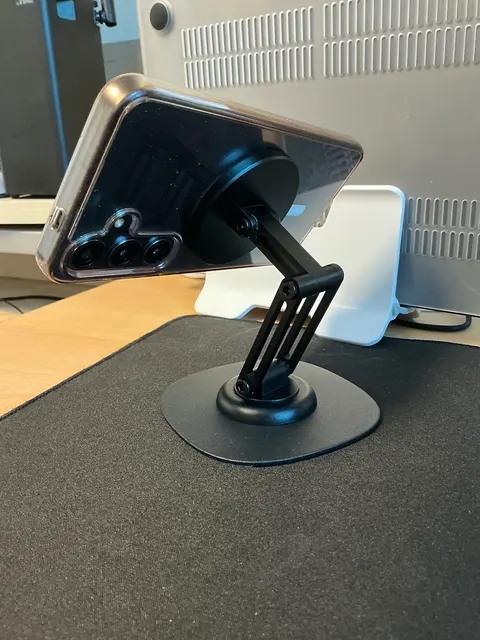
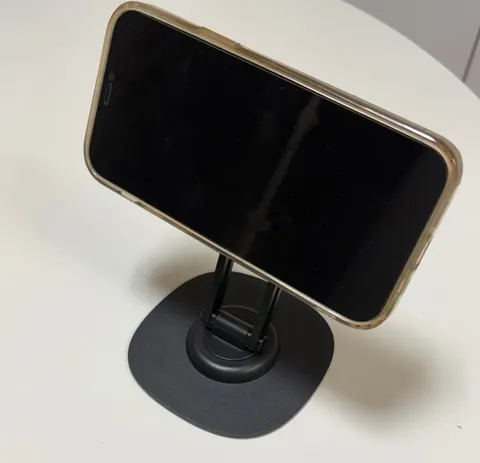
This product is a stand that sits on a desk, rather than one fixed to a wall or the inside of a car. The angle-adjustment section was firm, and the bottom had a non-slip treatment.
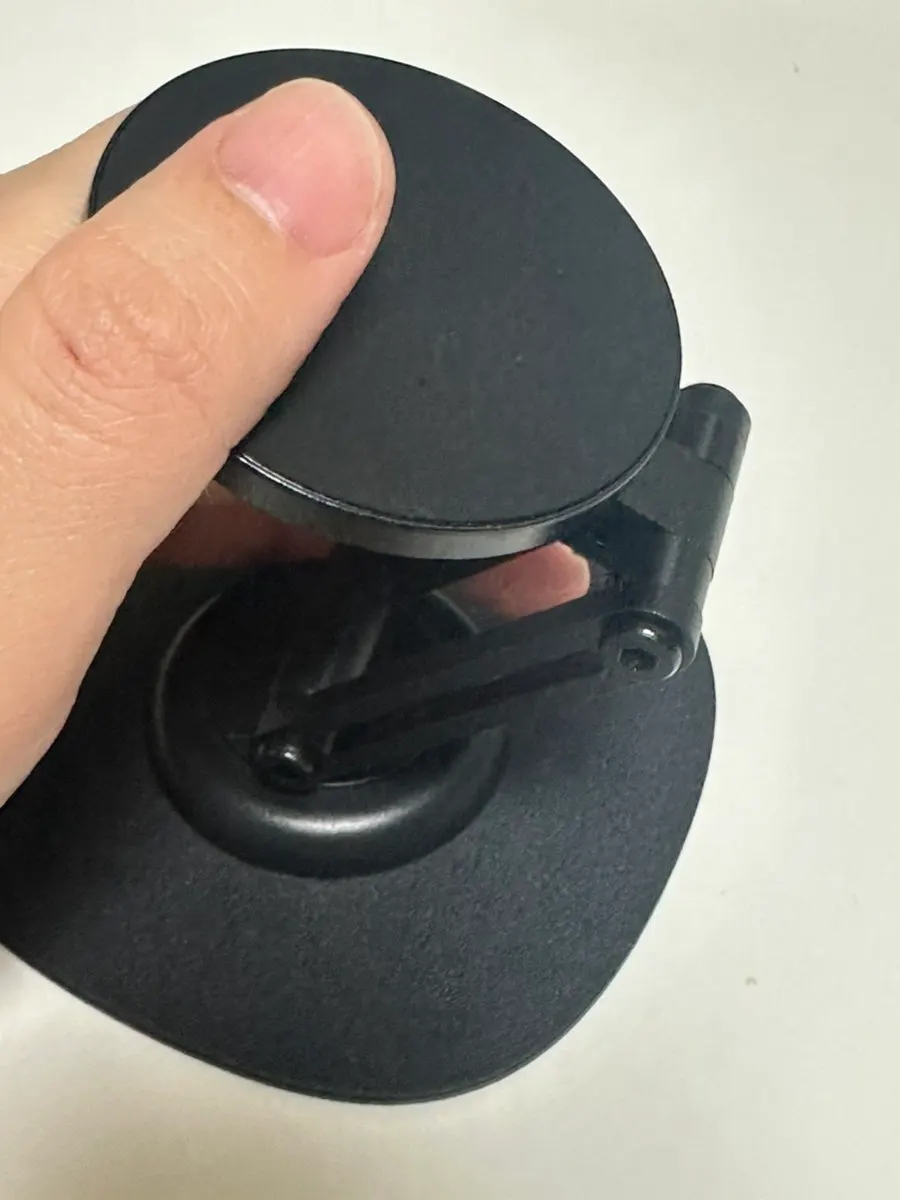
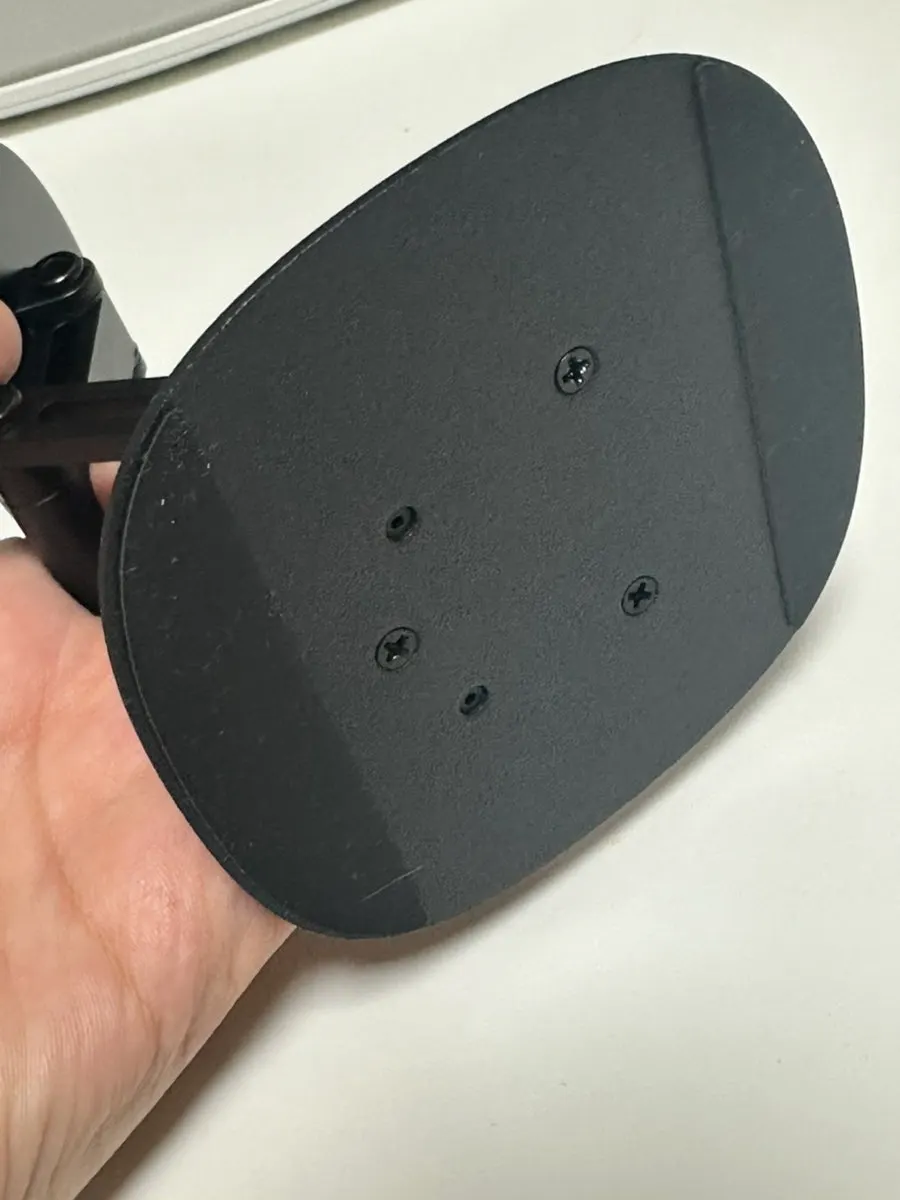
It had a nice snug hold when I attached my iPhone. When choosing a stand, I look at whether it attaches easily, does not wobble, and is easy to operate, and I was happy with all three while using it.
Was the 360° rotation and switching directions convenient?
What I especially liked was the smooth 360° rotation. Even when I turned it in different directions with the phone attached, it stayed securely in place and did not fall off during my use.
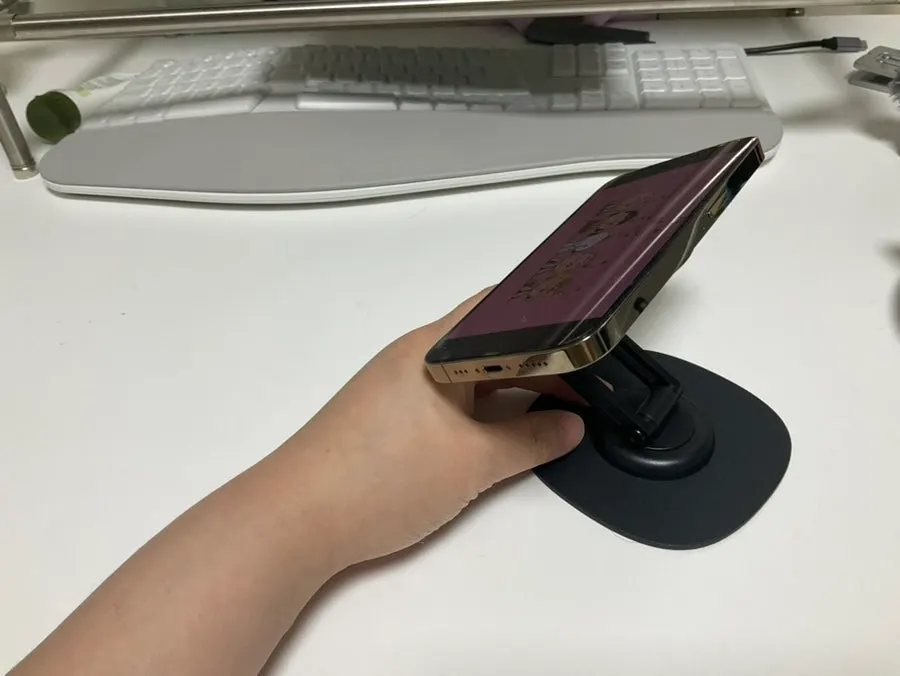
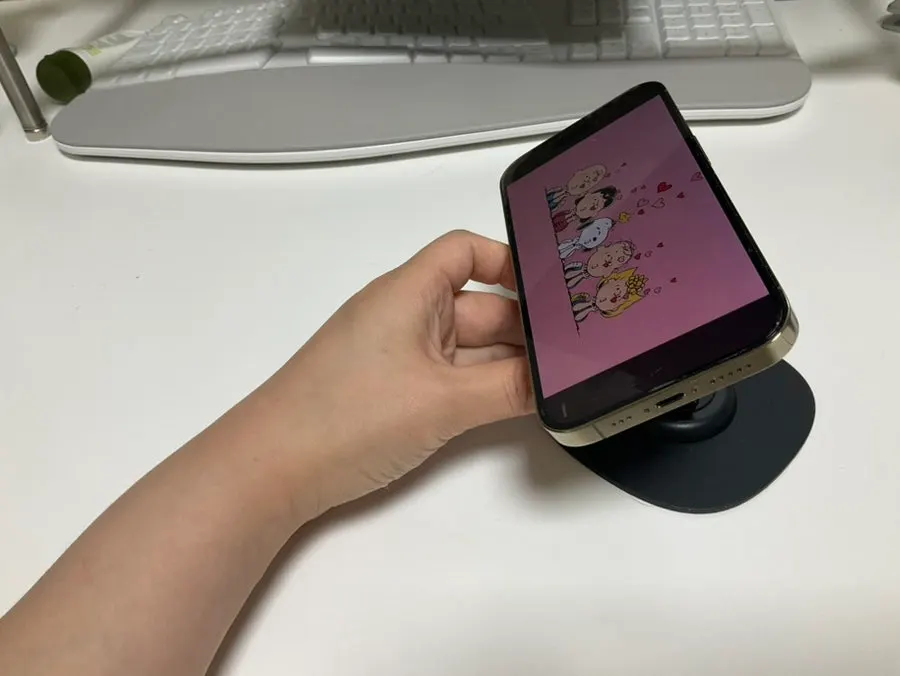
Before, I was never quite sure where to prop up my phone, so I would lean it behind my mouse. Once I set the stand to the angle I wanted, simply attaching the phone put the screen comfortably in my line of sight, and I did not have to think much about it after that.
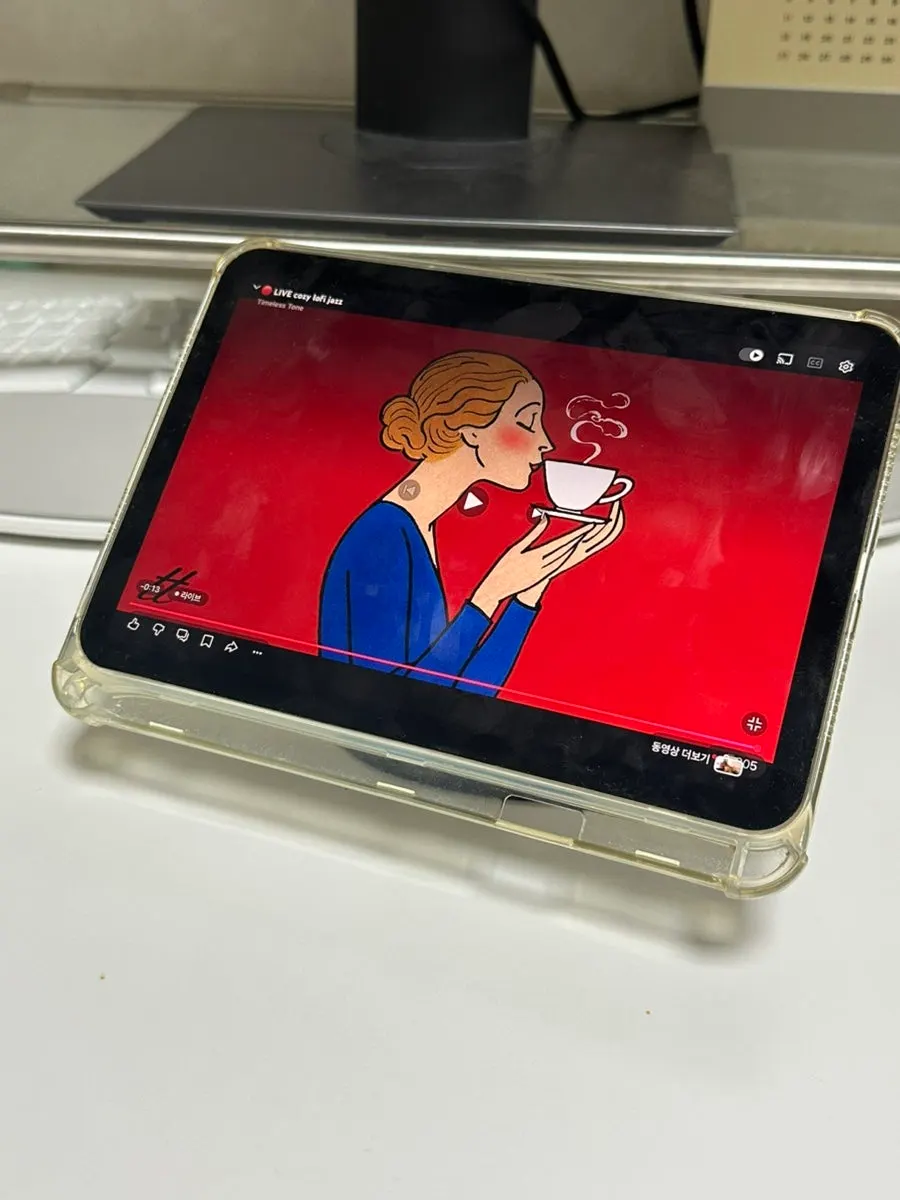
How was it for holding an iPad and adjusting the rear support?
The iPad I use was easy to mount too. It was heavier than a phone, but it stayed securely attached, so I played YouTube on it while I worked.
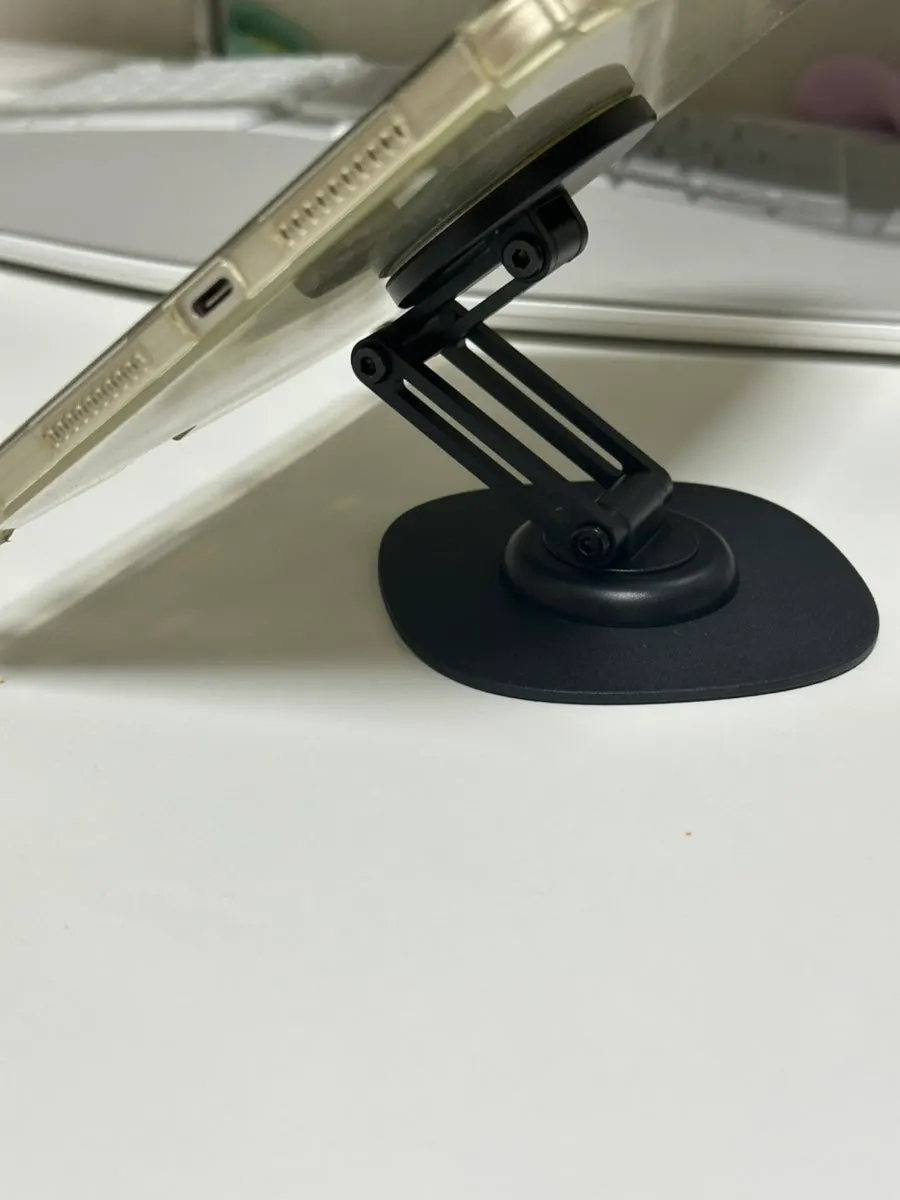
The rear support was sturdy without being difficult to adjust. Still, at first I wondered if it was a little too stiff. Since it is not a part I move often, it felt fine as I continued using it.
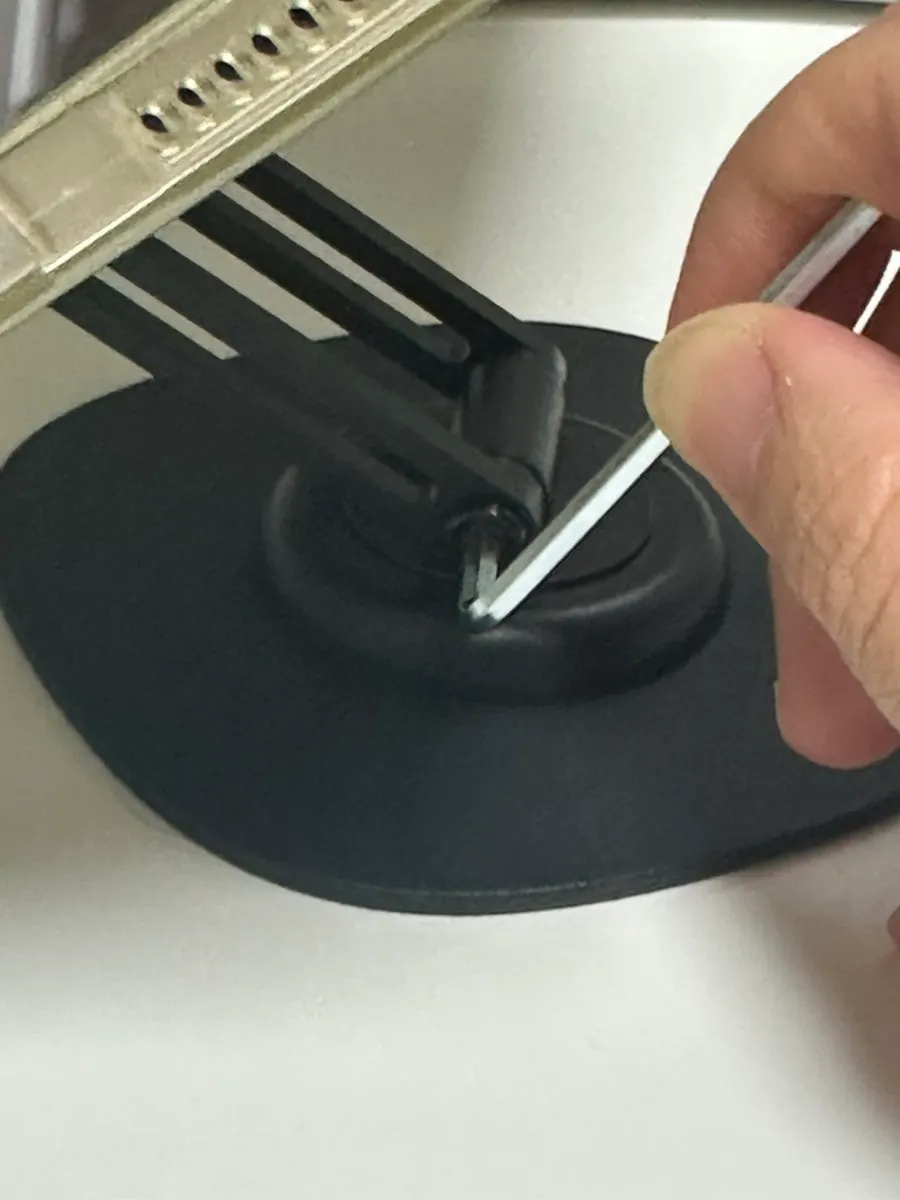
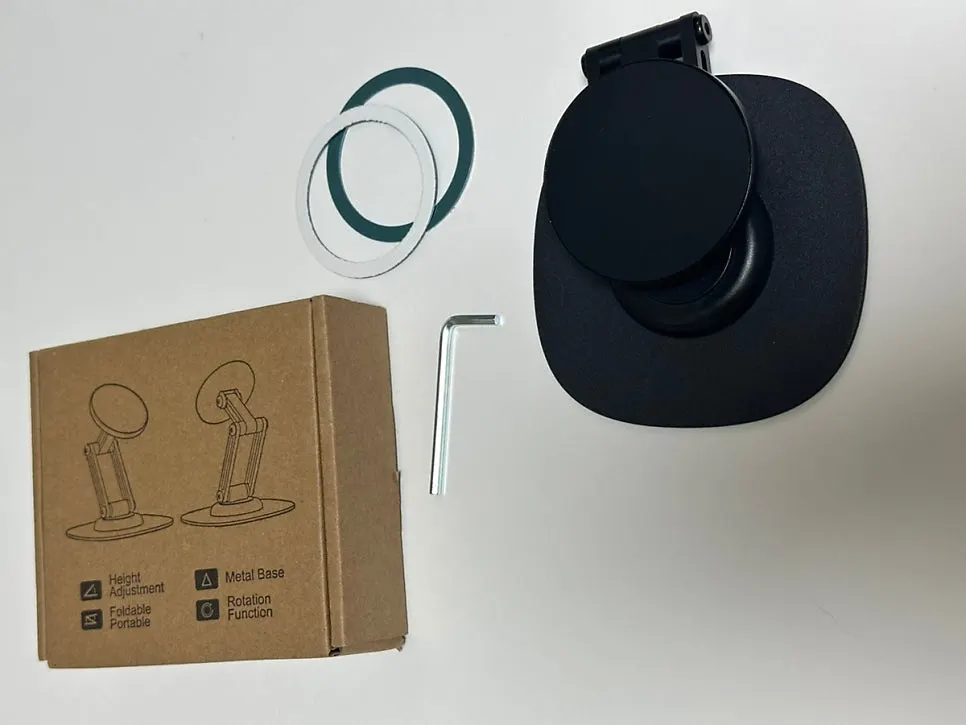
It also came with a tool for adjusting the tightness. Be careful not to adjust it too much, as doing so could cause damage.
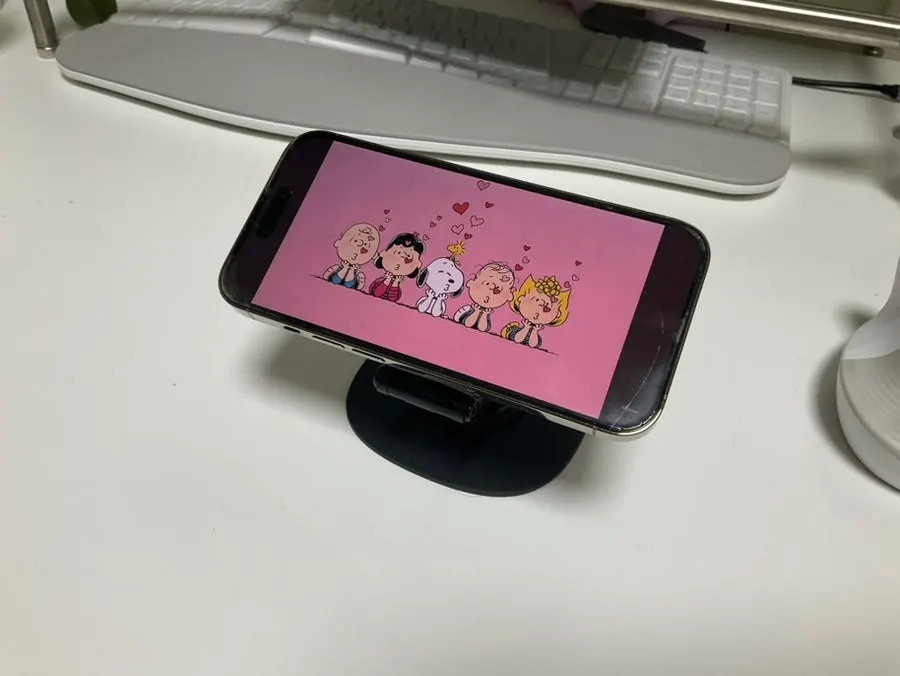
Is the design nice enough to leave on a desk?
For me, it matters just as much that a stand fits naturally into the mood of my desk as that it functions well. This one had a neat matte finish, and its rounded-square base gave it a tidy look. The decoration was not overly conspicuous, so I did not mind leaving it on my desk and using it every day.