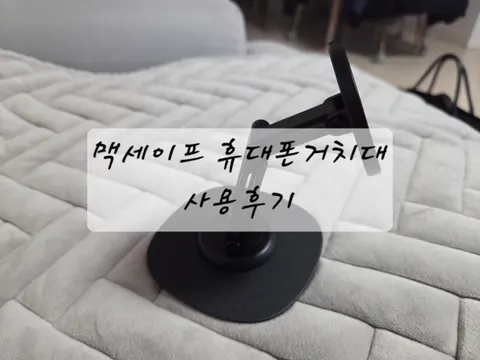
MagSafe phone stand for iPhone and Galaxy: 비티냐
In short
비티냐 MagSafe Phone Stand is a foldable phone stand used beside a laptop desk in Korea. I alternated it between an iPhone and Galaxy, using the included magnetic ring for the Galaxy, and found it stayed steady during tapping and landscape rotation. Verdict: a handy dual-phone stand once the joint tension is set.
Good to know
- Product
- 비티냐 MagSafe Phone Stand
- Test setup
- Alternated between an iPhone and Galaxy, mainly beside a laptop on a desk
- In the box
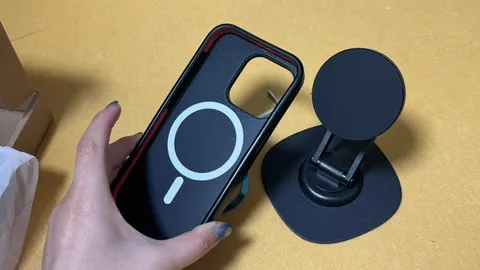
- Stand, magnetic ring for Galaxy, and small wrench for joint-tension adjustment
- Design
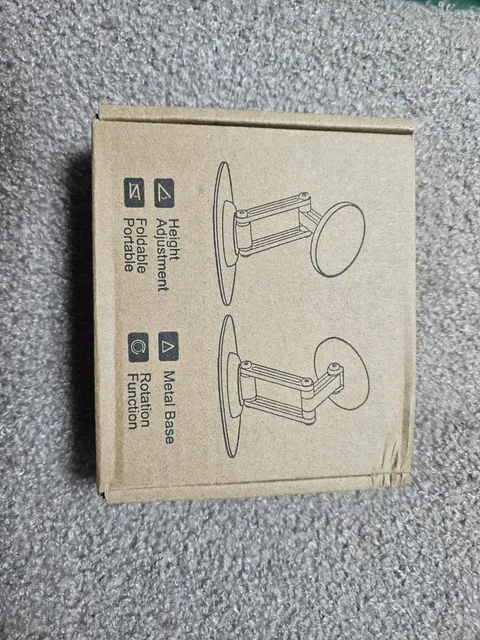
- 360-degree rotation and foldable construction
- Tension adjustment
- Do not overtighten with the wrench, as damage may occur
Prices as written by the tester on Feb 7, 2026 · not updated automatically
Why did I keep using 비티냐 after trying several stands?
At first, I thought spending money on a phone stand was a waste. I figured one cheap stand set up on my desk would be enough.
But once I started using them, the stands I bought for convenience actually felt inconvenient. I bought three or four MagSafe stands that way, but they all ended up in a drawer.
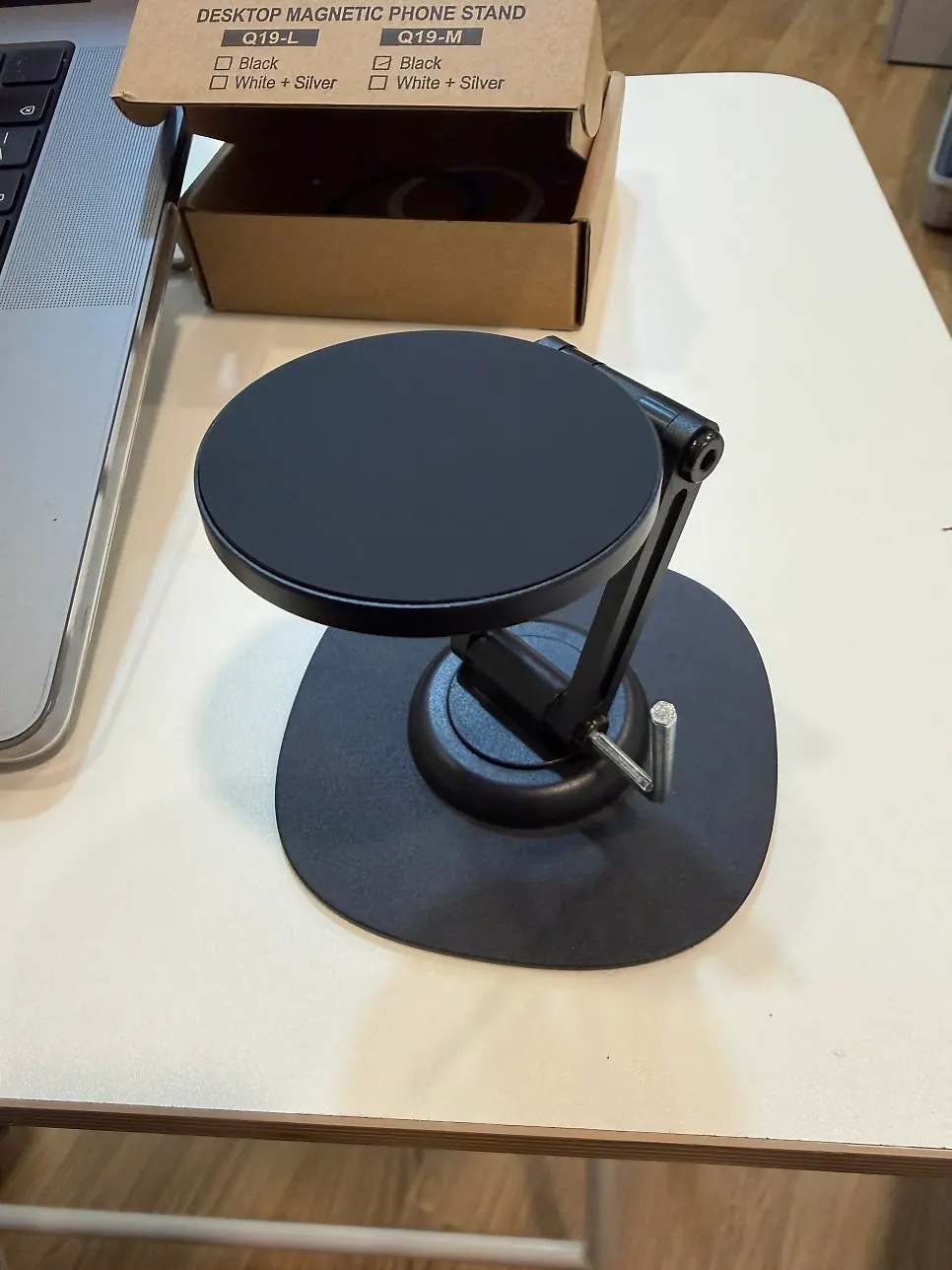
I tried 비티냐 with some skepticism too, but it is the one I keep taking out among the stands I have used. In particular, my phone felt more firmly attached than it did with the earlier ones.
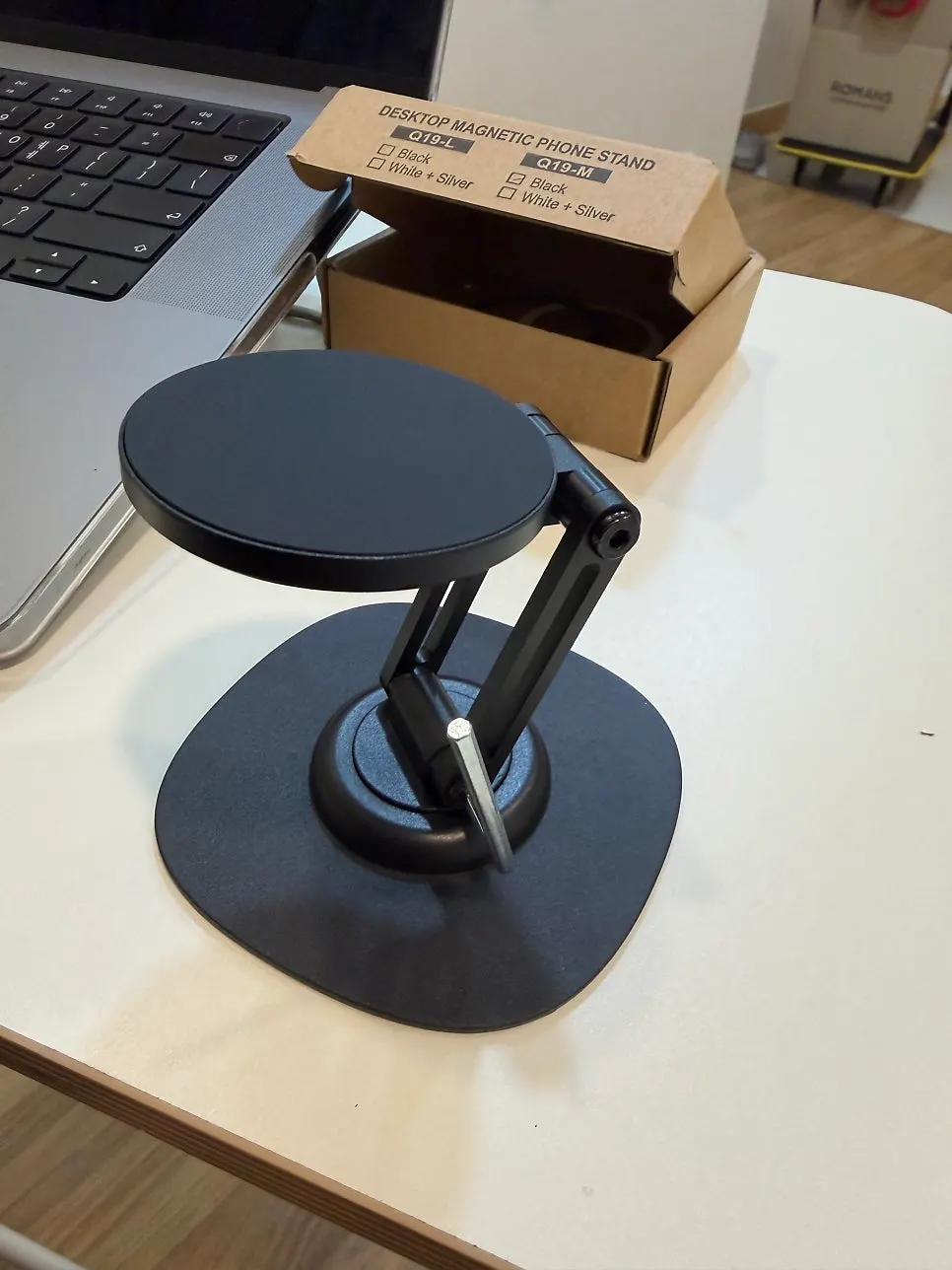
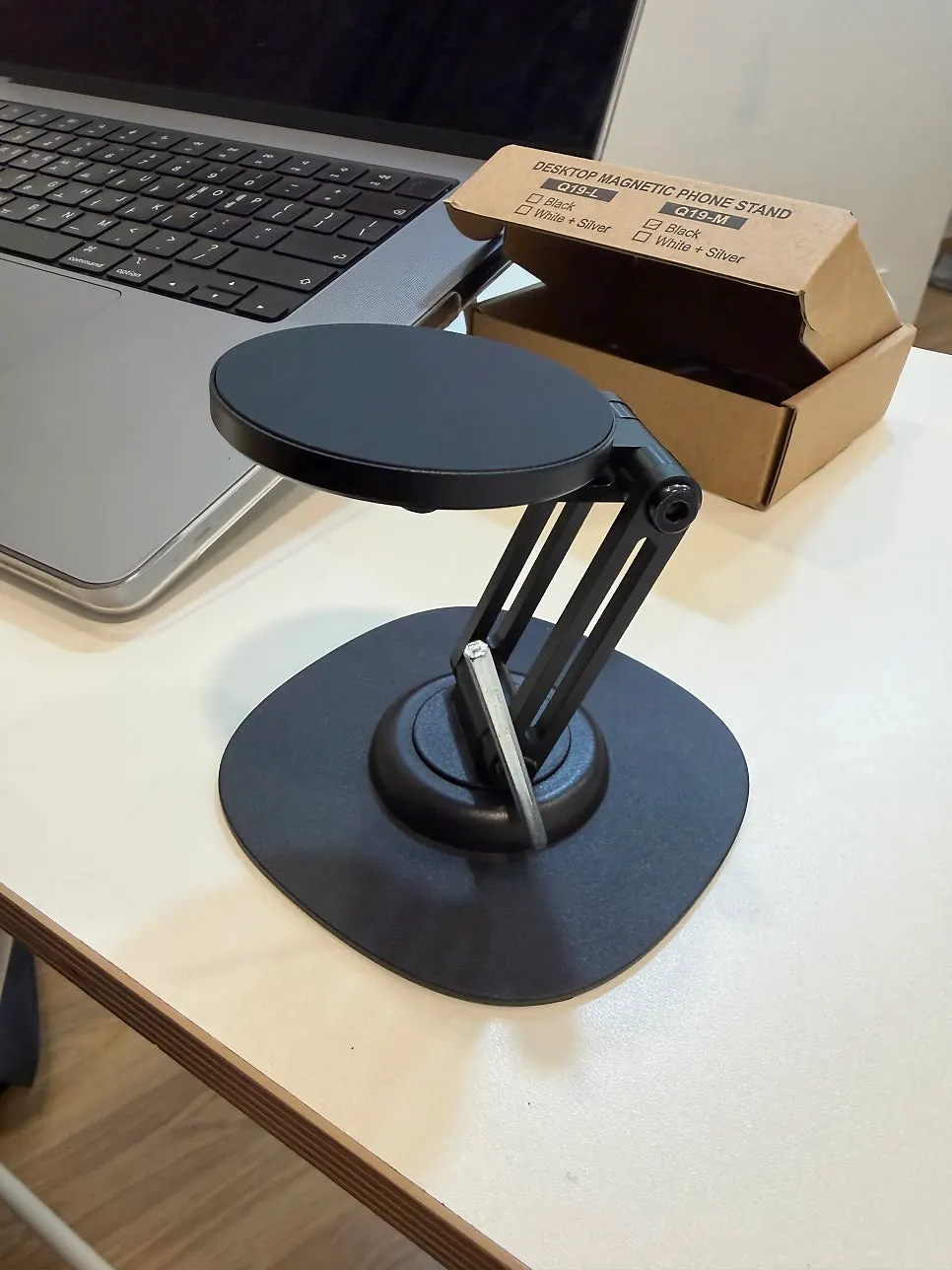
What comes in the box, and is it easy to carry?
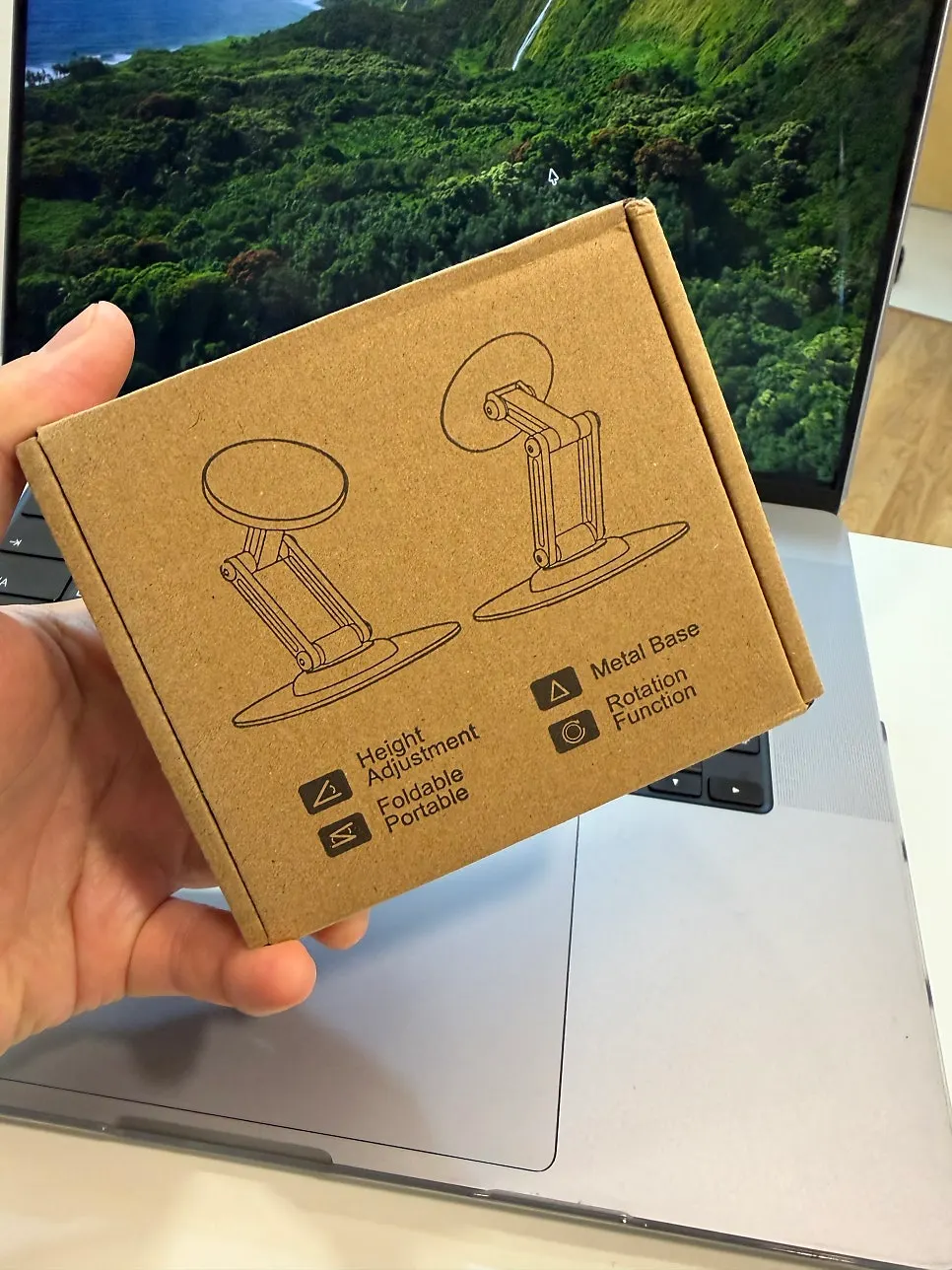
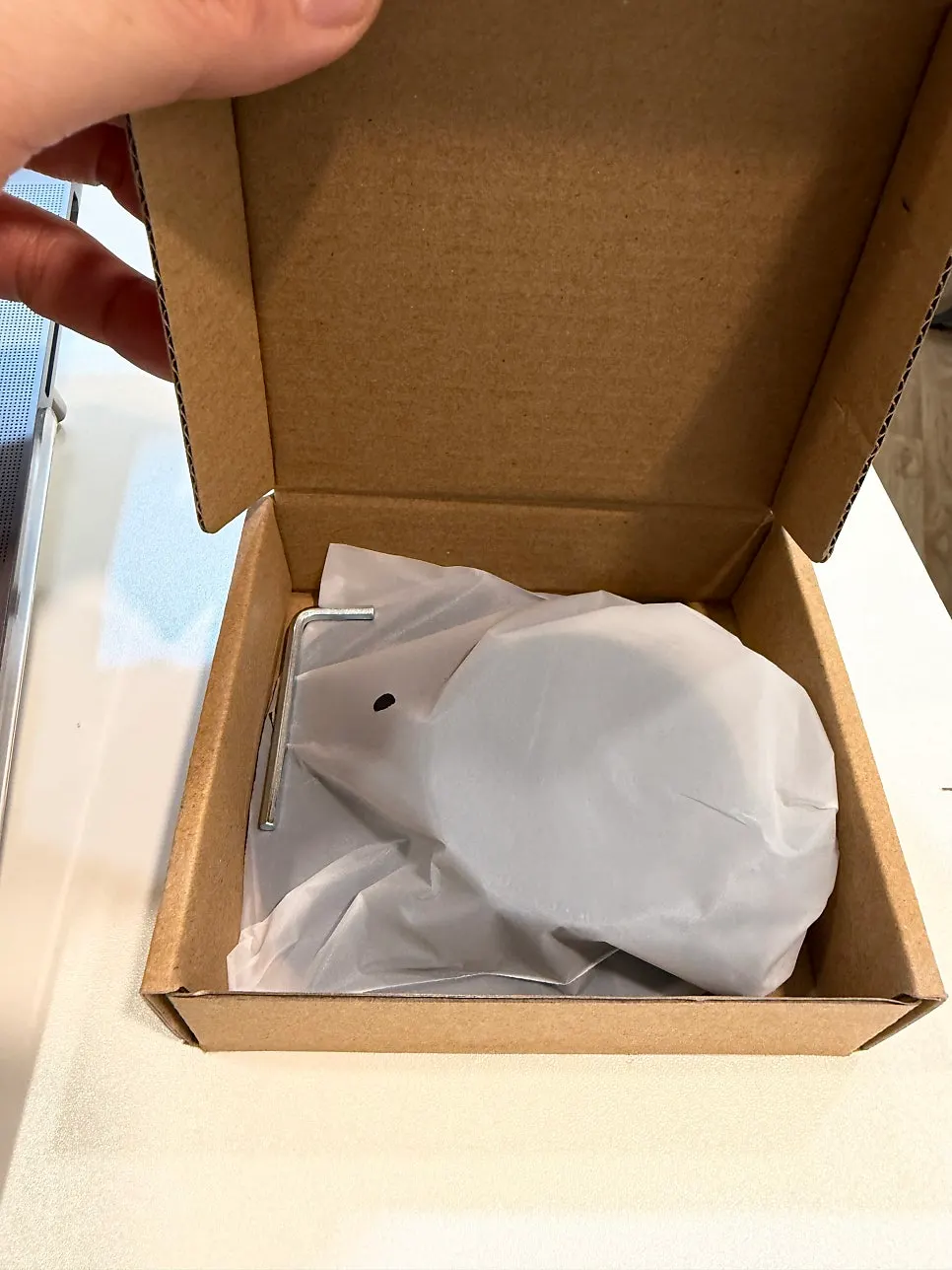
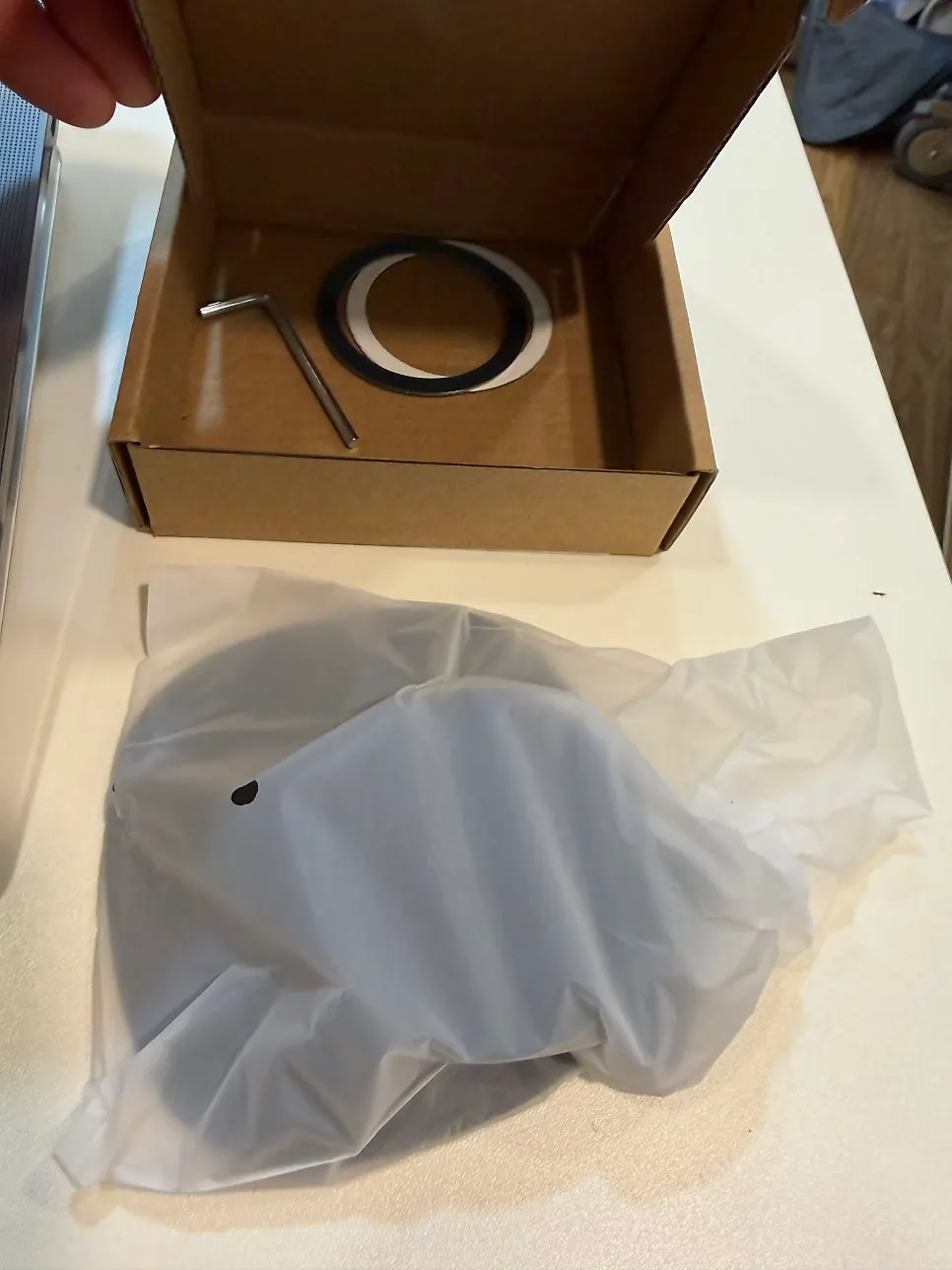
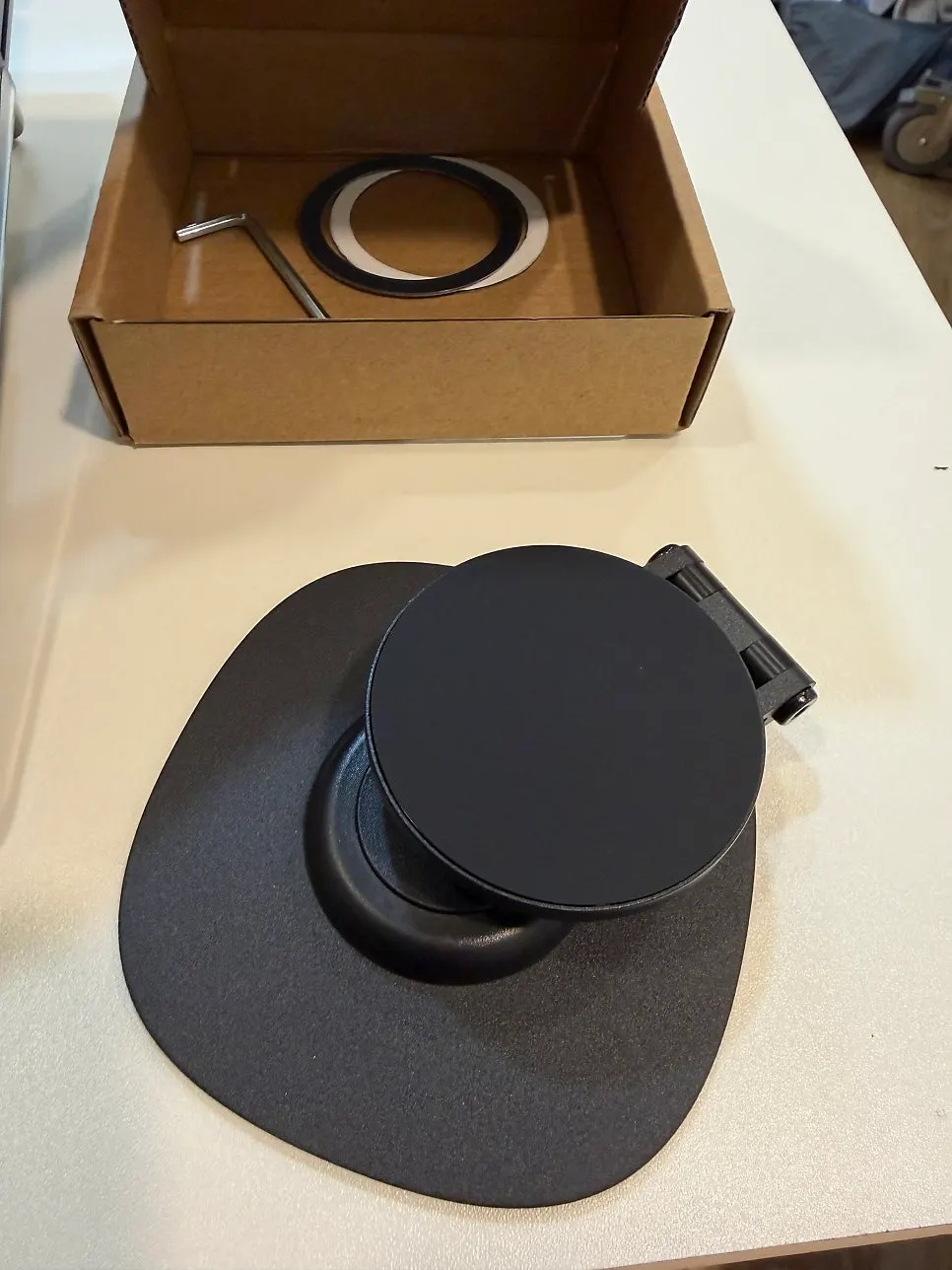
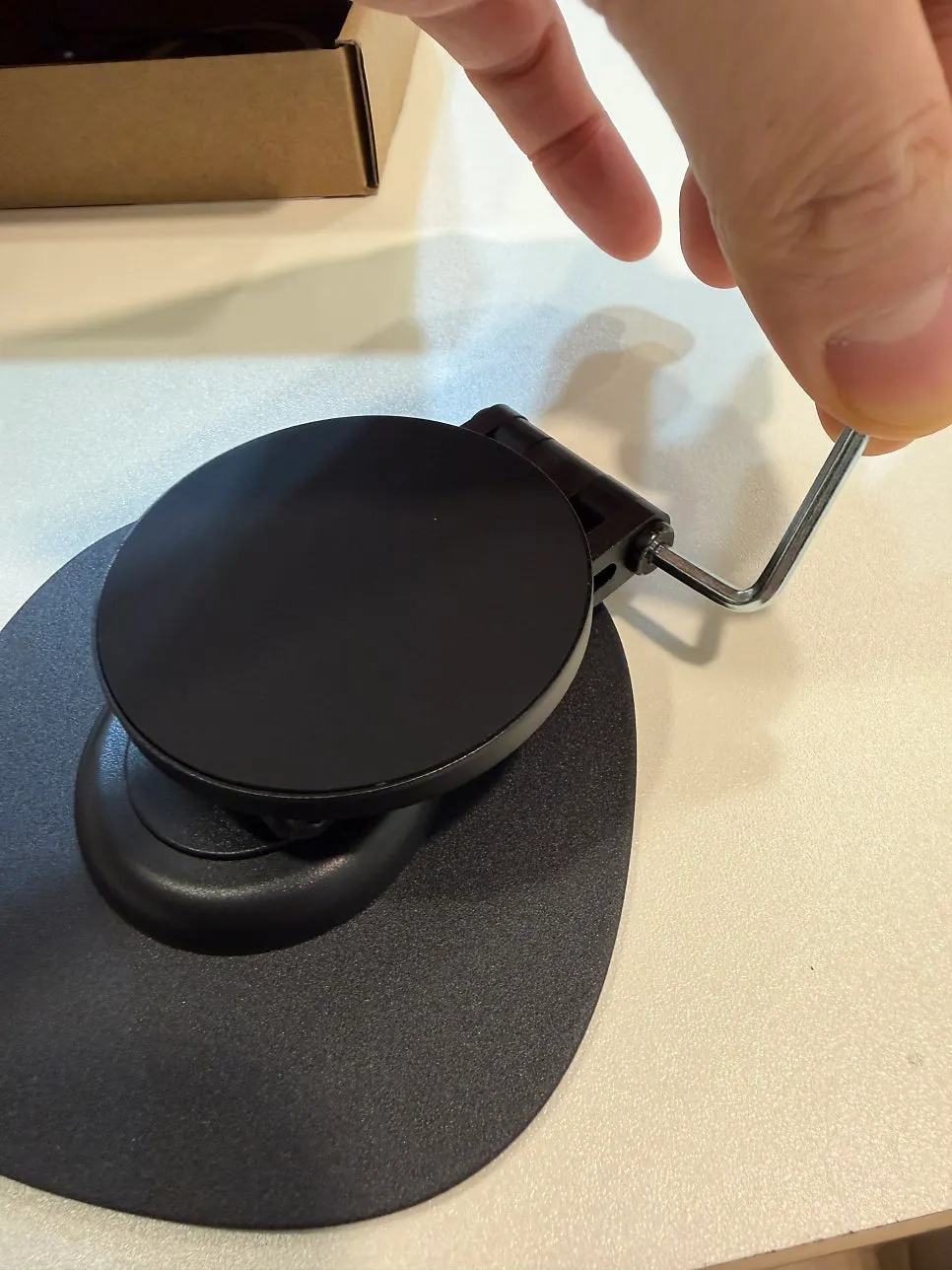
The box included the stand itself, a magnetic ring for Galaxy phones, and a small wrench for adjusting joint tension. You can set the holding strength yourself with the wrench, but be careful when adjusting it: tightening it too much can cause damage.
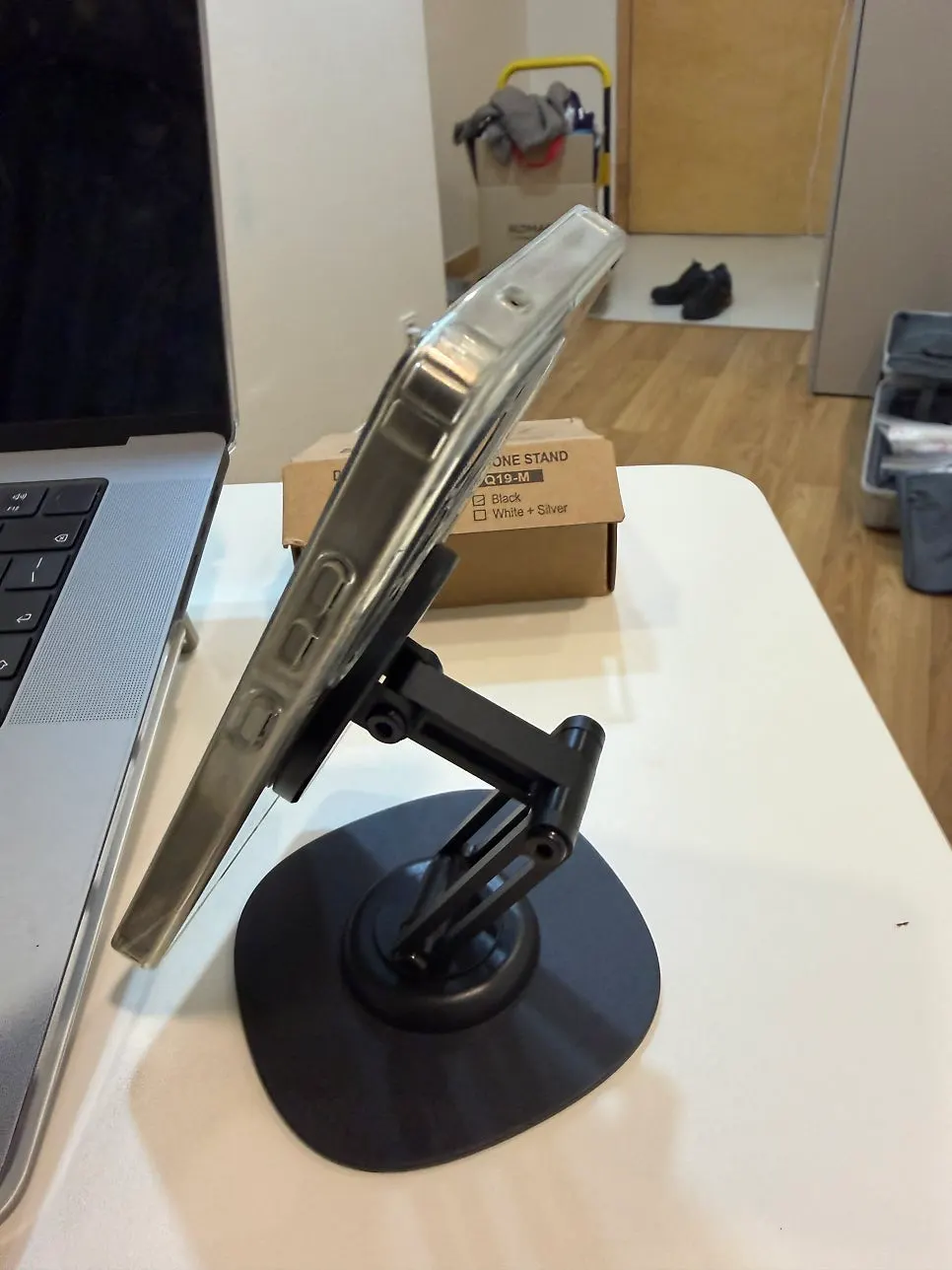
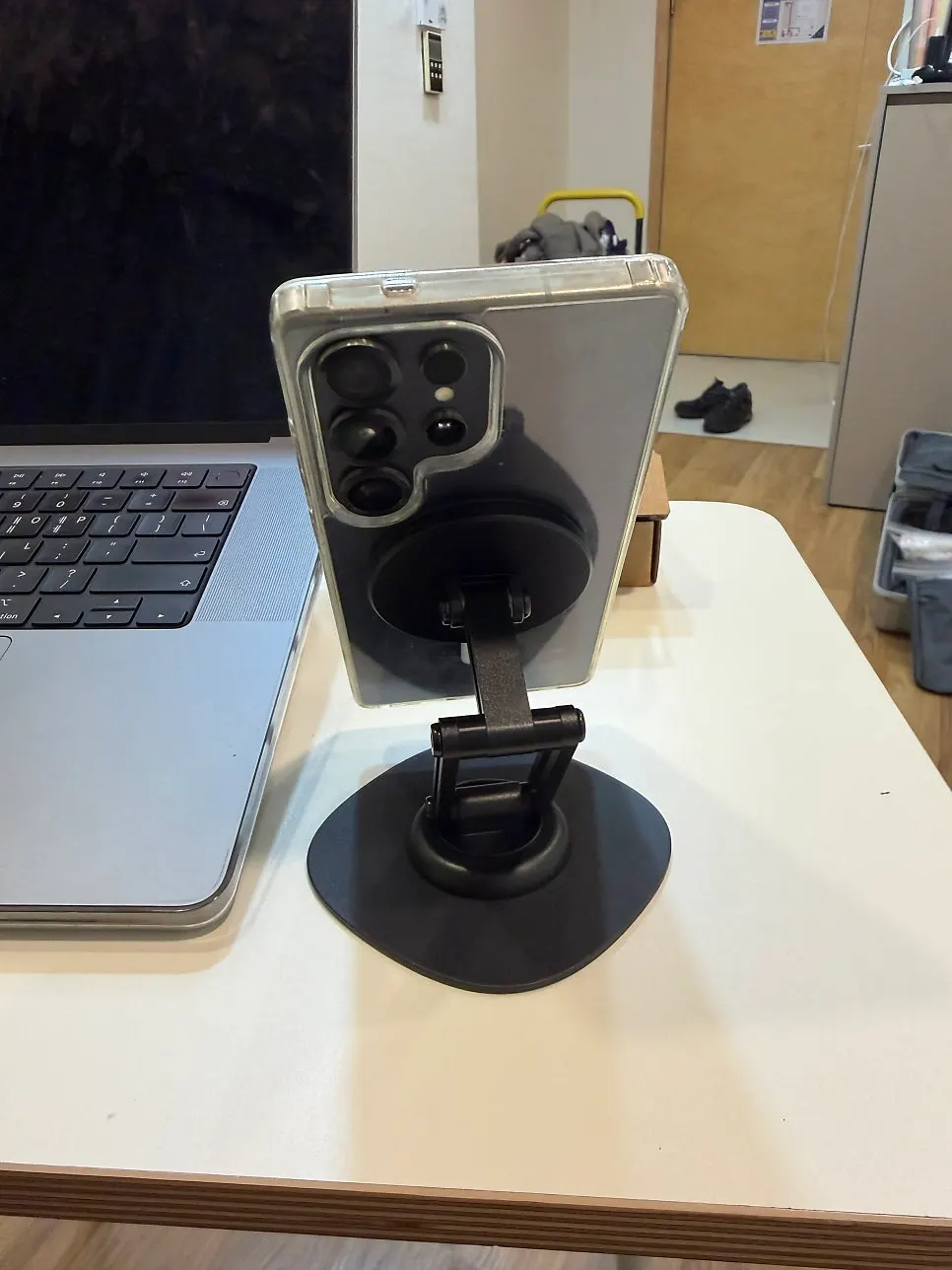
My first impression was that it was small and light. It fit in my palm, and when folded it became thin enough to slip into my laptop pouch. It also fit in a pocket, so I carried it out with my phone.
Does it stay put when you tap or rotate the screen?
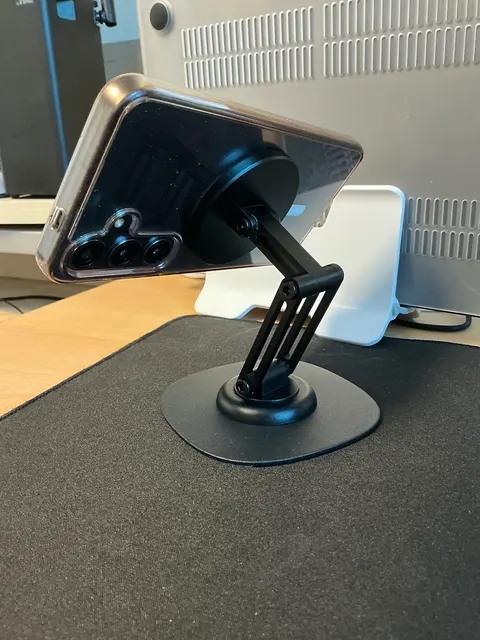
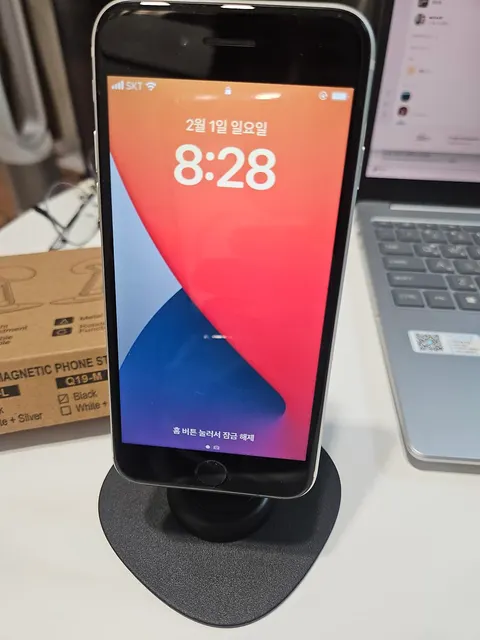
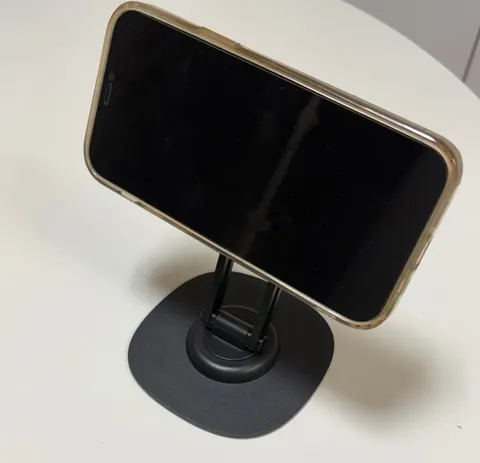
When I brought my iPhone close, it attached right away. Even when I turned the phone sideways or tapped the screen while it was attached, there was hardly any wobble.
The 360-degree rotation was smooth too. I could check messages vertically, then rotate it one-handed to watch a video horizontally, and it stayed well at the angle I set. For my use, I was satisfied with both the smooth rotation and the stability.
Can you use it with both Galaxy and iPhone?
I use one Galaxy and one iPhone. I attached the included magnetic ring to the Galaxy, and it attached to the stand without any problem.
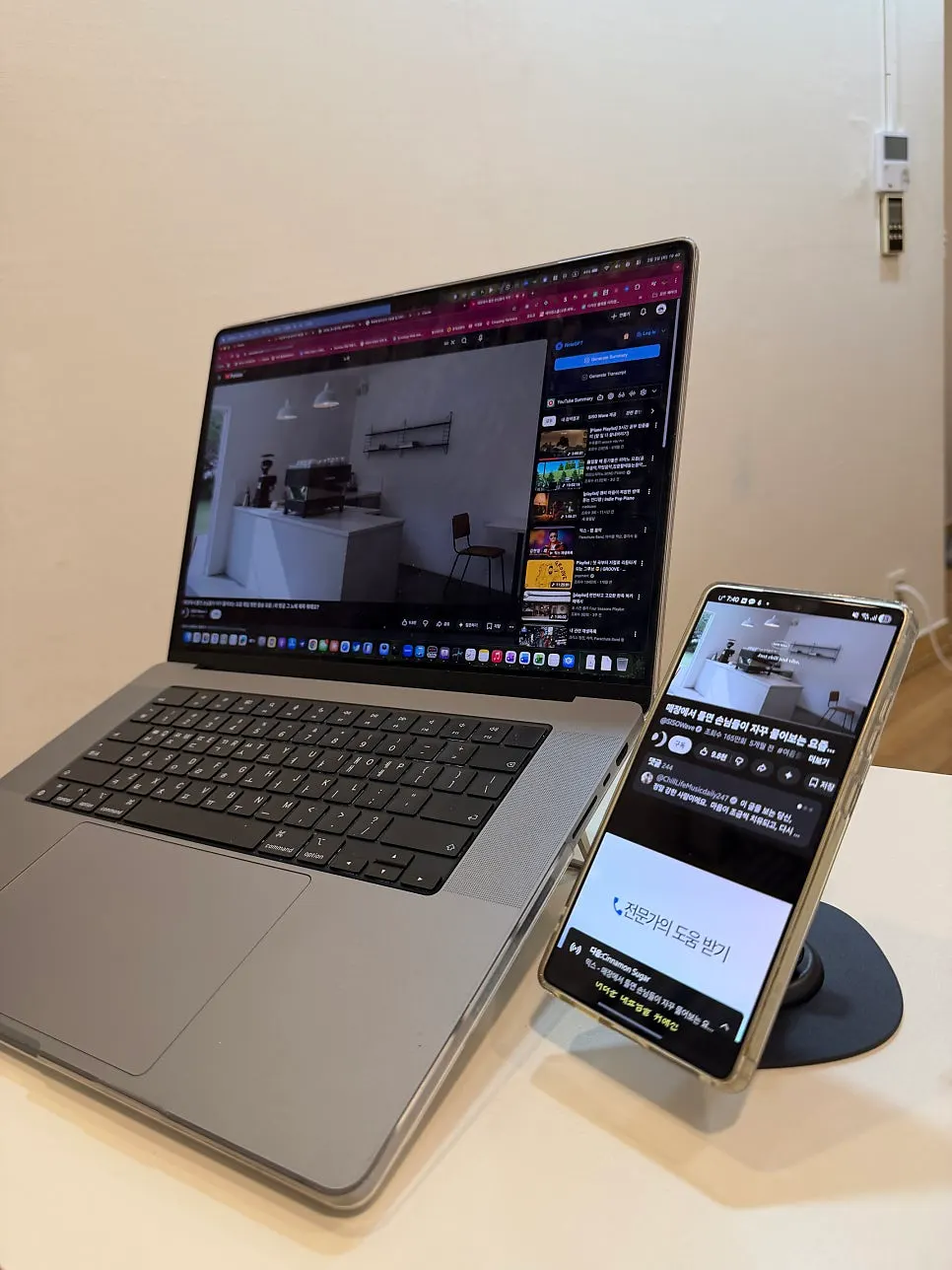
Since I could alternate between the two phones, I did not need to get two separate stands for my setup.
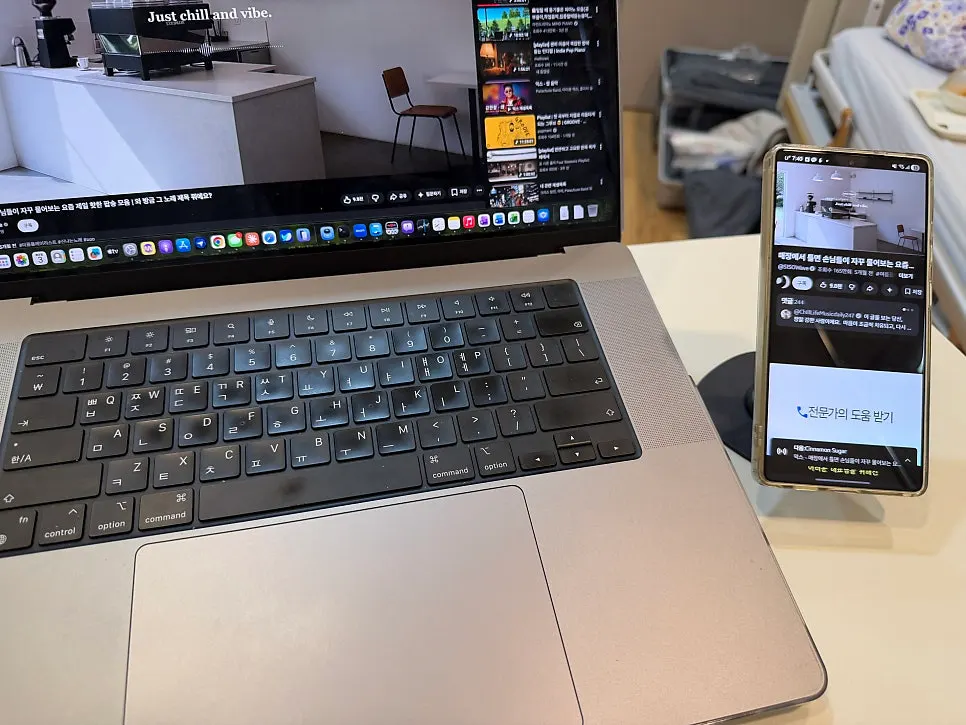
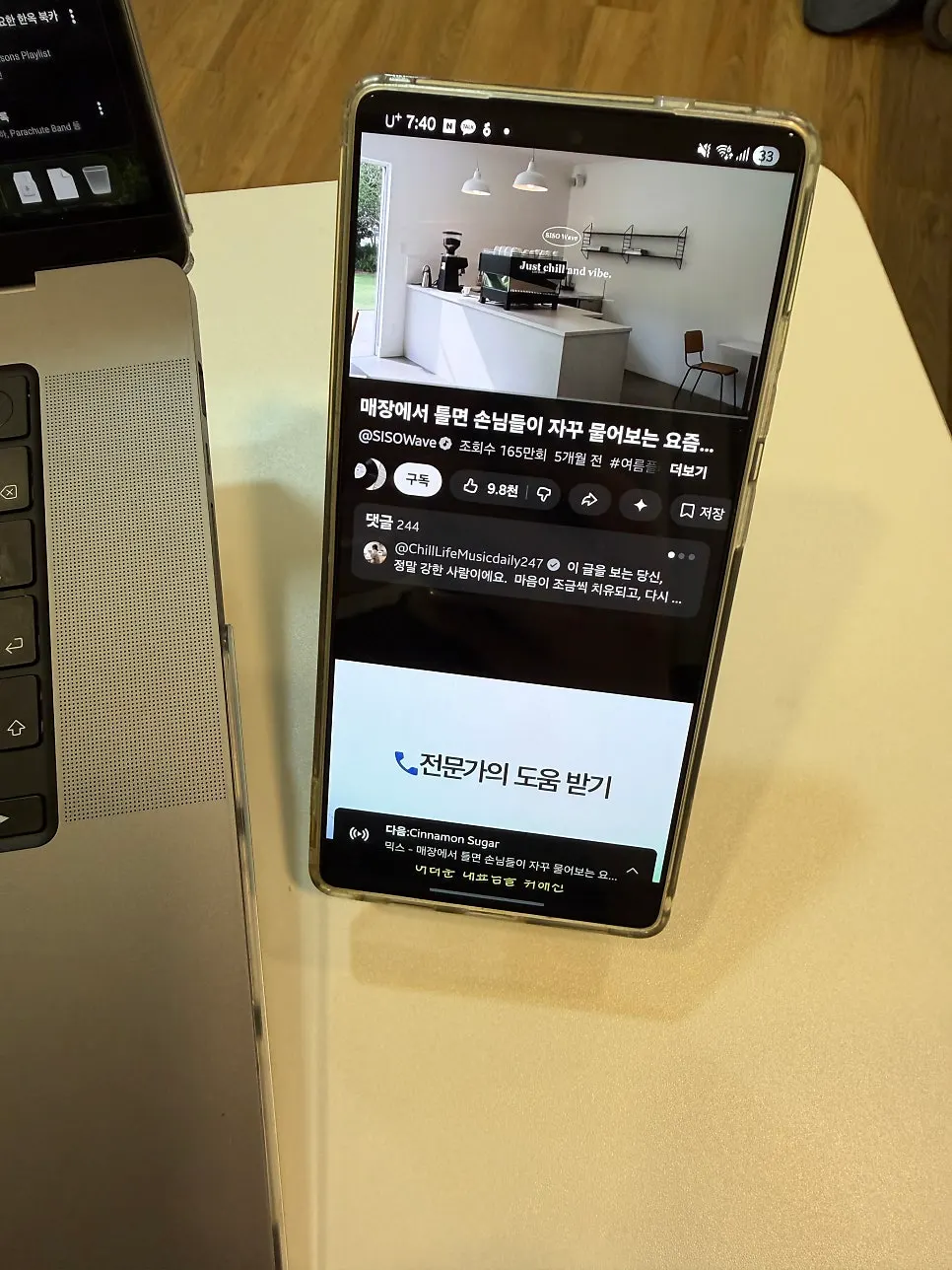
What is convenient about using it beside a laptop?
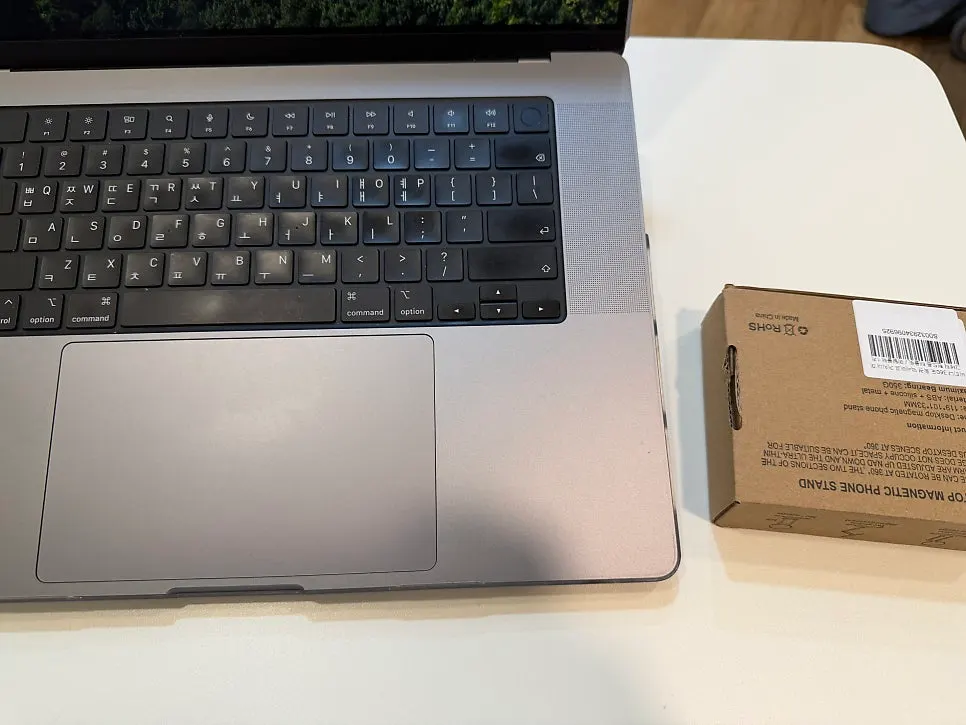
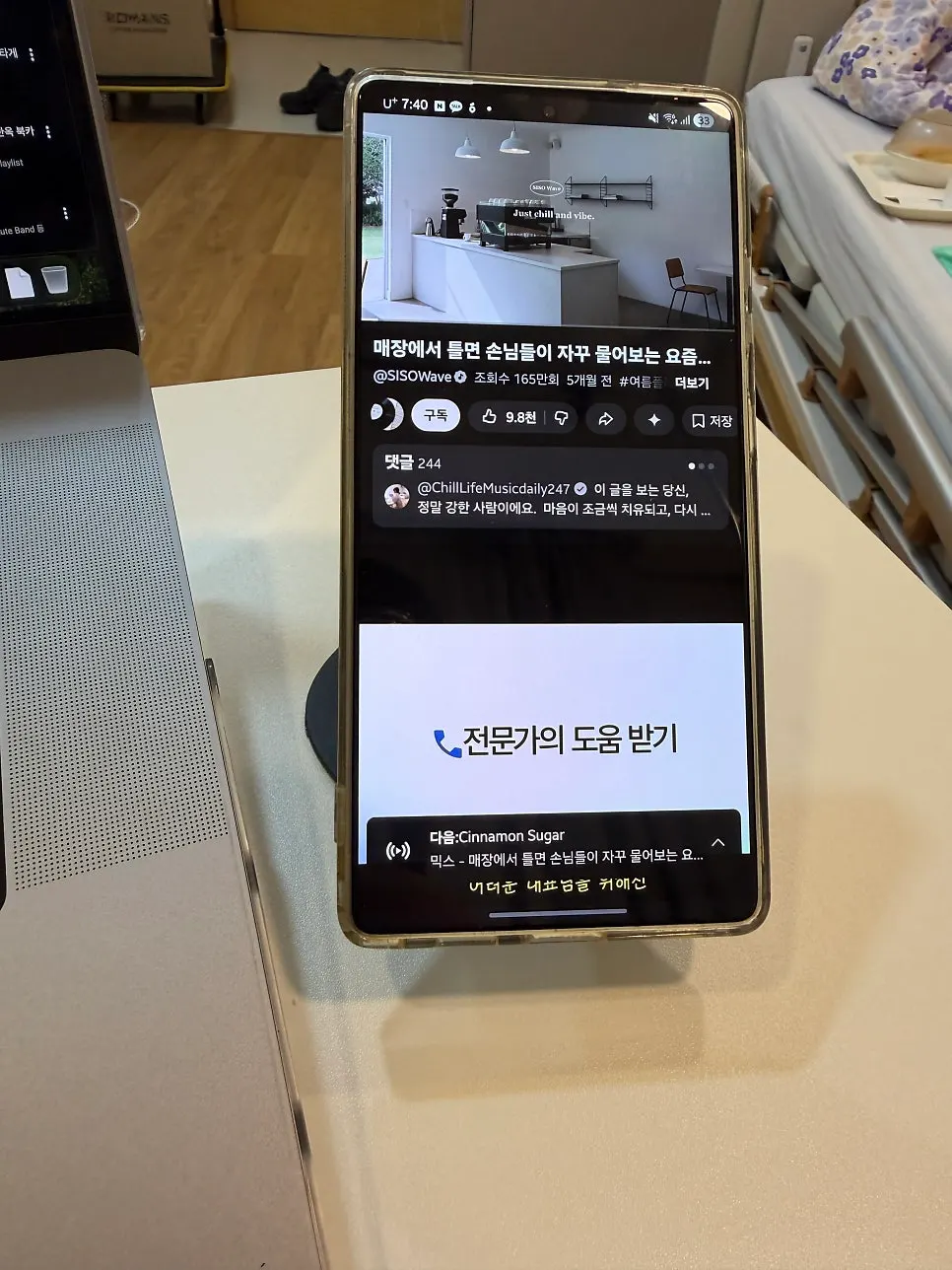
I mostly used it beside my laptop on my desk. During video calls, I could check phone messages, or leave a video playing while I worked, without having to hold my phone, which left both hands free.
Setting the angle so the screen was at eye level meant I did not have to lower my head as much. My neck felt much more comfortable too.
Were there any downsides when adjusting the tension at first?
It took some trial and error to get a feel for how much to tighten it with the wrench. At first I tightened it too much, so the joint would not move, but loosening it by about half a turn made it right for me. I have not needed to adjust it again since.
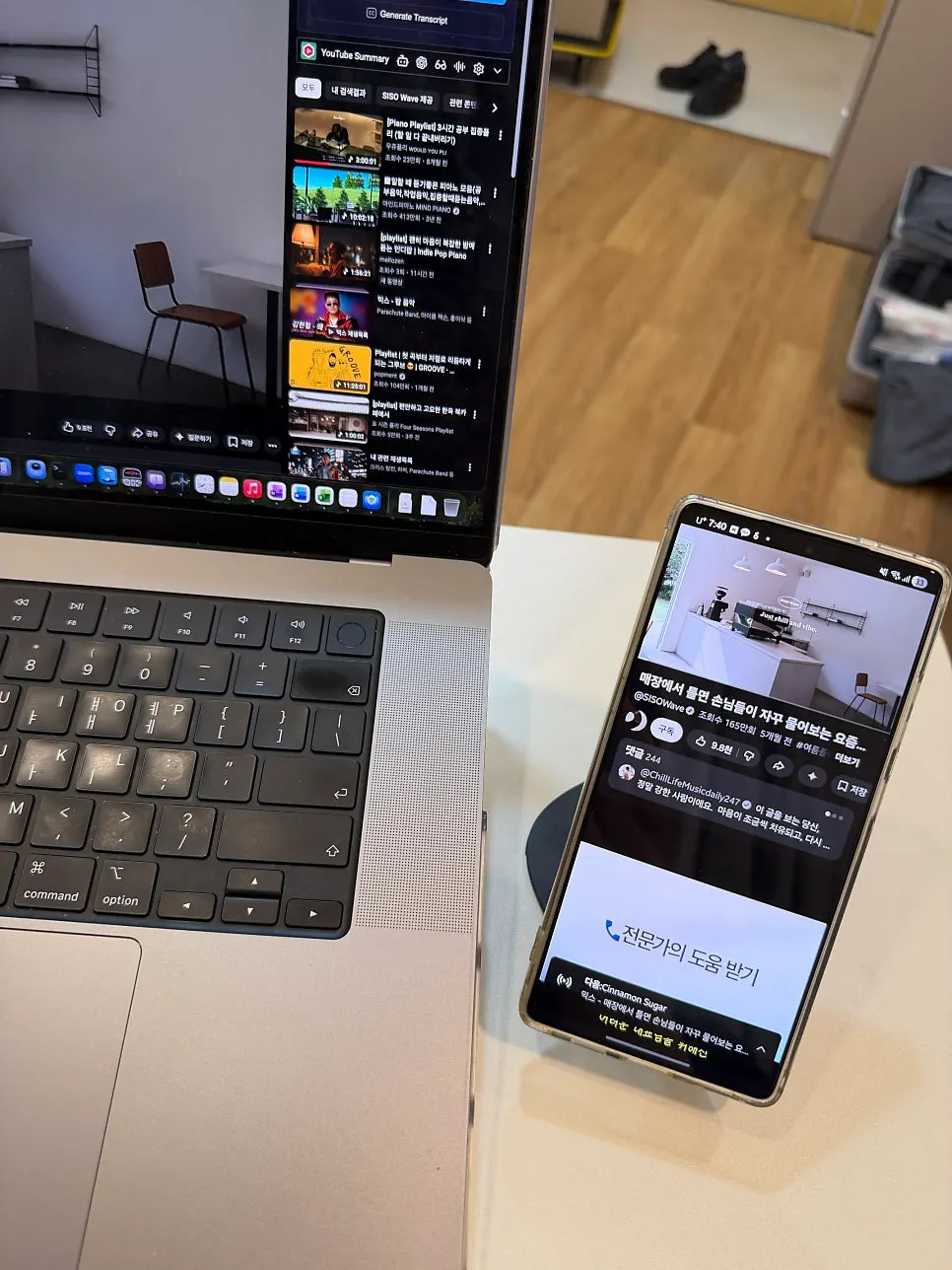
Setting the tension the first time was a little bothersome, but I am happy with it for carrying around folded up and alternating between my two phones. The stability when tapping the screen and the easy switch between landscape and portrait are why I am still using it.