MagSafe phone stand for hands-free parenting: 비티냐 Stand
In short
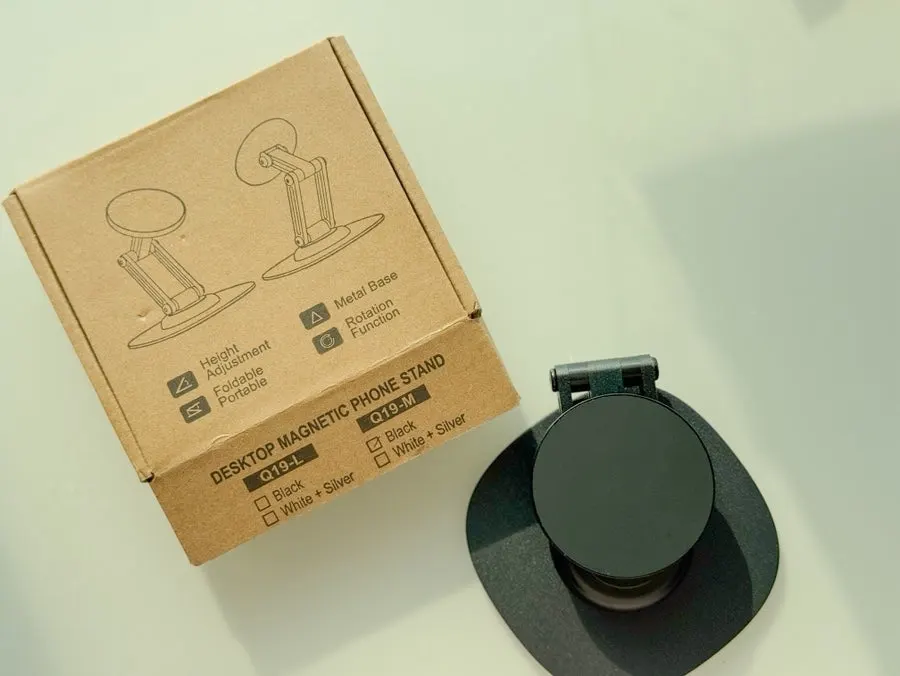
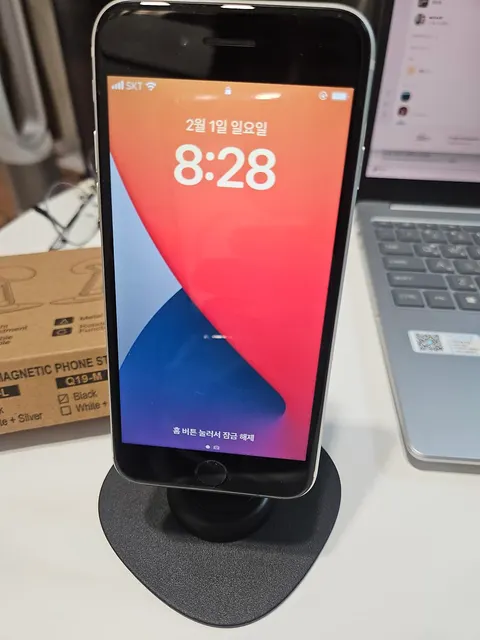
비티냐 MagSafe Stand is a phone stand used at home in Korea for checking messages, showing videos to a child, and filming short tabletop clips. I adjusted its angle and height for both my and my child’s eye level, while using it with an iPhone and a Galaxy phone. Verdict: a stable, adjustable stand for everyday hands-free use.
Good to know
- Product
- 비티냐 MagSafe Phone Stand
- Used for
- Checking messages, showing videos to a child, and short tabletop filming in a family home
- Included
- Stand body, magnetic ring for Galaxy phones, and a small wrench for joint tension
- Adjustment
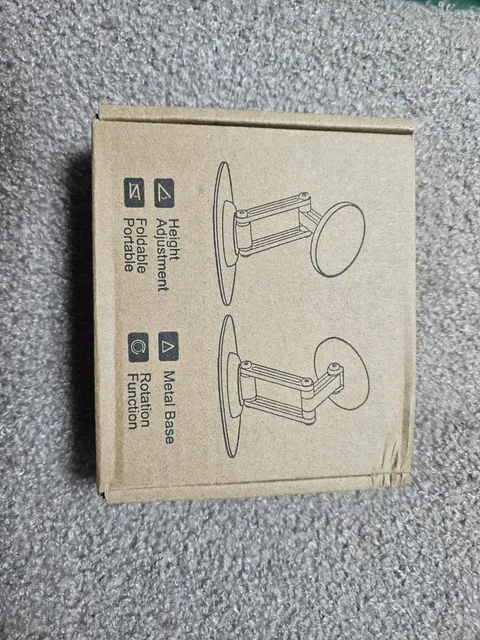
- 360° center rotation, 180° upper and lower rotation, and three height settings
- Compatibility
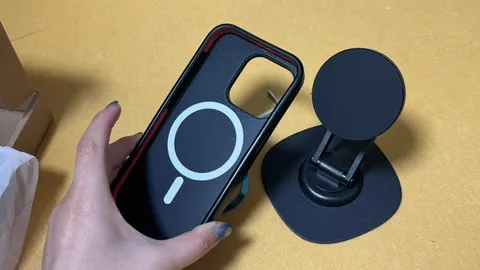
- iPhone 12, 13, 14, and 15 series attach without a magnetic sticker; use the included ring for non-MagSafe cases or Android phones
Prices as written by the tester on Feb 12, 2026 · not updated automatically
While raising a child, there are so many times when I need to check messages, show my child a video, or quickly film something on the tabletop. Holding my phone all the time made my wrist uncomfortable, and the angle always felt a little awkward. That is when I used the 비티냐 MagSafe Phone Stand.
What did I look for in a stand to use while parenting?
Because I use it while parenting and working, stability during use mattered as much as whether it would attach. The first thing I checked was whether it stayed attached without wobbling when turned horizontally or vertically.
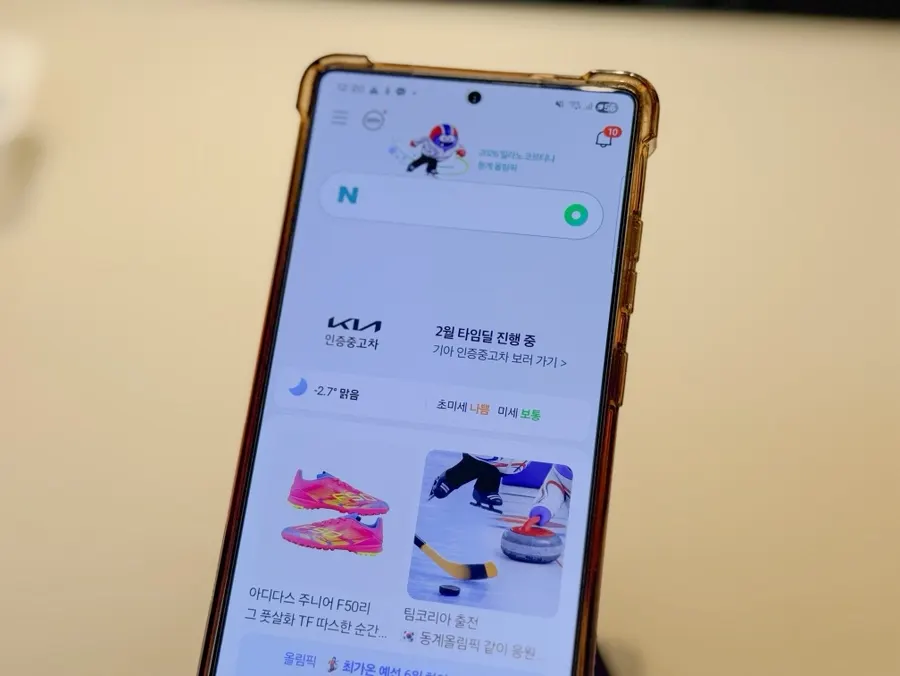
I needed different angles for reading messages, showing my child a video, and filming. I wanted a design that could adjust both angle and height in multiple directions.
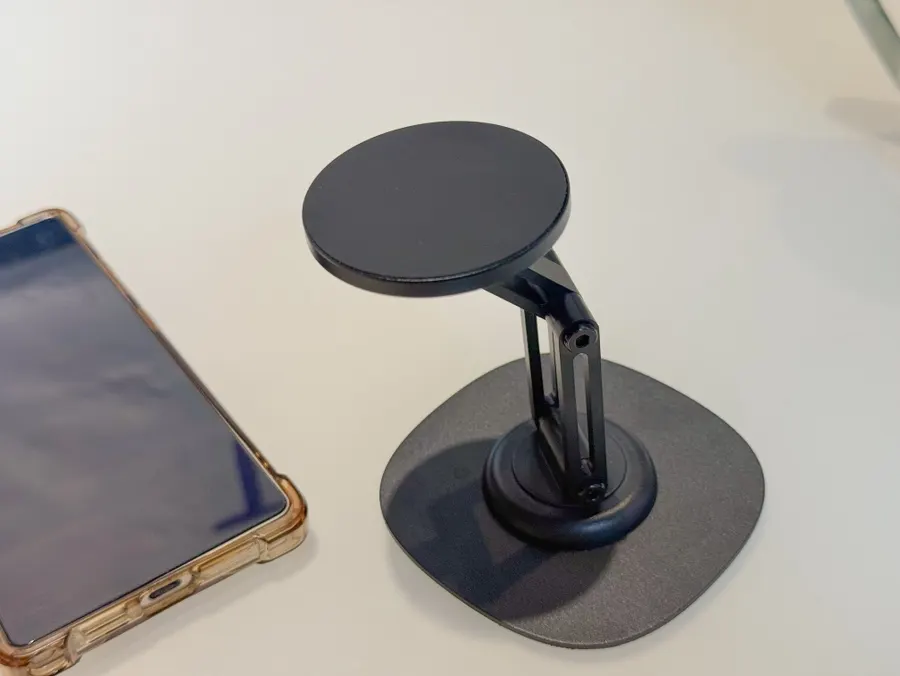
A stand that gets loose every time you change the angle becomes inconvenient, so I also checked whether I could adjust the joint tension. Portability, so I could take it outside without much fuss, was another deciding factor.
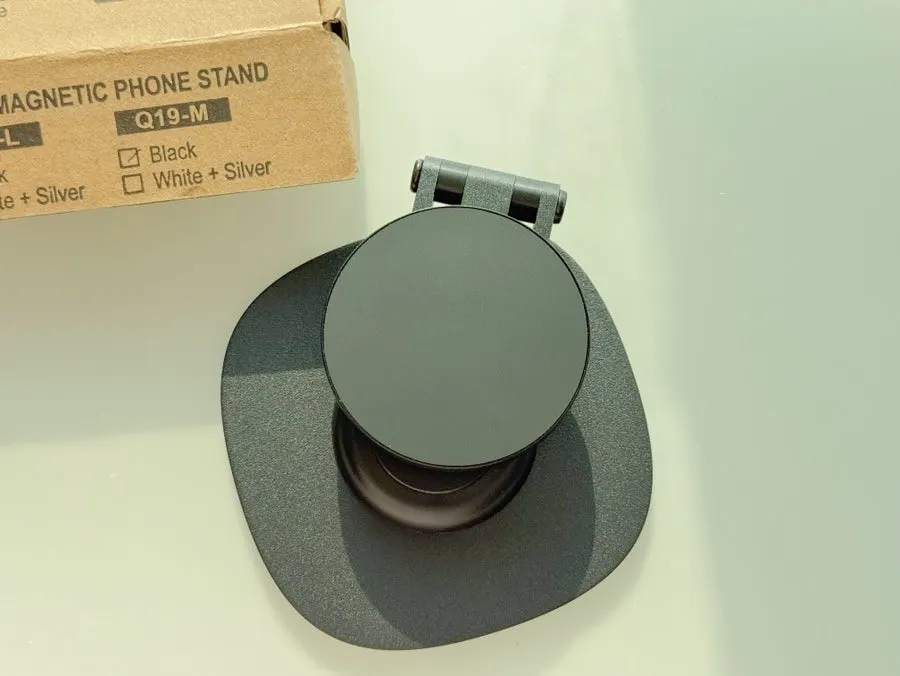
I use an iPhone and my husband uses a Galaxy, so it was important that we could use it with both phones.
What comes with it, and how did I use the wrench?
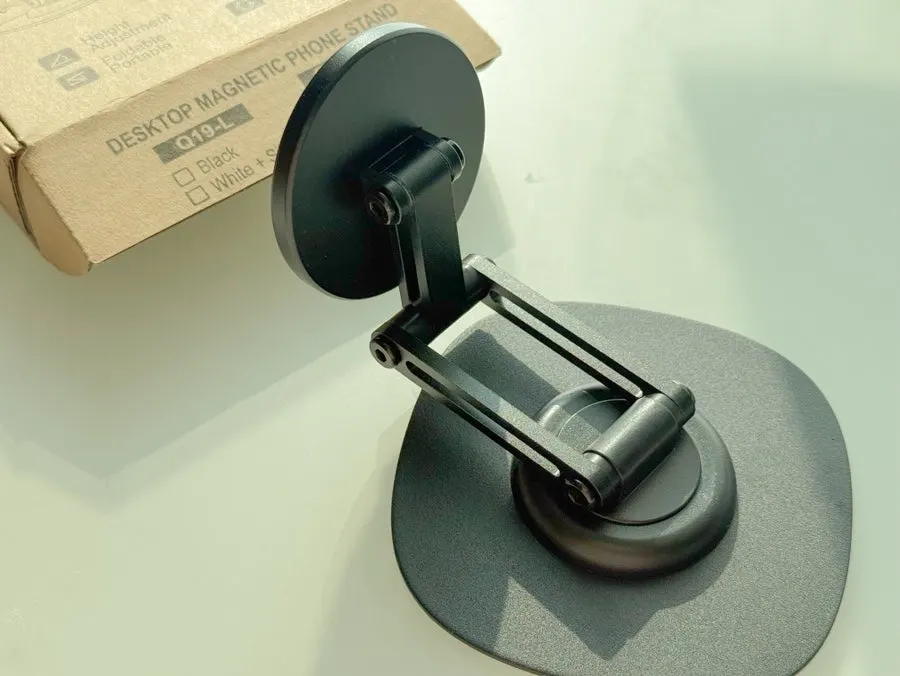
The package included the stand body, a magnetic ring for Galaxy phones, and a small wrench for adjusting joint tension.
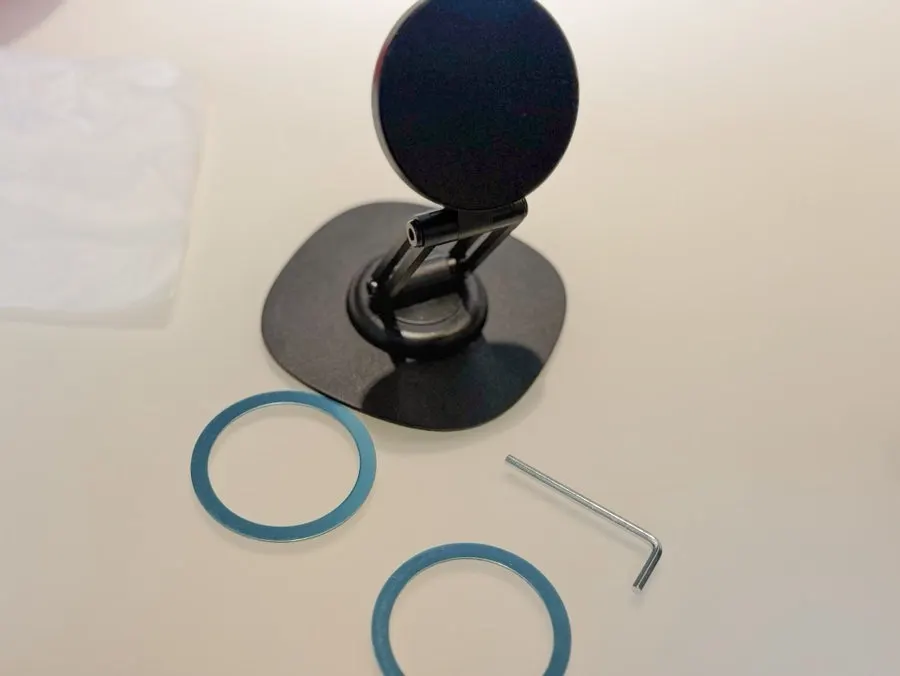
I could adjust the joint tension myself with the wrench to hold the angle in place. It was easy to set up for the environment where I use it.
How do iPhones and Galaxy phones attach?
The iPhone 12, 13, 14, and 15 series can attach without a separate magnetic sticker. When I attached my iPhone, it immediately felt stable.
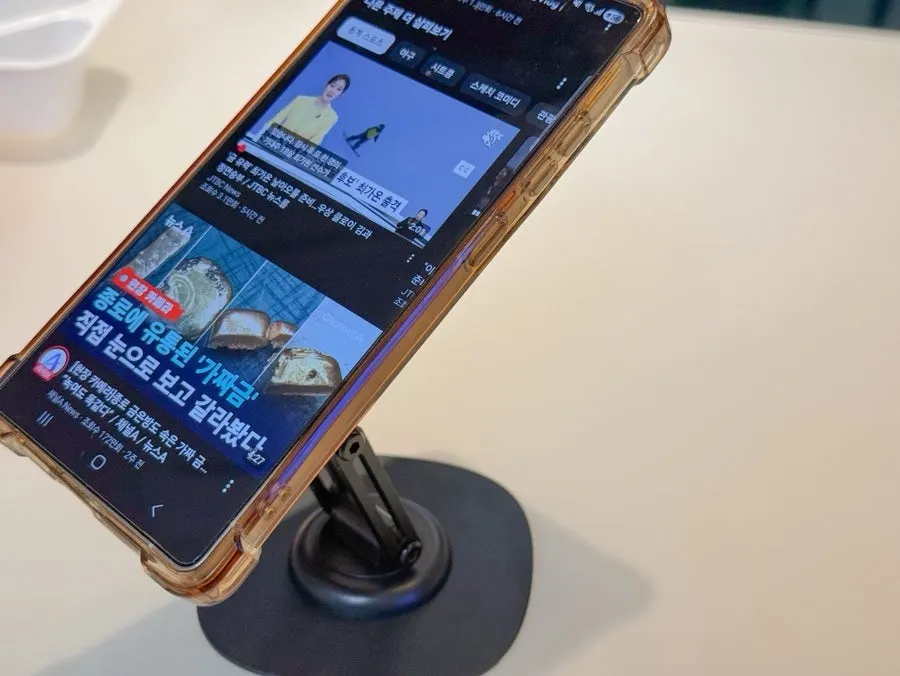
For cases without MagSafe functionality or Android phones, you use the included magnetic ring.
Does it stay stable when you rotate the phone or change the angle?
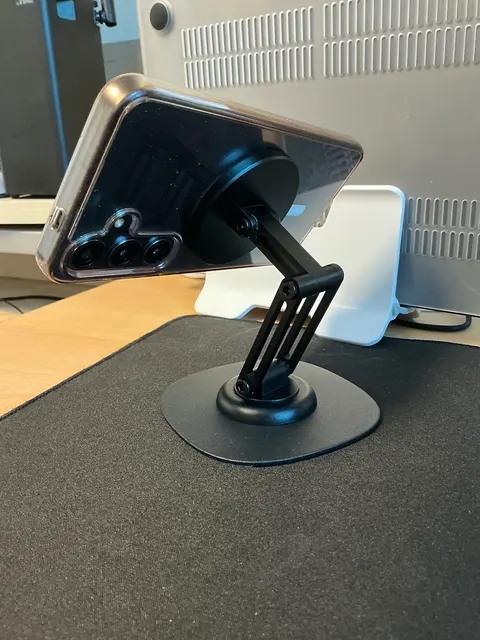
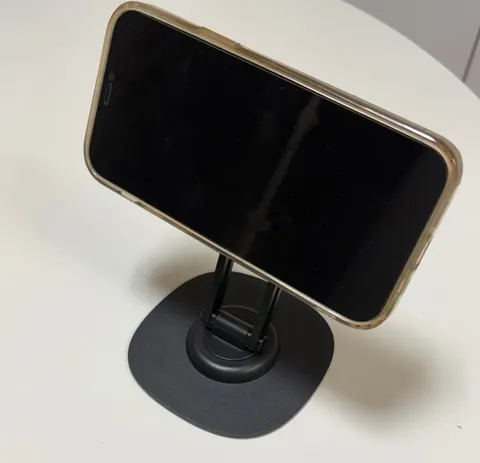
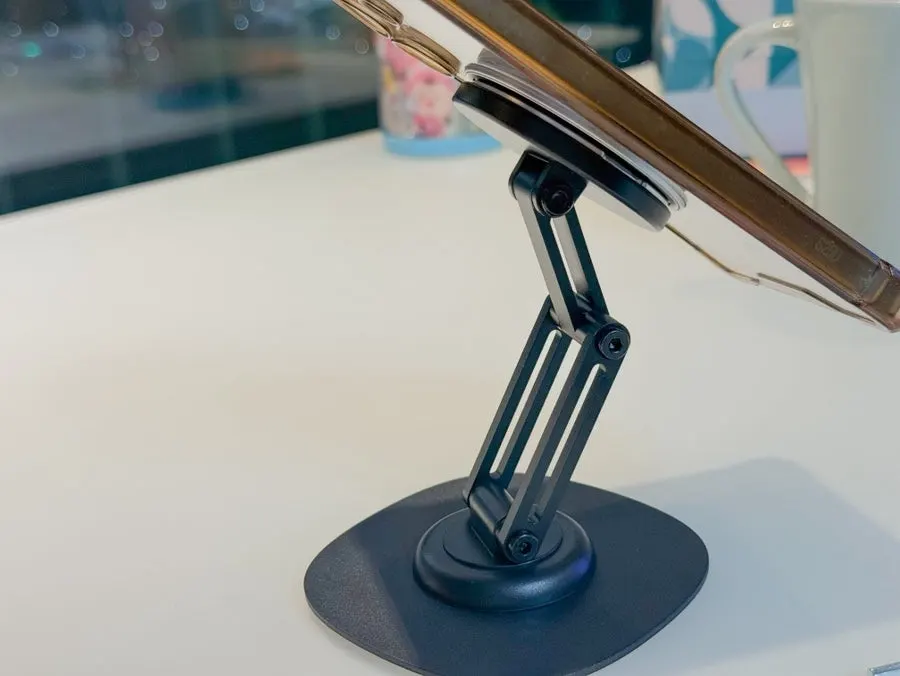
After attaching my phone, it stayed stable without wobbling when I rotated it horizontally or vertically. Even when I lifted it slightly while attached, the magnet felt strong, so I worried less about it falling.
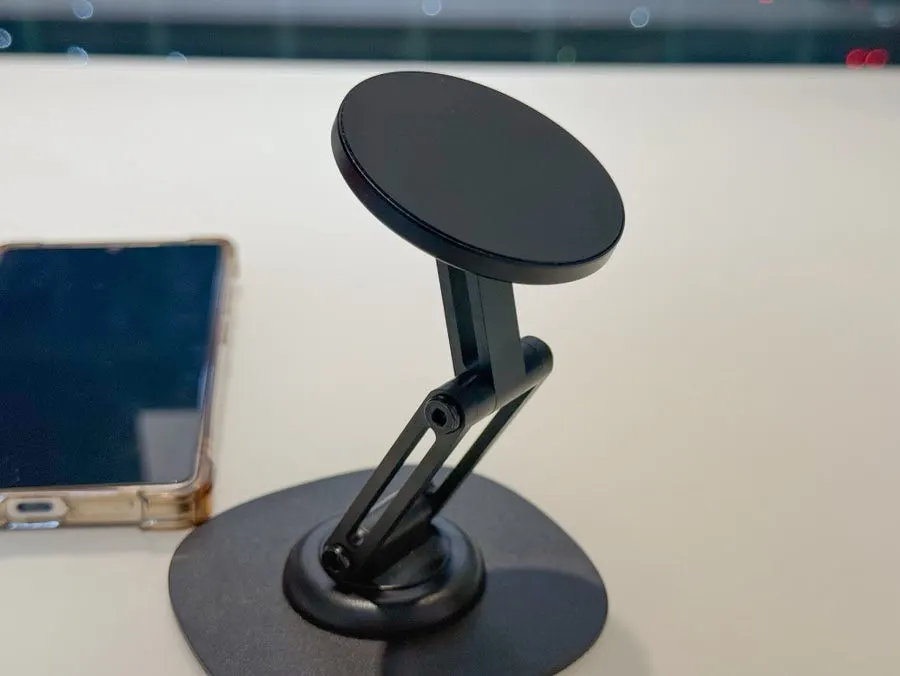
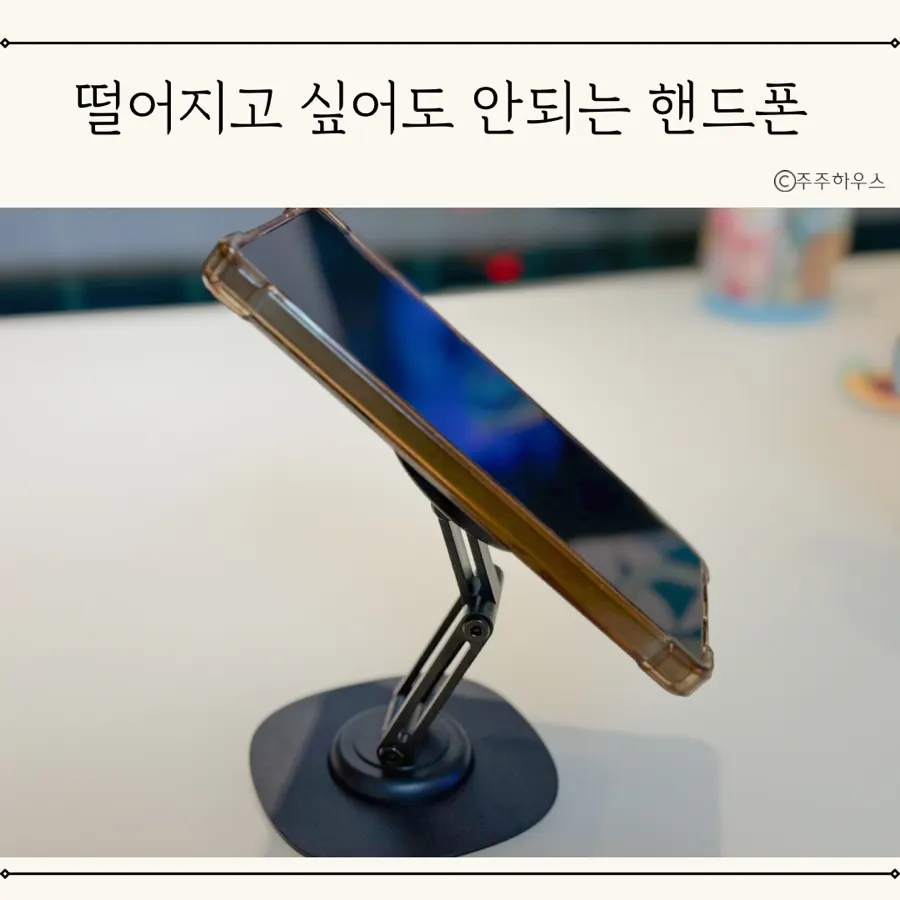
The 360-degree rotation was smooth, making it easy to change direction. The center rotating axis moves 360 degrees, while the upper and lower sections move 180 degrees, so I could set the angle vertically or horizontally to the tabletop. This adjustment was handy when taking photos, too.
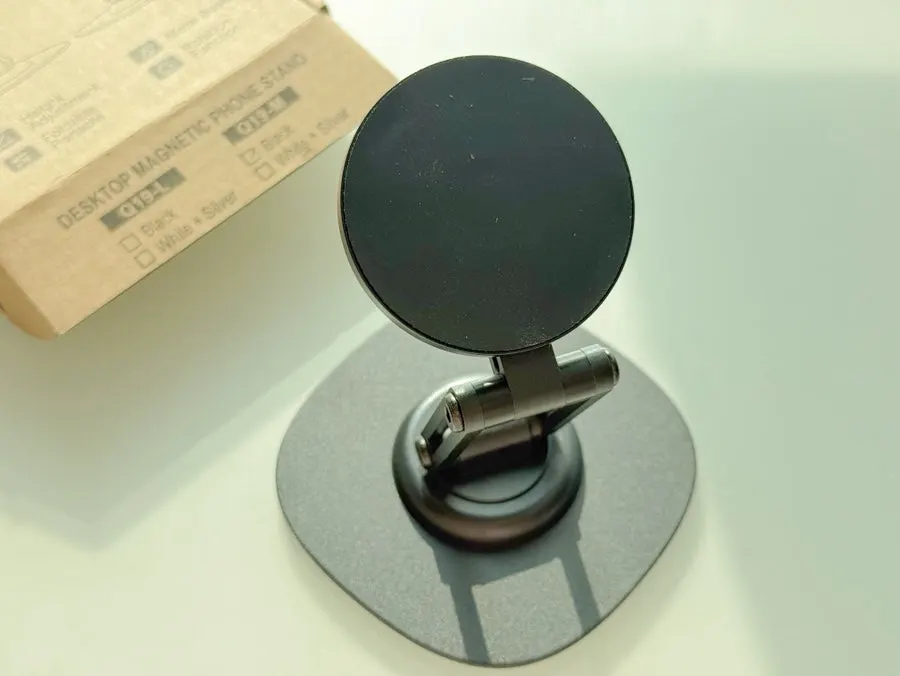
Using the three-level height-adjustment rotating axis, I set it to the tabletop height and to my or my child’s eye level. It stayed fairly well in place even after changing the angle several times, and the adjustable tension helped it remain stable during use.
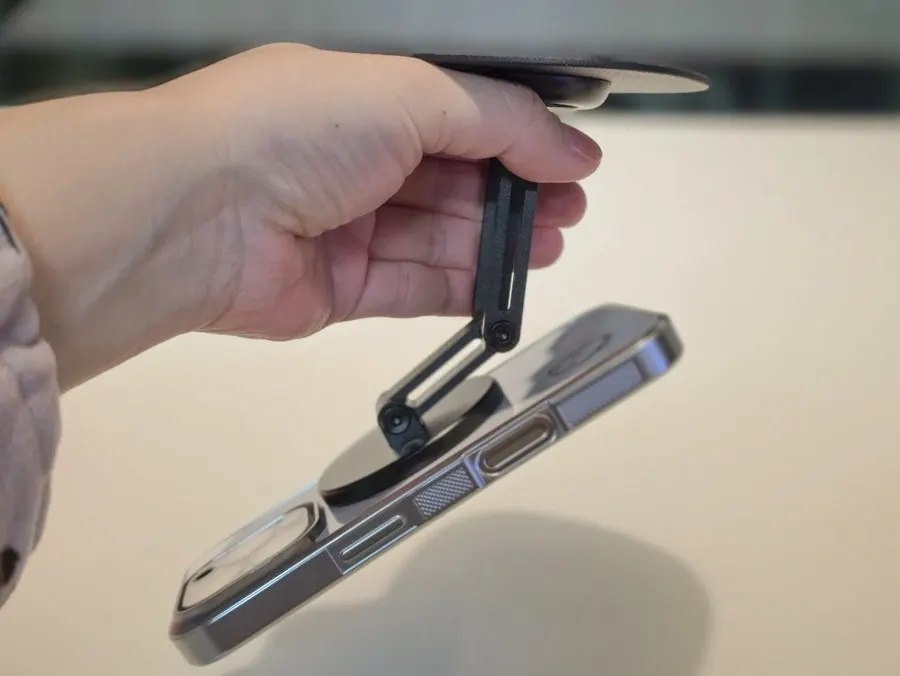
It did not fall off even when I turned my phone upside down while using it. The stable magnetic hold was one part I was satisfied with.
When did I use it most in everyday life?
I often used it when checking messages with my phone on the table or showing my child a video. Being able to keep my hands free was convenient.
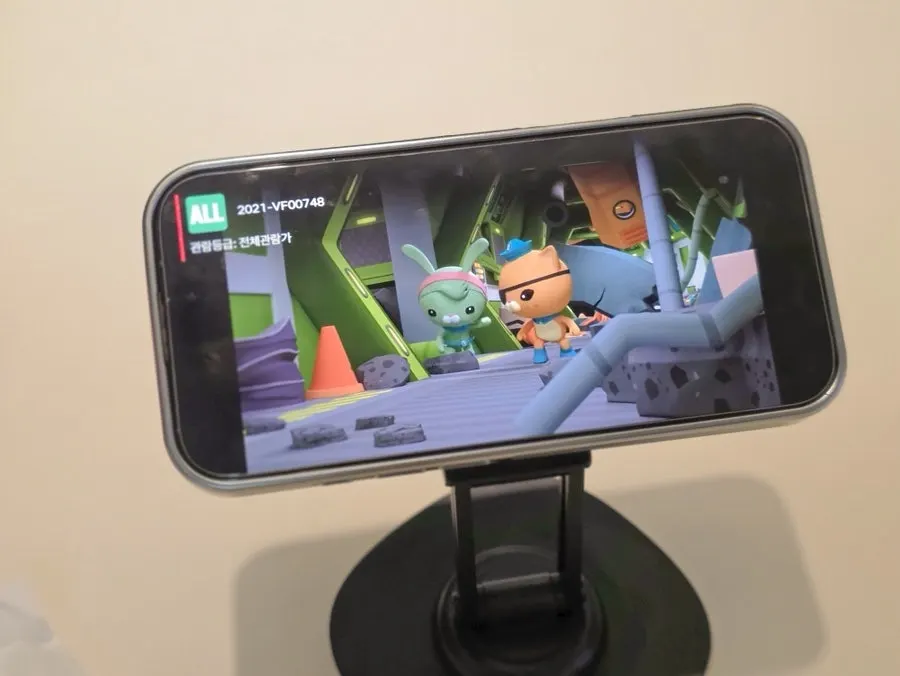
I also used it to film short videos on the tabletop. I could secure my phone at the eye line and filming angle I needed, which changed my everyday habit of constantly holding it in my hand.