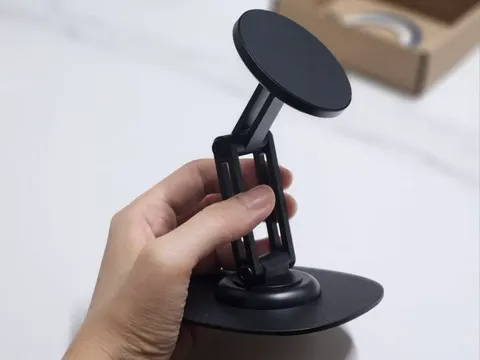
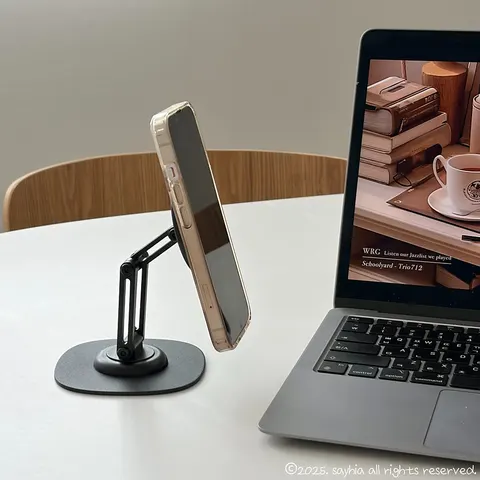
iPad eye-level desk setup with 비티냐 360° MagSafe Stand
In short
비티냐 360° Rotating MagSafe Stand is a tablet stand for using an iPad as a second screen at home. After attaching the MagSafe ring to an iPad case, I adjusted its height and angle for work and also used it as a phone stand. Verdict: 비티냐 made my home work setup much more comfortable.

Good to know
- In the box
- Stand body, MagSafe ring, instruction manual
- Material
- Black aluminum
- Adjustment
- Angle adjustment and 360° rotation
- Use requirement
- Attach the MagSafe ring to the back of the iPad case
Prices as written by the tester on Oct 24, 2025 · not updated automatically
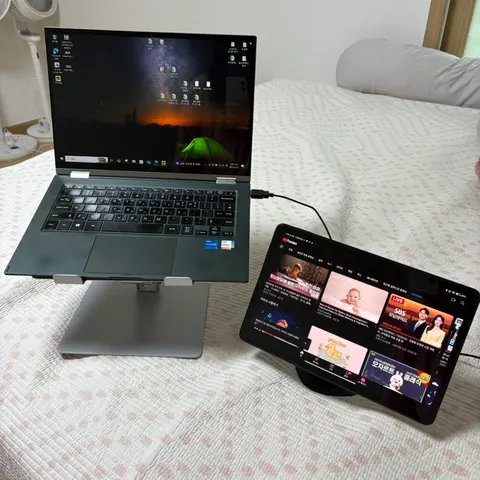
A lot of you work from home, right? I do too, quite often, and honestly, there were so many frustrating things about working while looking at just one monitor.. So I wanted to use my iPad like a second screen, but propping it up anywhere was really uncomfortable. My neck hurt, and I just couldn't focus on work ㅠㅠ
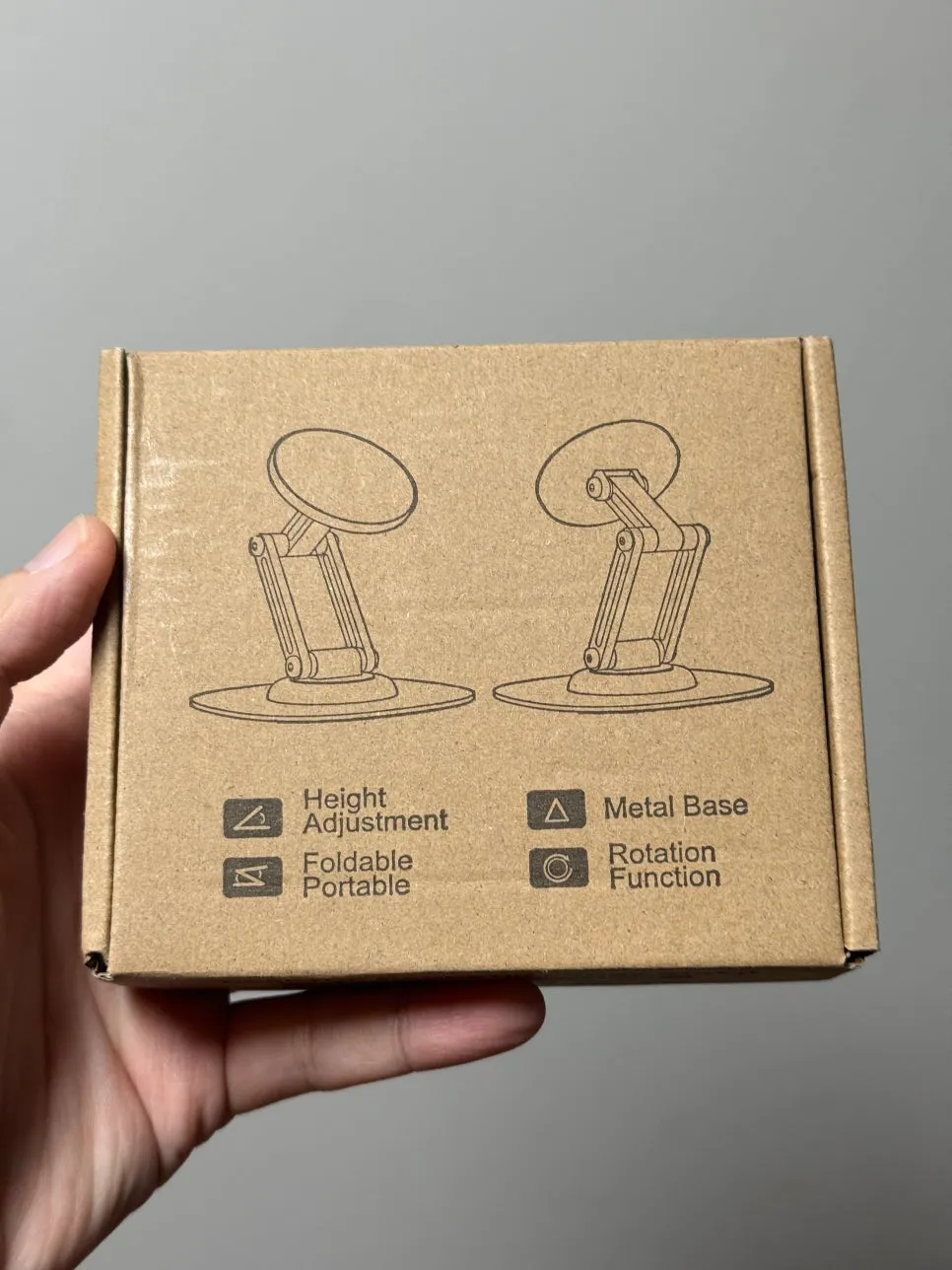
Then I happened to find a tablet stand! And it uses MagSafe, so it snaps on magnetically! Once I started using it, my work setup completely changed. Today, I'll introduce the 비티냐 stand I've been using consistently :D
Why I chose a MagSafe tablet stand
There are really so many kinds of stands, right? Regular upright stands, tripod types, clamp types, and so on... But here's why I chose a MagSafe-style tablet stand!
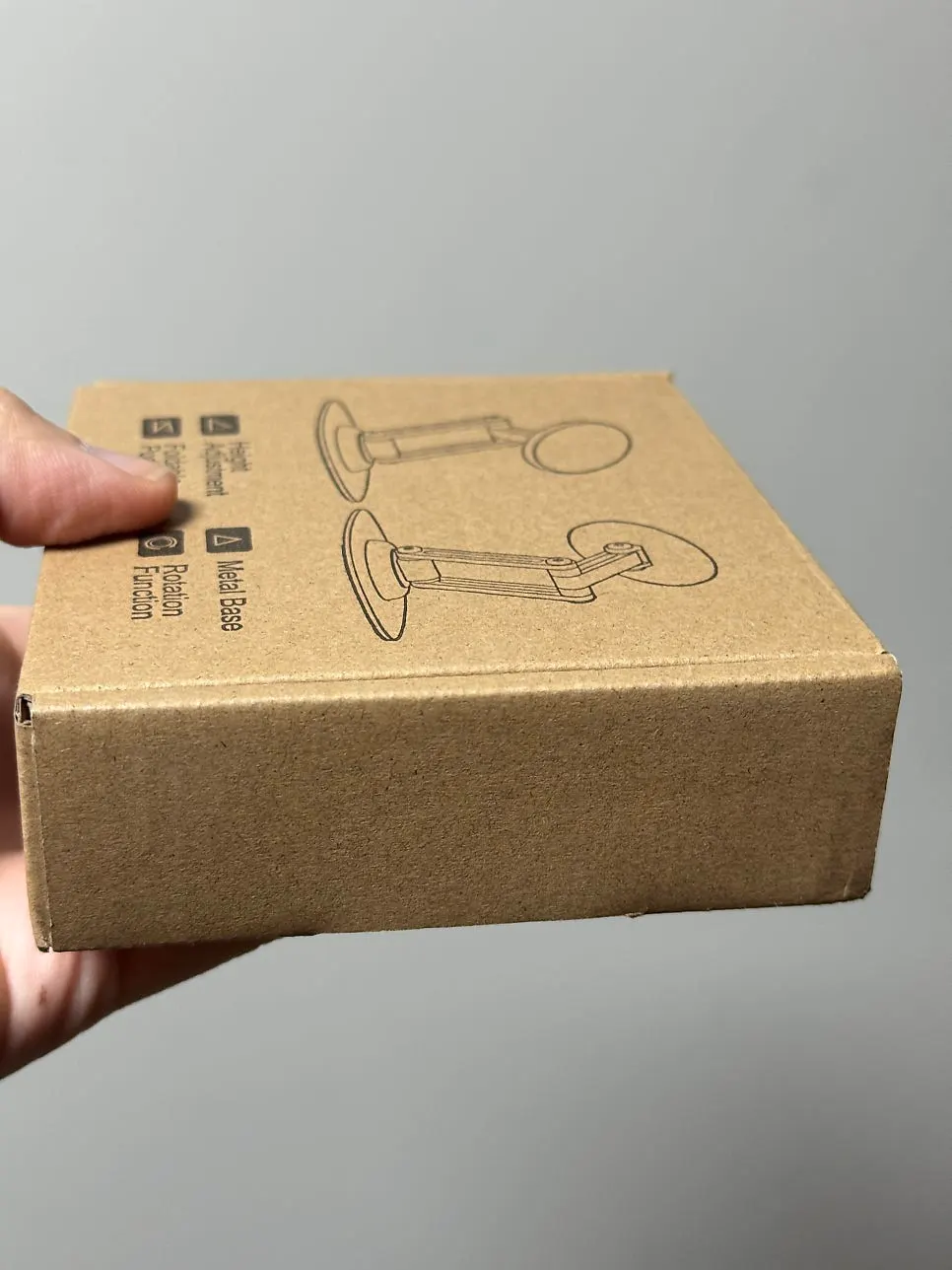
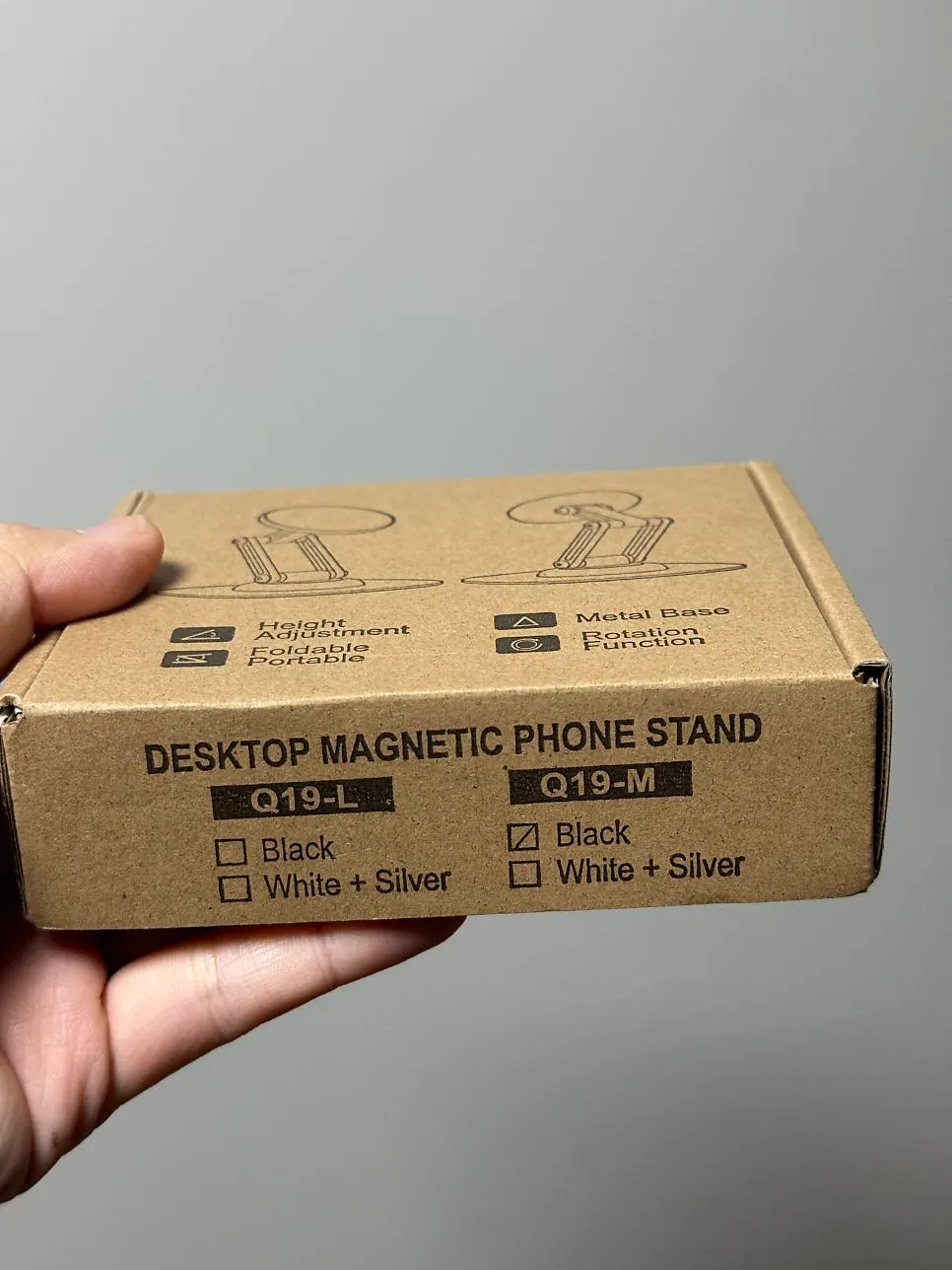
First, because it snaps on with magnets, attaching and removing it is so convenient. With regular stands, putting the tablet in and taking it out is surprisingly fiddly, but with this one, you just bring it close and snap!
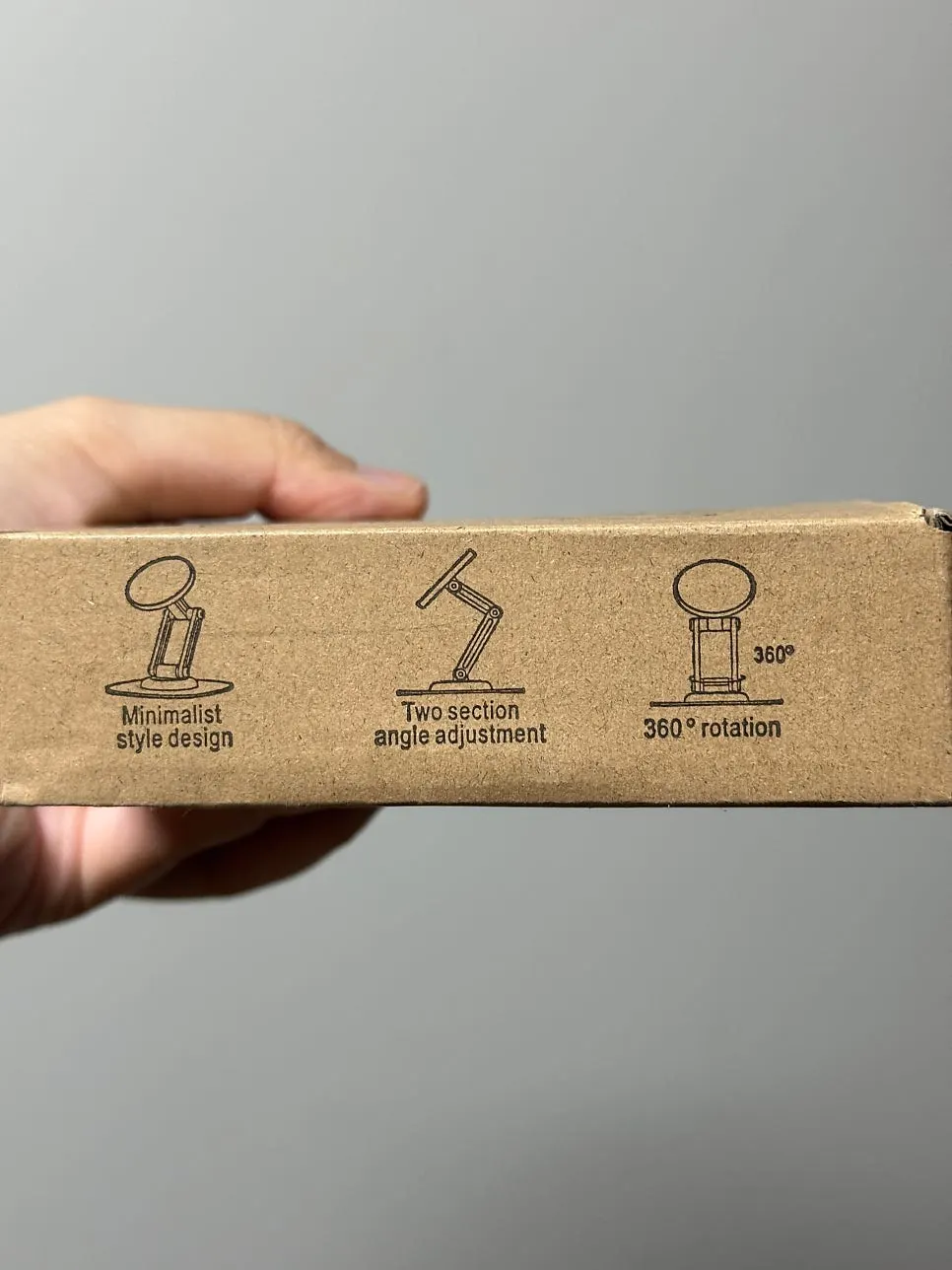
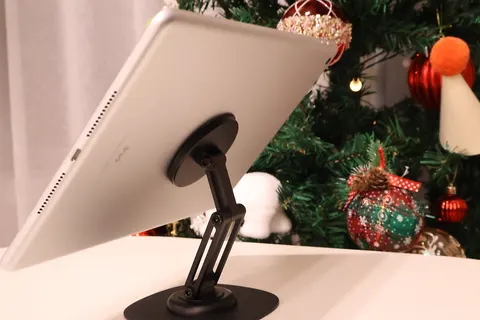
Second, the angle adjusts freely, so I can get it right at eye level. Matching the height of my laptop and iPad made shifting my gaze easier, so my neck hurt less.
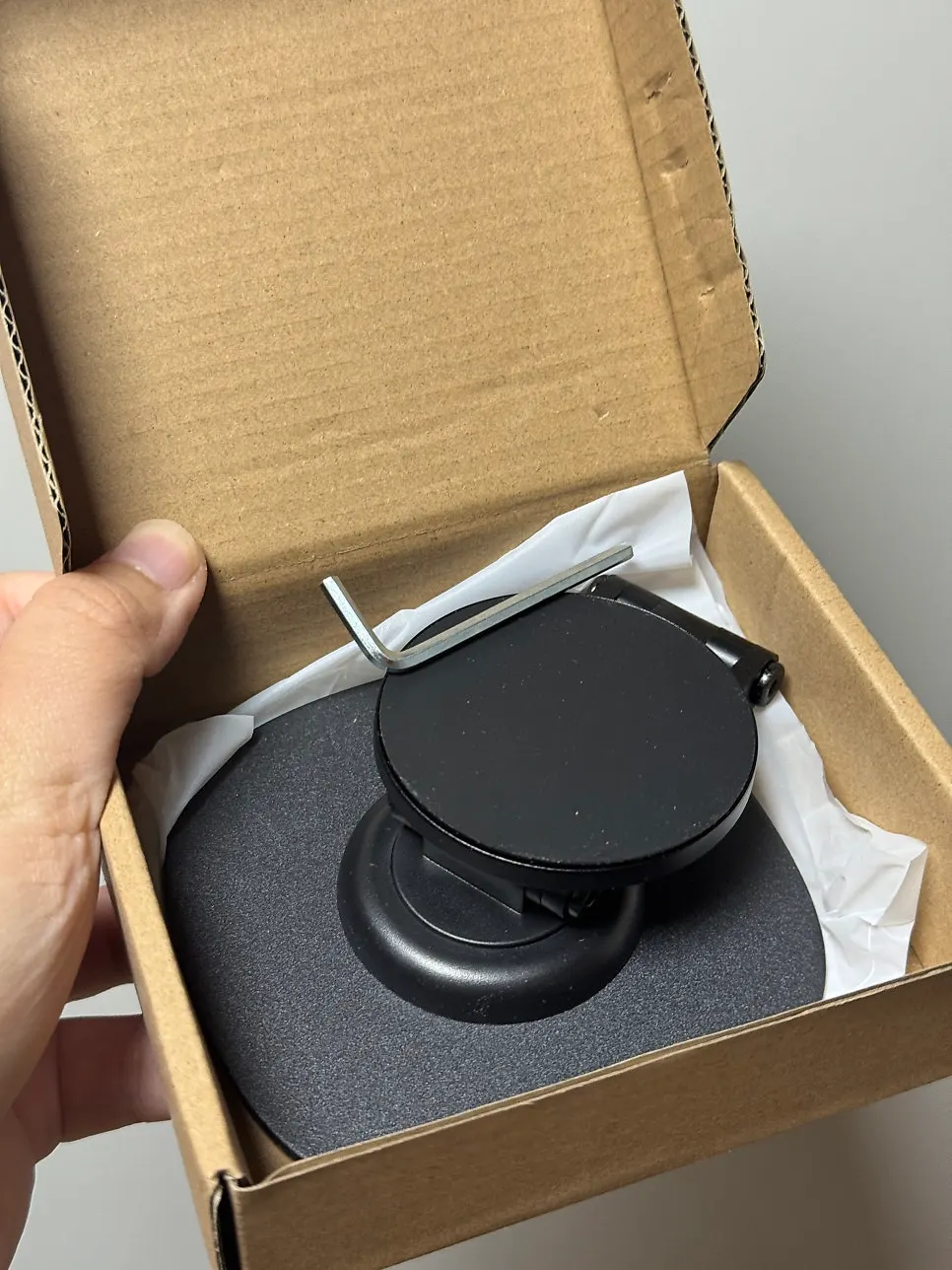
Third, the design is simple and neat, so it looks nice sitting on my desk. The black aluminum material gives it a premium feel too!
What was in the box and my first impression
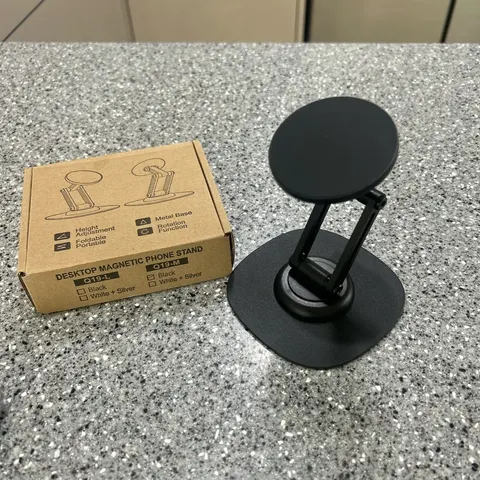
I opened it as soon as the delivery arrived! The packaging was more careful than I expected. The box itself was neat, and the product was clean without any scratches. Inside were the stand body, a MagSafe ring, and an instruction manual.
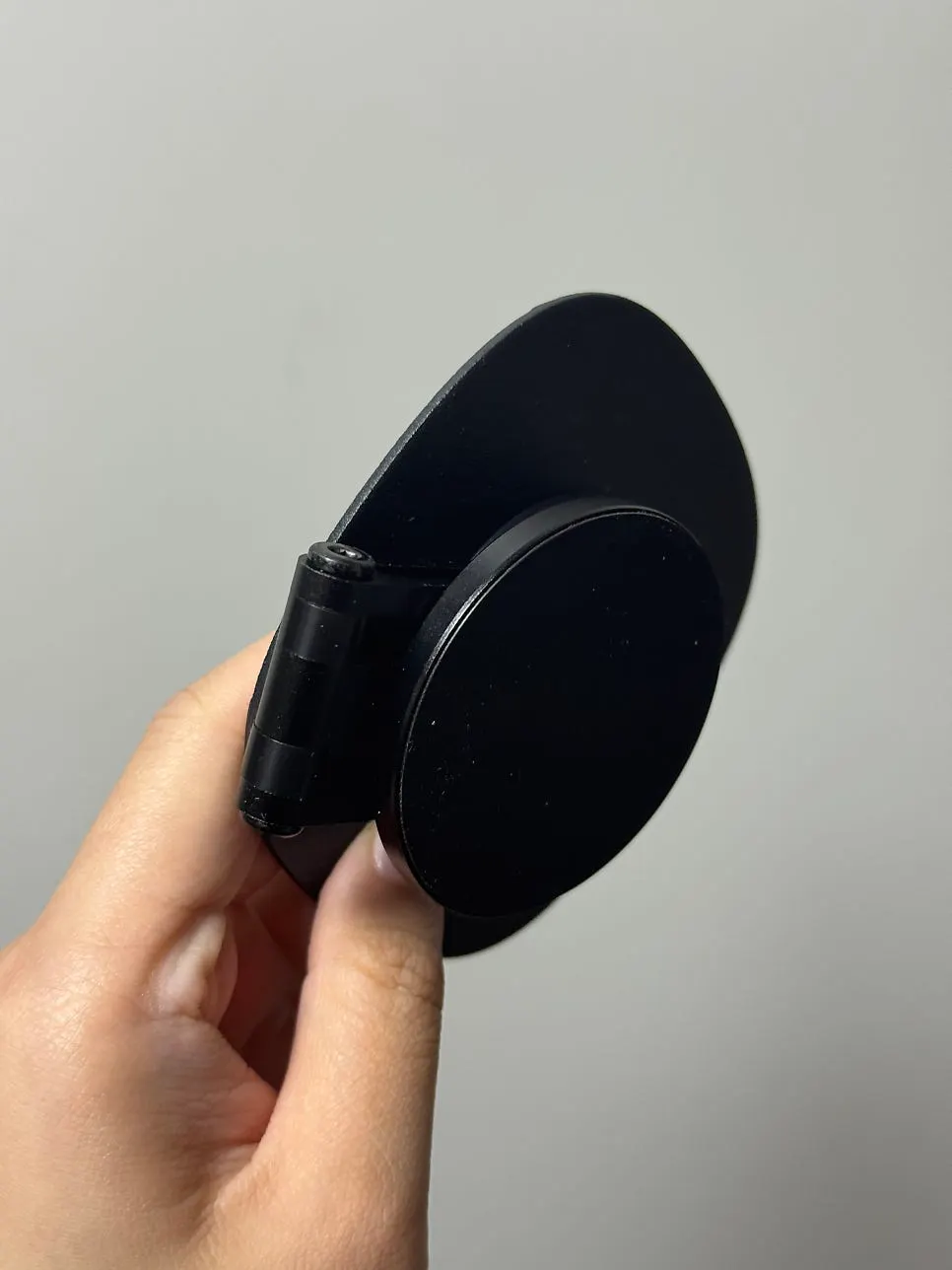
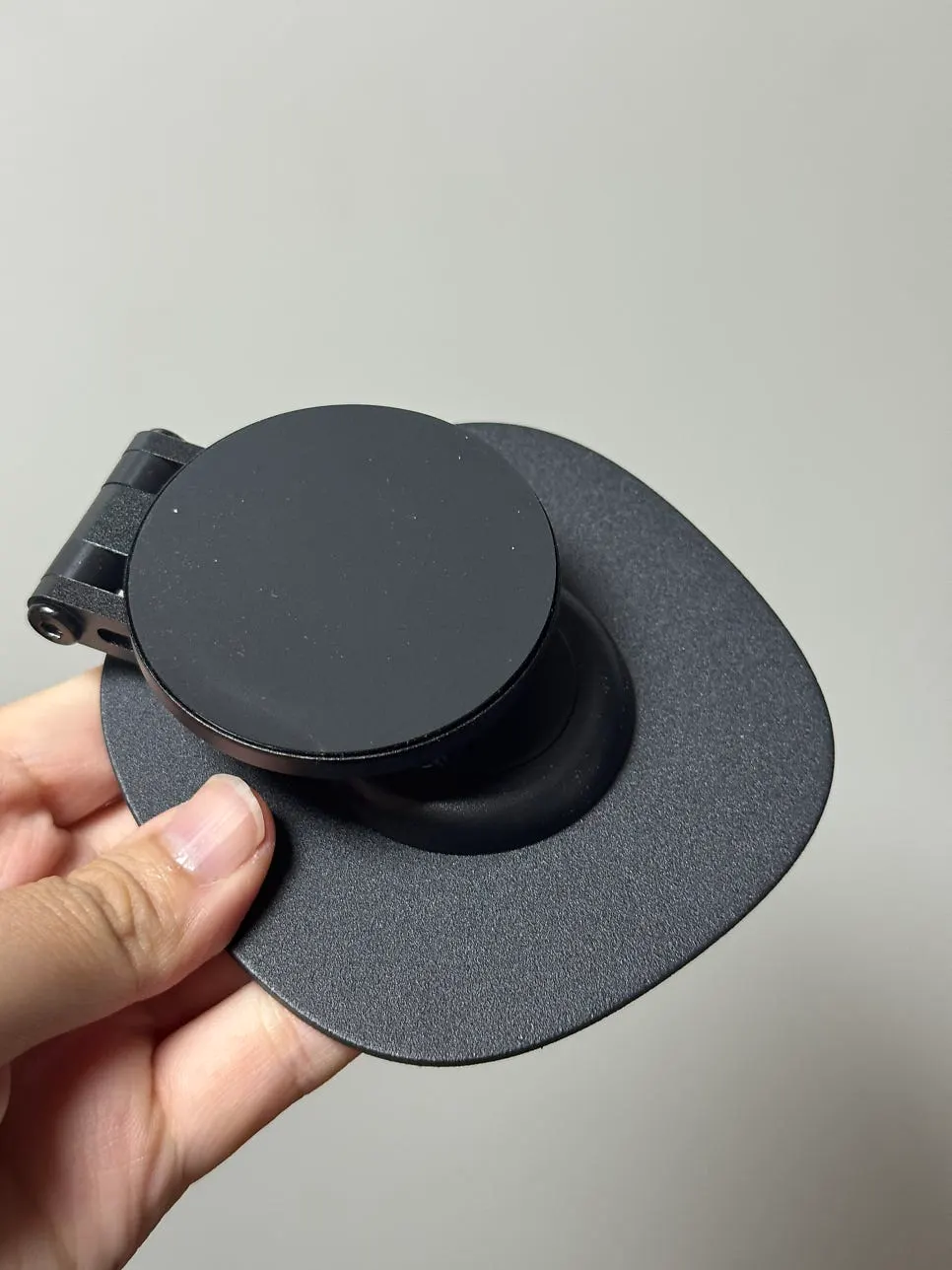
The MagSafe ring attaches to the back of the case, so it solves the problem even if your iPad does not have MagSafe. It had a nice weight in my hand—not too light, but not heavy either, just right? Because it is aluminum, it looked much sturdier than plastic. The surface finish was neat too, and it felt nice to touch.
How to install the MagSafe ring on an iPad
It was so simple that it barely counts as installation. Attach the MagSafe ring to the back of your iPad case, place the stand on the desk, then bring the iPad up to the stand—and you're done!
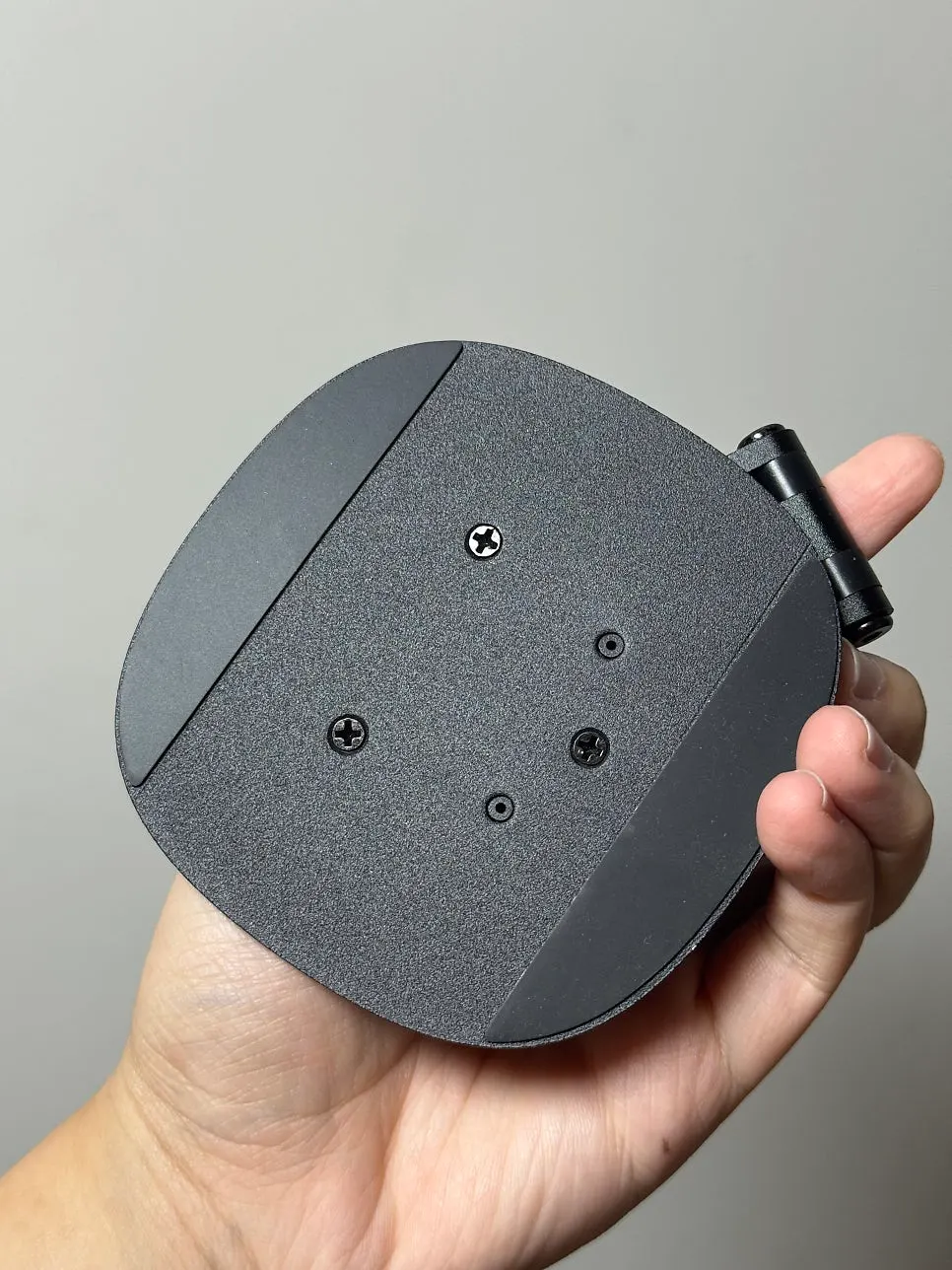
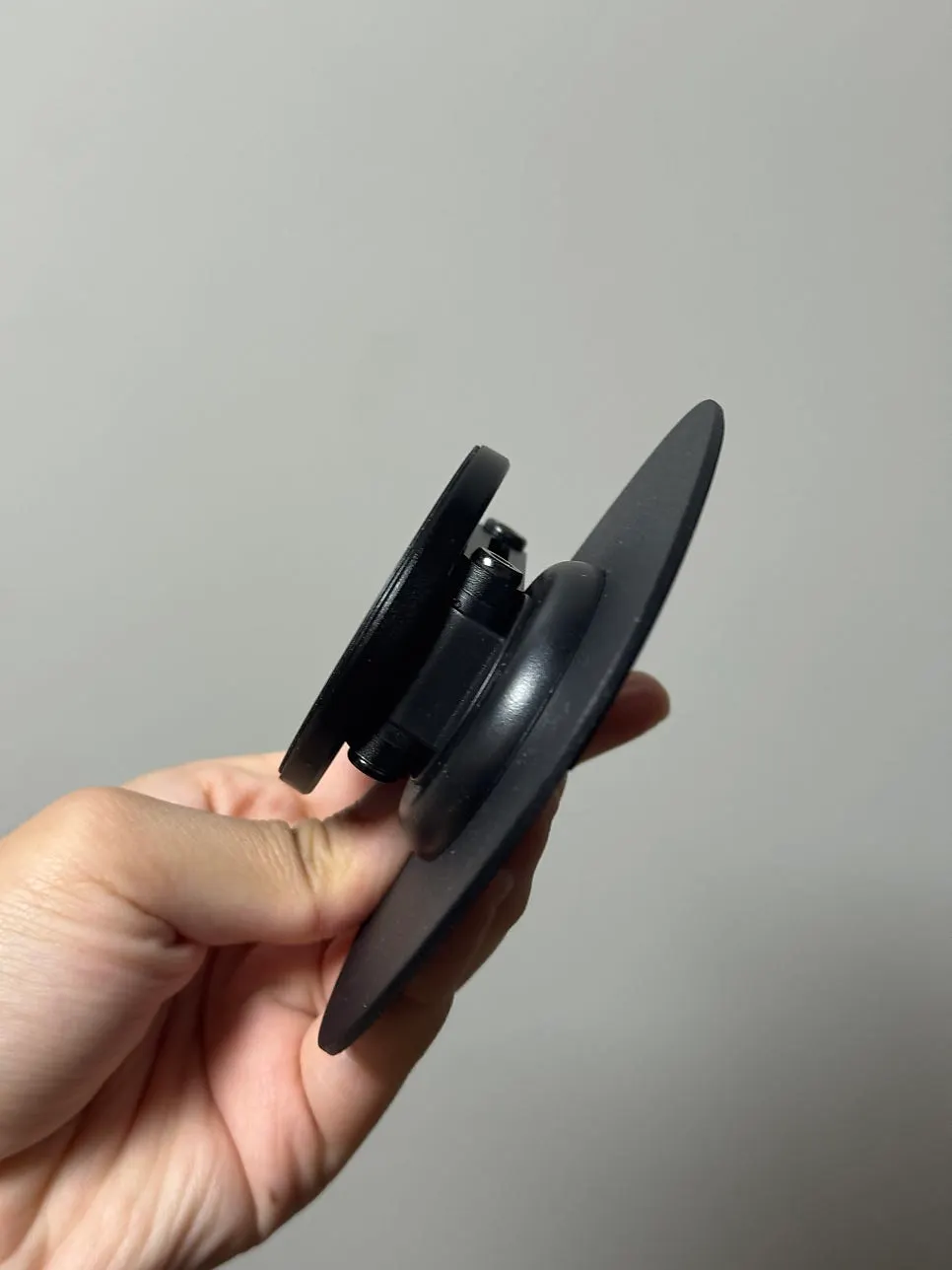
The magnet was stronger than I expected, and it snapped right on. At first I worried, “What if it falls?” but there was no need to worry at all, haha. You adjust the angle by turning the back part of the stand, and it moved more smoothly than expected, making it easy to set exactly where I wanted. I can use it vertically or horizontally, so I switch it depending on the situation!
How it felt during actual work
Using the 비티냐 stand meant I could position the screen at eye level, so I didn't have to look down. My shoulders and neck felt so much more comfortable..! Before, I tended to work while looking to the side, and my neck would feel stiff and my shoulders would get really sore. Just having this one 비티냐 stand definitely feels like it changed my quality of life?!
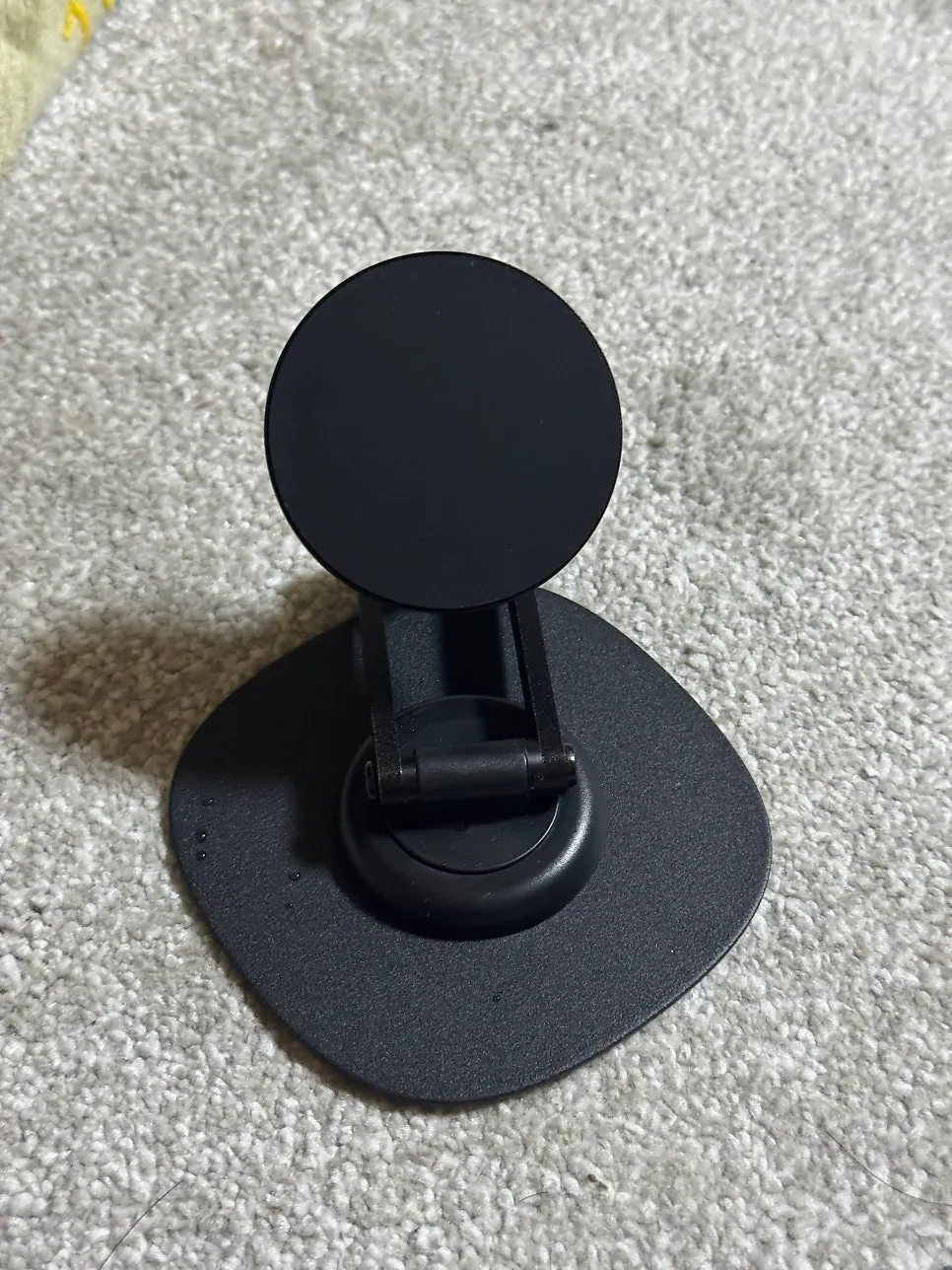
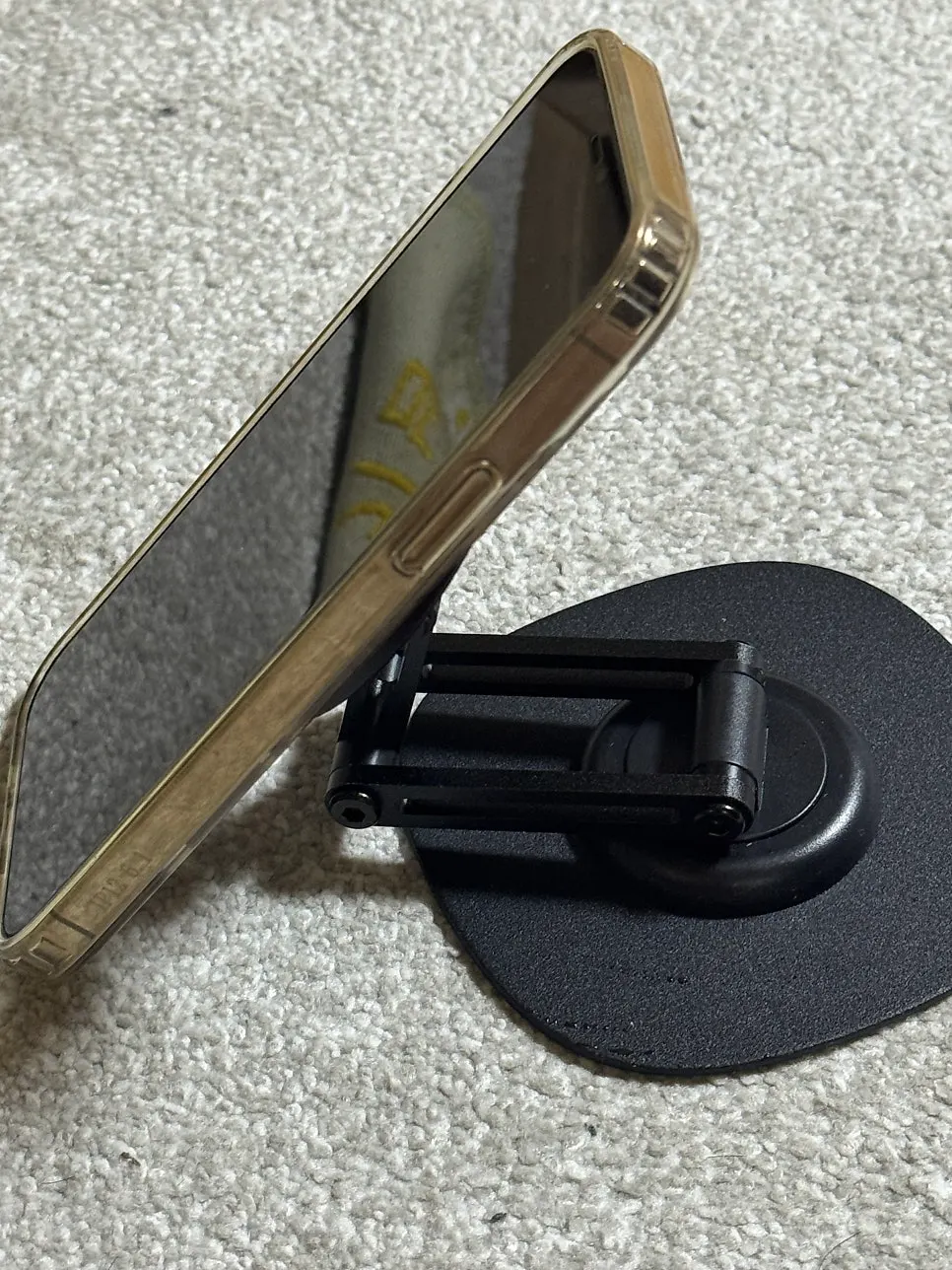
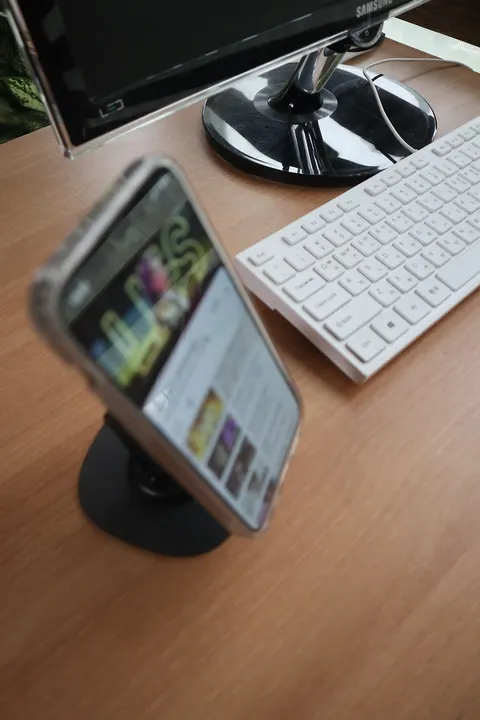
Thanks to it, I feel more productive, and best of all, I love using it as a phone stand too!! I use it as an iPad stand, of course, but it was so good for holding my phone like this as well.
How are the 360° rotation and angle adjustment?
The best thing about this tablet stand is how freely the angle adjusts! When I'm sitting and working, I use it a little more upright; when I'm lying down to watch videos, I lower the angle; and when I'm drawing, I set it almost flat. It was really convenient.
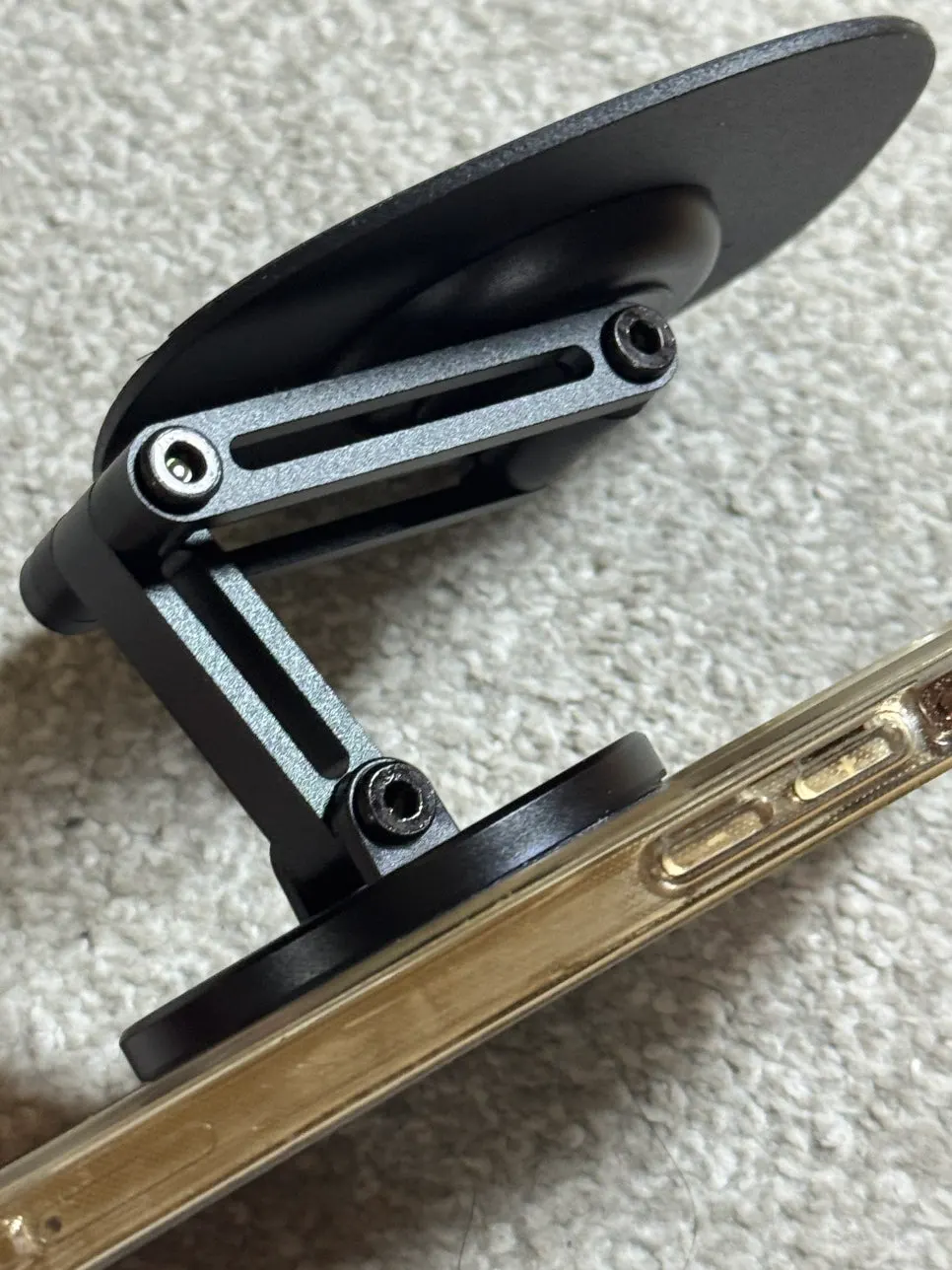
It isn't stiff or loose when adjusting the angle, so it stays firmly at the angle I want, which felt really satisfying. But if I apply a little force, it moves easily too, so the feel is just right. It also rotates 360°, so I can immediately switch to portrait when I need a vertical screen and landscape when I need a horizontal one!
Is the MagSafe magnetic hold strong enough?
This was what I was most curious about when using a MagSafe-style stand. “What if the magnet is weak and the iPad falls?” But I really didn't need to worry at all. The magnetic hold was much stronger than I expected, so once it was attached, it would not come off easily. Even when I picked up and shook the stand, the iPad stayed on, haha.
There was no wobbling at all when I touched the screen while typing, and it was stable when writing with an Apple Pencil too. When removing it, a little force lets it come off easily, so attaching and taking it off is really convenient! I can take it off the stand in the morning and put it in my bag, then come home in the evening and snap it back on—it is so easy!
Where to buy
- 비티냐
- —