MagSafe phone stand for easy landscape switching: 비티냐
In short
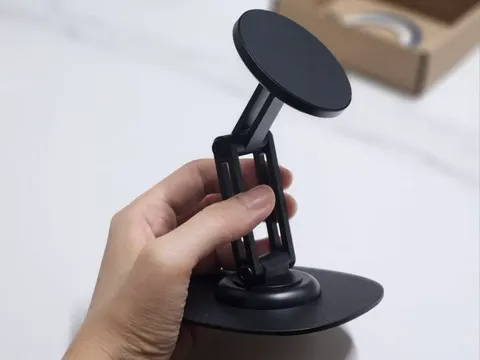
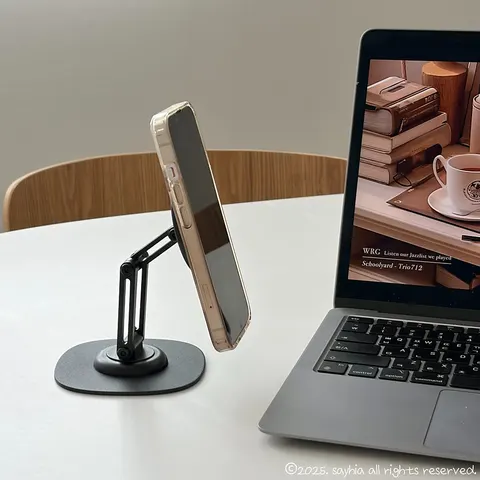
비티냐 360° Rotating iPhone MagSafe Phone Stand is a desktop phone stand for watching streaming videos in Korea. Used with a clear MagSafe case for iPhone, it made it easy to change the angle and switch between portrait and landscape. Verdict: it was especially useful for hands-free viewing at home and keeping a set place for a phone at work.
Good to know
- Product
- 비티냐 360° Rotating iPhone MagSafe Phone Stand
- Use condition
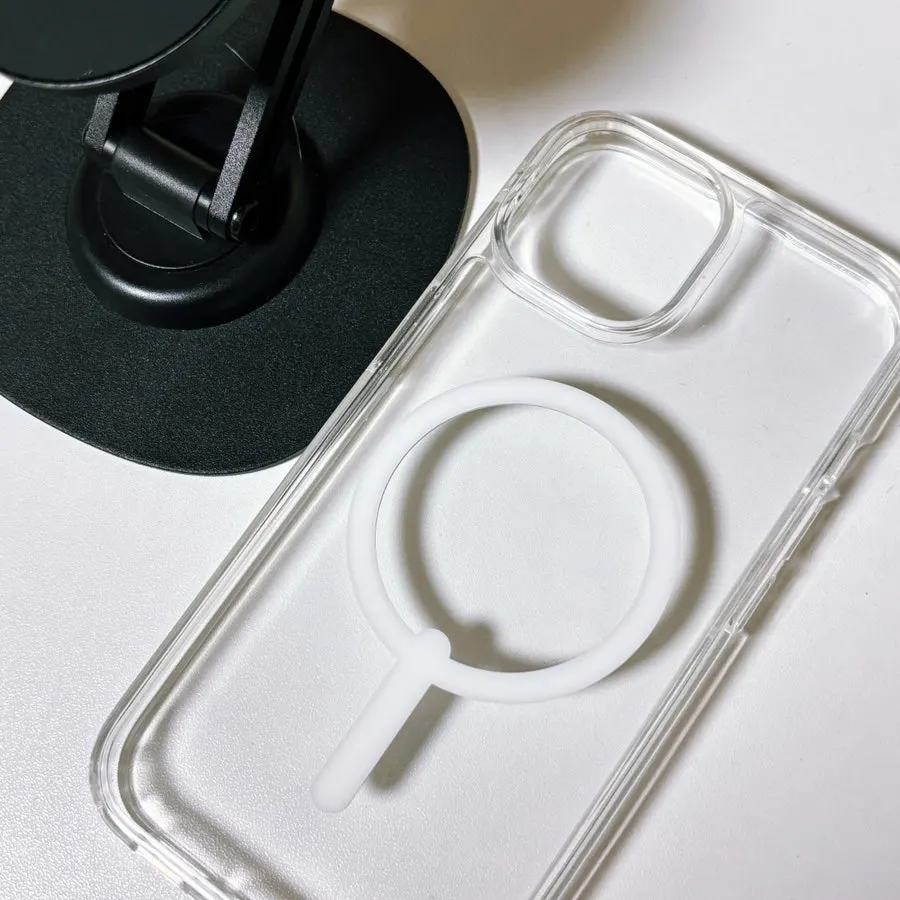
- Attached with a clear MagSafe case for iPhone, without using the included rings
- Style
- Desktop stand
- In the box
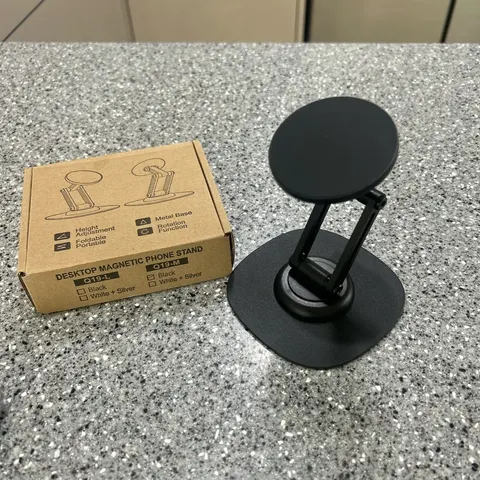
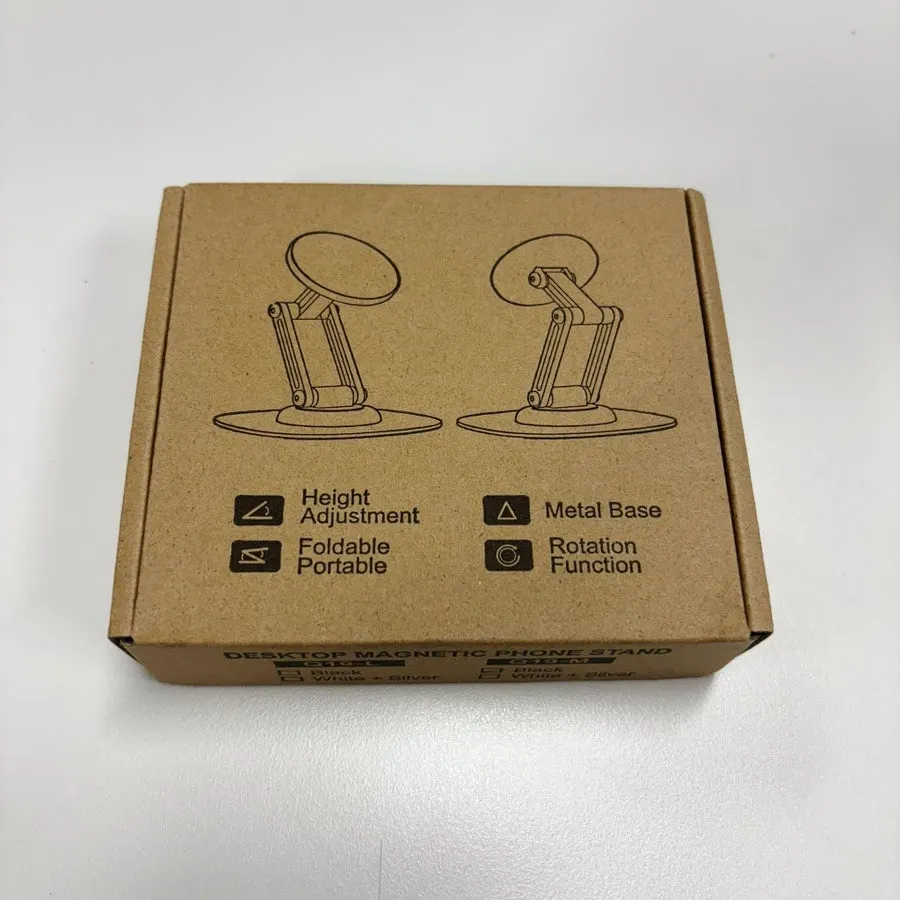
- Phone stand, two MagSafe rings for attaching to a phone, and an L-shaped wrench
- Adjustments
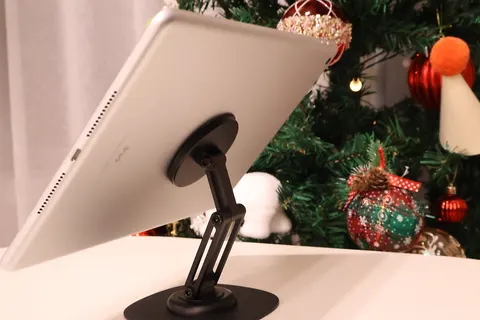
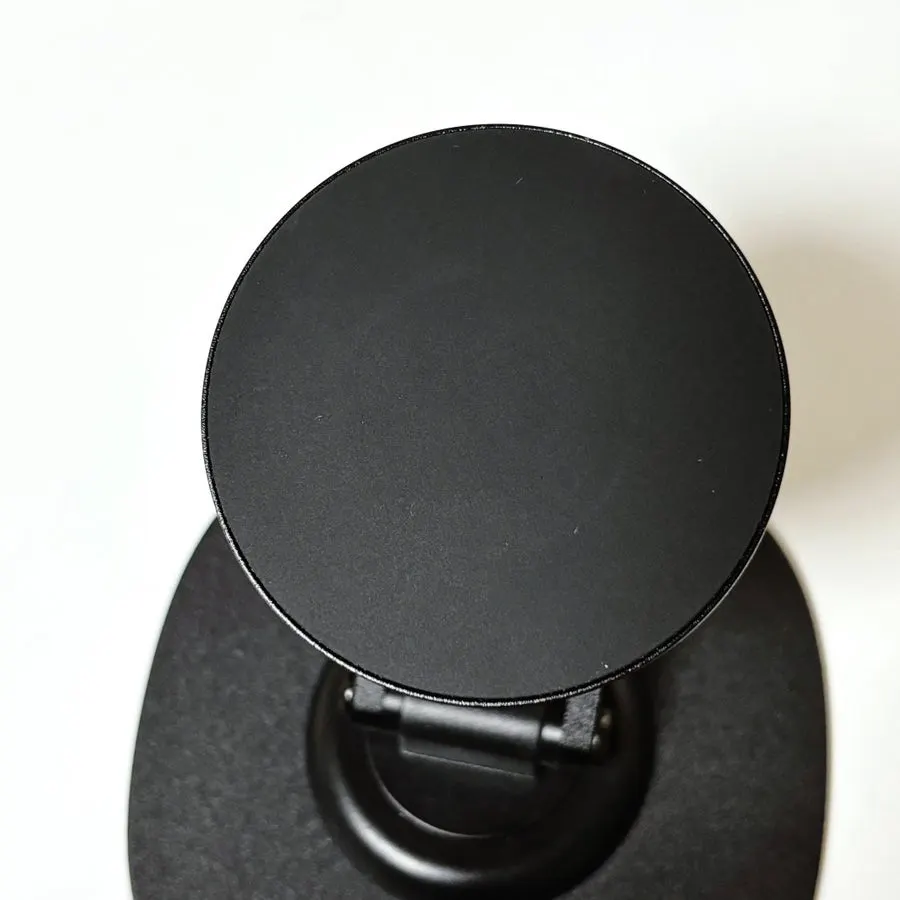
- 360° rotation, unfolds up to 180° vertically, and switches the phone between portrait and landscape
- Base
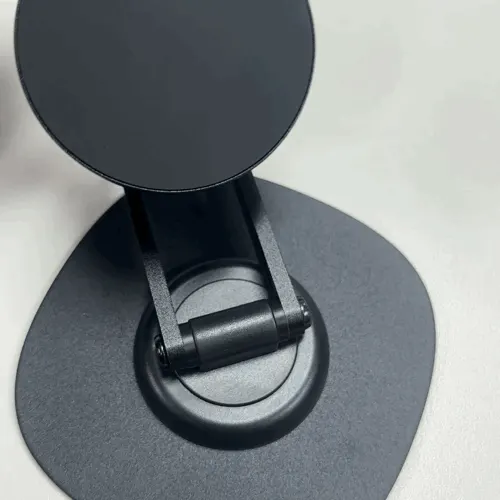
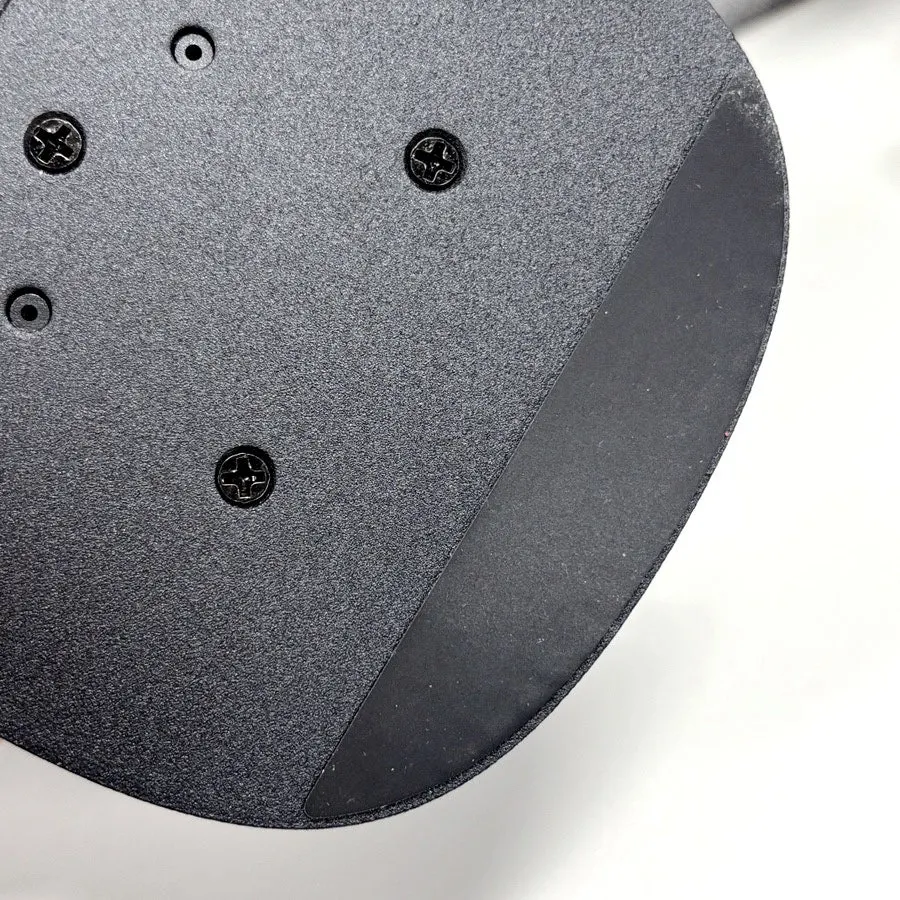
- Non-slip rubber surface
Prices as written by the tester on Feb 17, 2026 · not updated automatically
How did I use it to watch streaming videos at my desk?
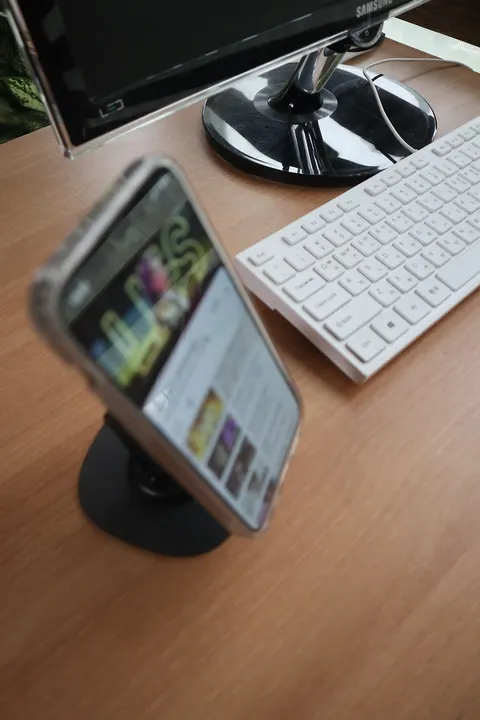
After work, I tend to watch several episodes of variety shows or dramas on my phone. When I watch for a long time, where I put my phone becomes important. The 비티냐 MagSafe phone stand is a desktop stand, so it was convenient not to have to hold my phone while watching videos.
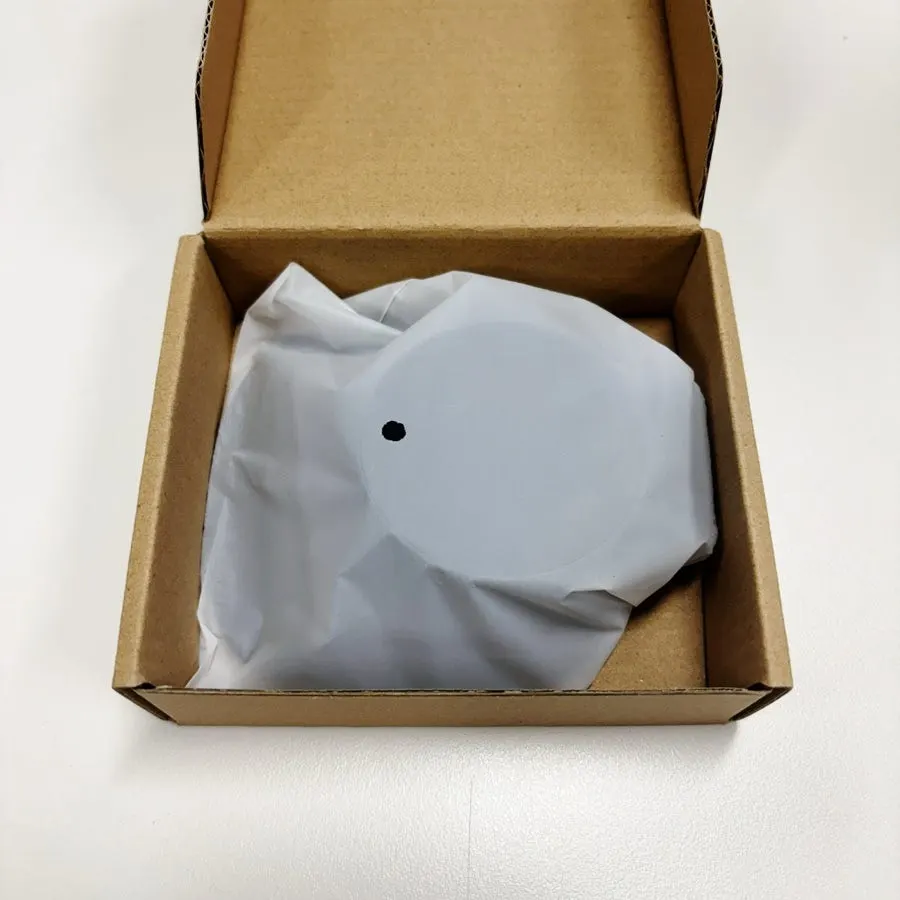
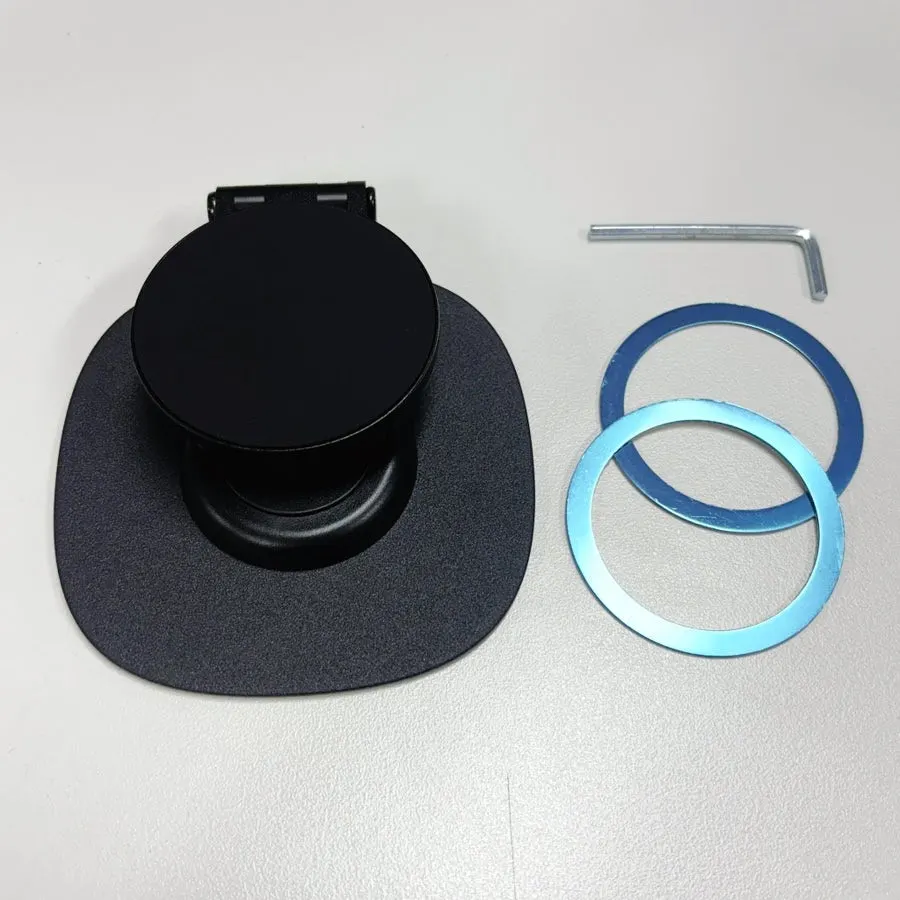
What comes in the box, and do you need the MagSafe rings?
The box included the phone stand, two MagSafe rings to attach to a phone, and an L-shaped wrench.
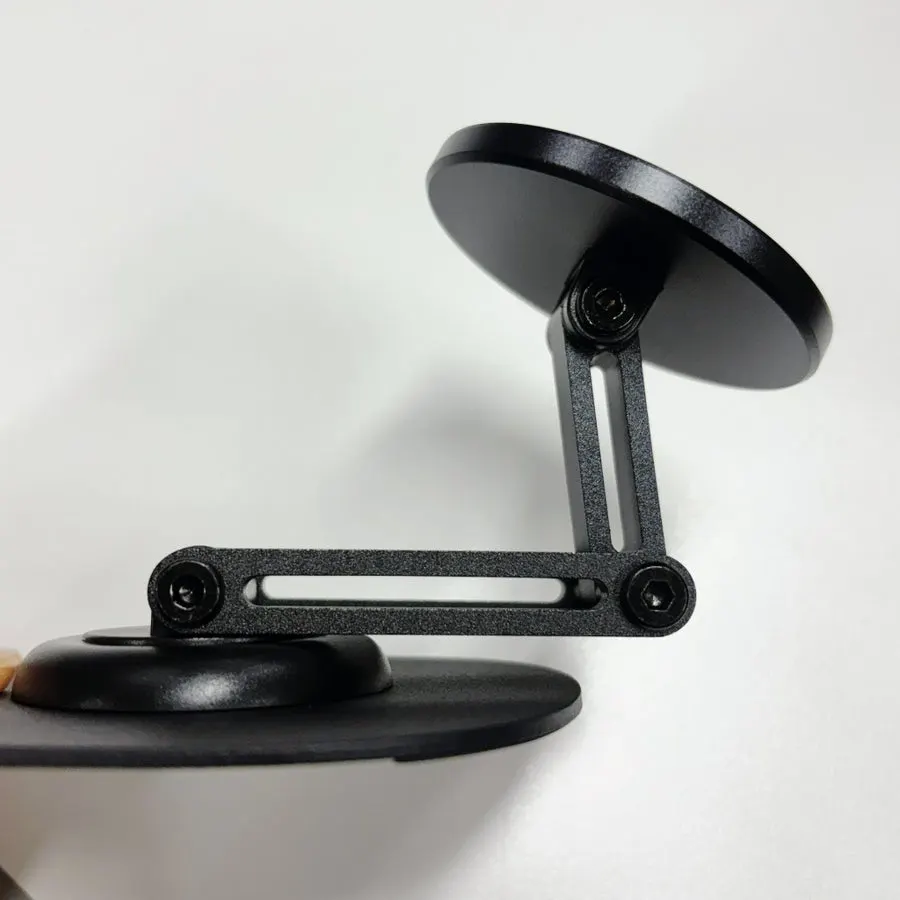
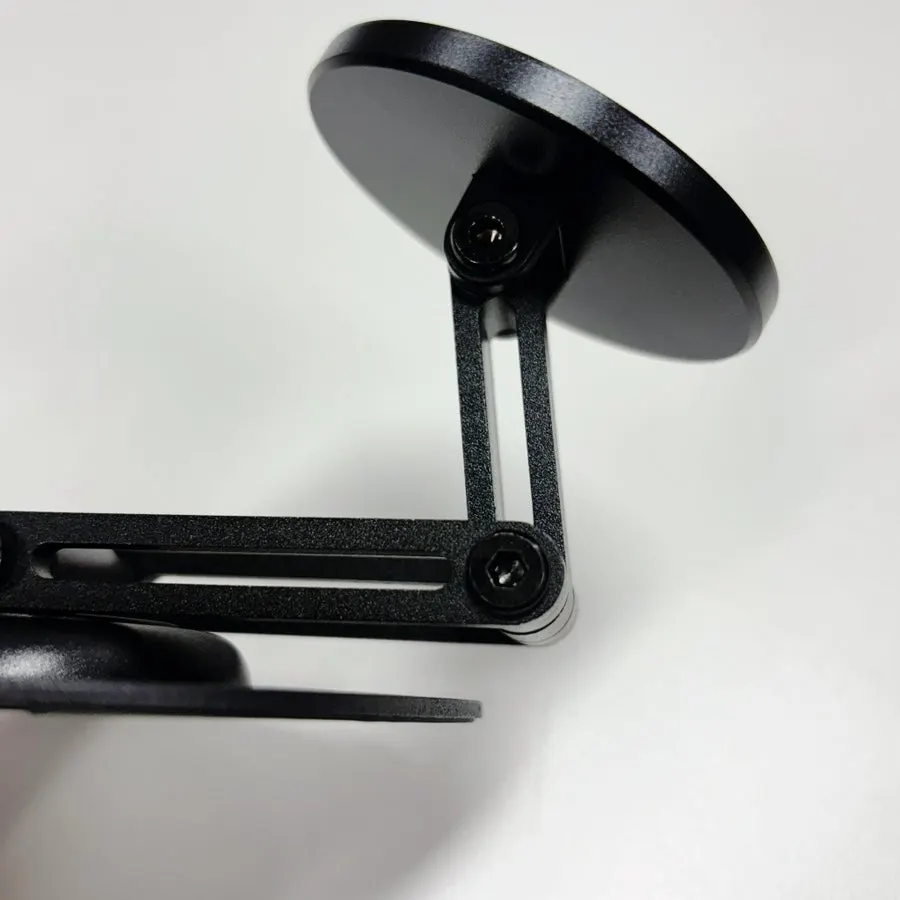
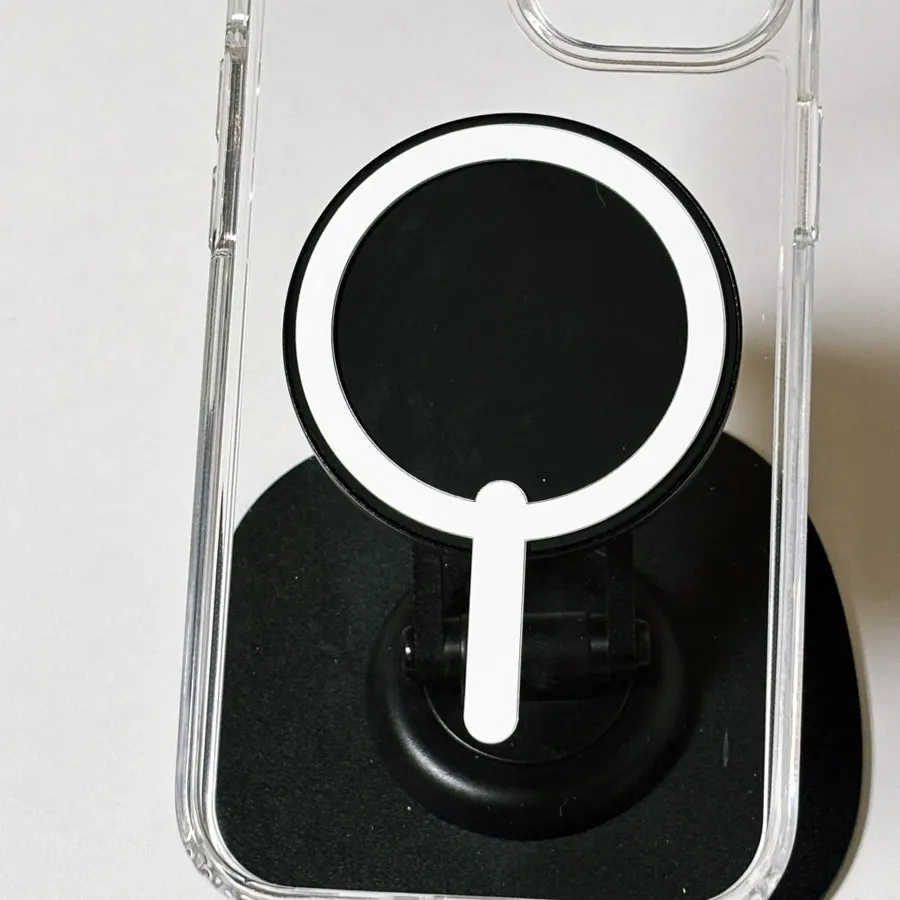
I use a clear MagSafe case for iPhone, so it held well without separately attaching the included rings.
Is it easy to change the angle and switch between portrait and landscape for videos?
It unfolds up to 180 degrees vertically, which made it easy to adjust to the angle I wanted at my desk. Setting it so I did not have to bend my head as much made my neck feel much more comfortable. It also stayed securely in place when I had a video playing while eating at my desk or doing my makeup.
I used it vertically for short-form videos and turned it horizontally for dramas or movies. I could naturally change the orientation while the phone was attached, so I did not need to set up the stand again.
What is it like attaching and removing the phone?
When I held my phone for a long time, my wrist would hurt, or I would sometimes drop it on my face. If I propped it against a book or another object, the angle was awkward and my neck and shoulders could feel uncomfortable too. With this stand, I only had to bring the phone close for it to attach magnetically, then lift it slightly to remove it. There was no need to open or fit a clamp, which was simple.
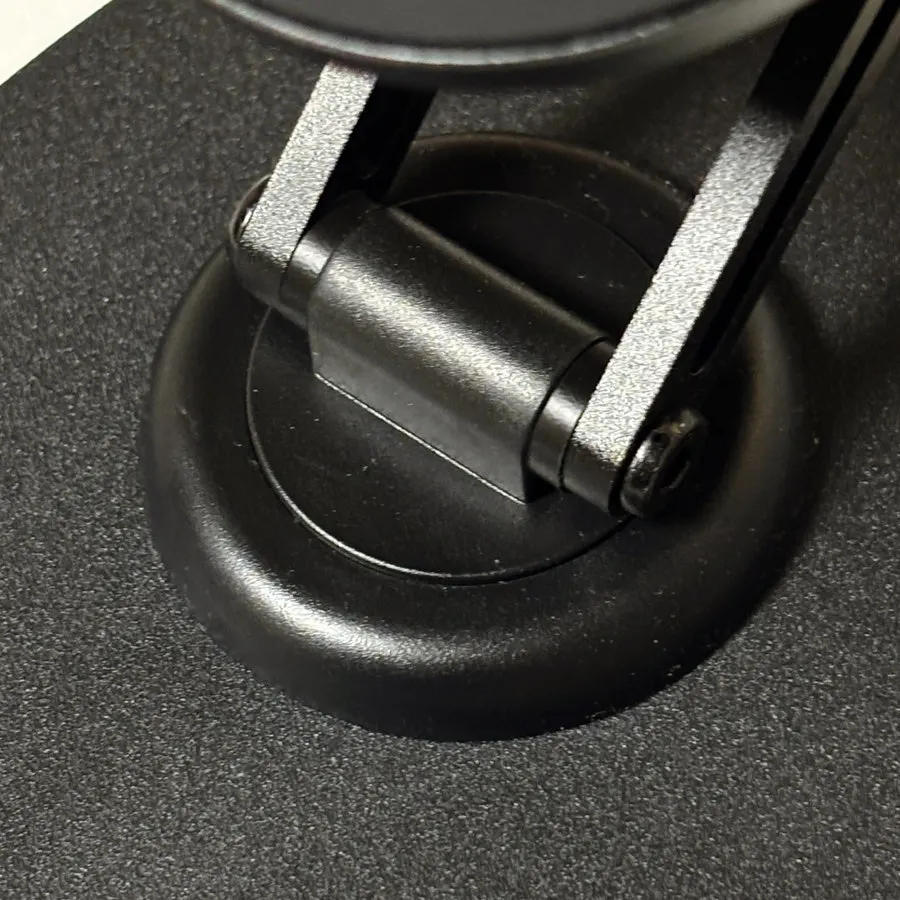
Did the base slide when rotating it?
It has non-slip rubber on the bottom, so it did not slide even as I rotated it and adjusted the angle.
It rotates 360 degrees, and I heard a dial-like sound from the rotating axis as I turned it. I thought it would also be useful for changing the direction while moving side to side in the kitchen to follow a cooking video.
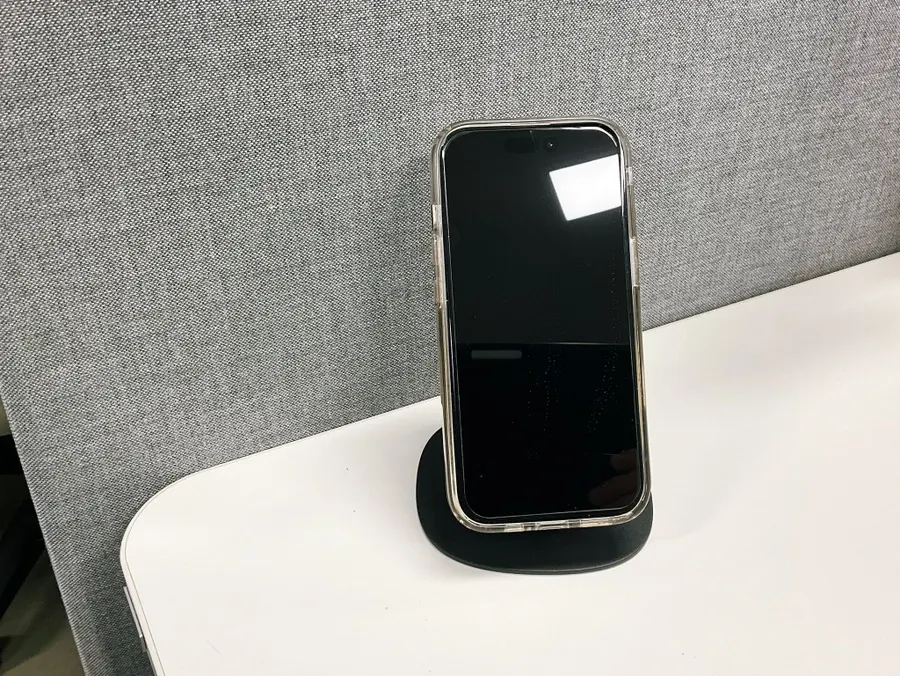
How did I use it at my desk at work?
The design is simple, so it did not make my desk look cluttered. Since the phone sits almost upright, it did not take up much space either.
I also tried using it at work as a spot to set my phone down temporarily. Before, it would get buried among documents or I would not know where I had put it, so I would find it by following my Apple Watch notification sound. Once I gave it a designated spot with the stand, it was easy to find. I was happy using it for watching videos at home and as a dedicated place for my phone at work.