Rotating tablet stand stability test: 비티냐 360° Tablet Stand
In short
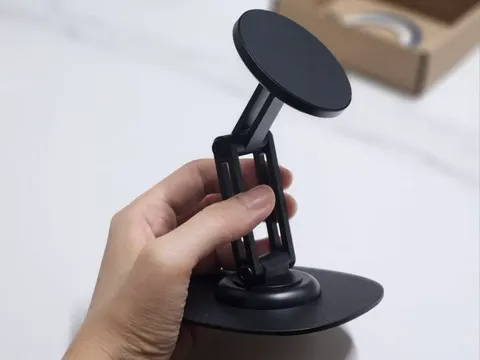
비티냐 360° Rotating Tablet Stand is a foldable metal tablet stand for use at home, in the office, or in the kitchen in Korea. After placing a tablet on it and pressing the screen, I found the rotating joint and base felt stable, with flexible height and angle adjustments. Verdict: A convenient stand for anyone who frequently changes their tablet’s angle.
First Impressions of the 비티냐 Tablet Stand
With free 360-degree angle changes, sturdy durability, and an anti-slip design, this is a must-have item for tablet users.
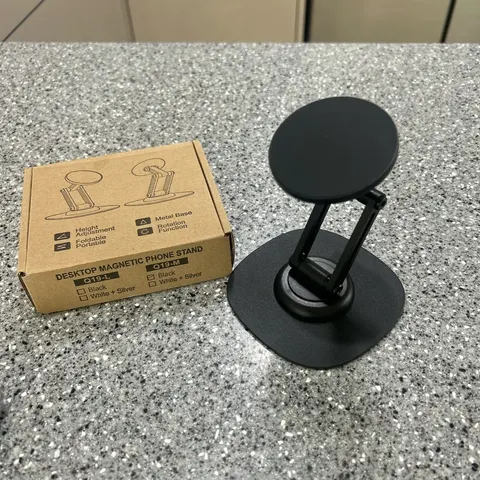
The 비티냐 360° Rotating Tablet Stand arrived in neat packaging and solid protective wrapping, raising my expectations from the moment I opened it.
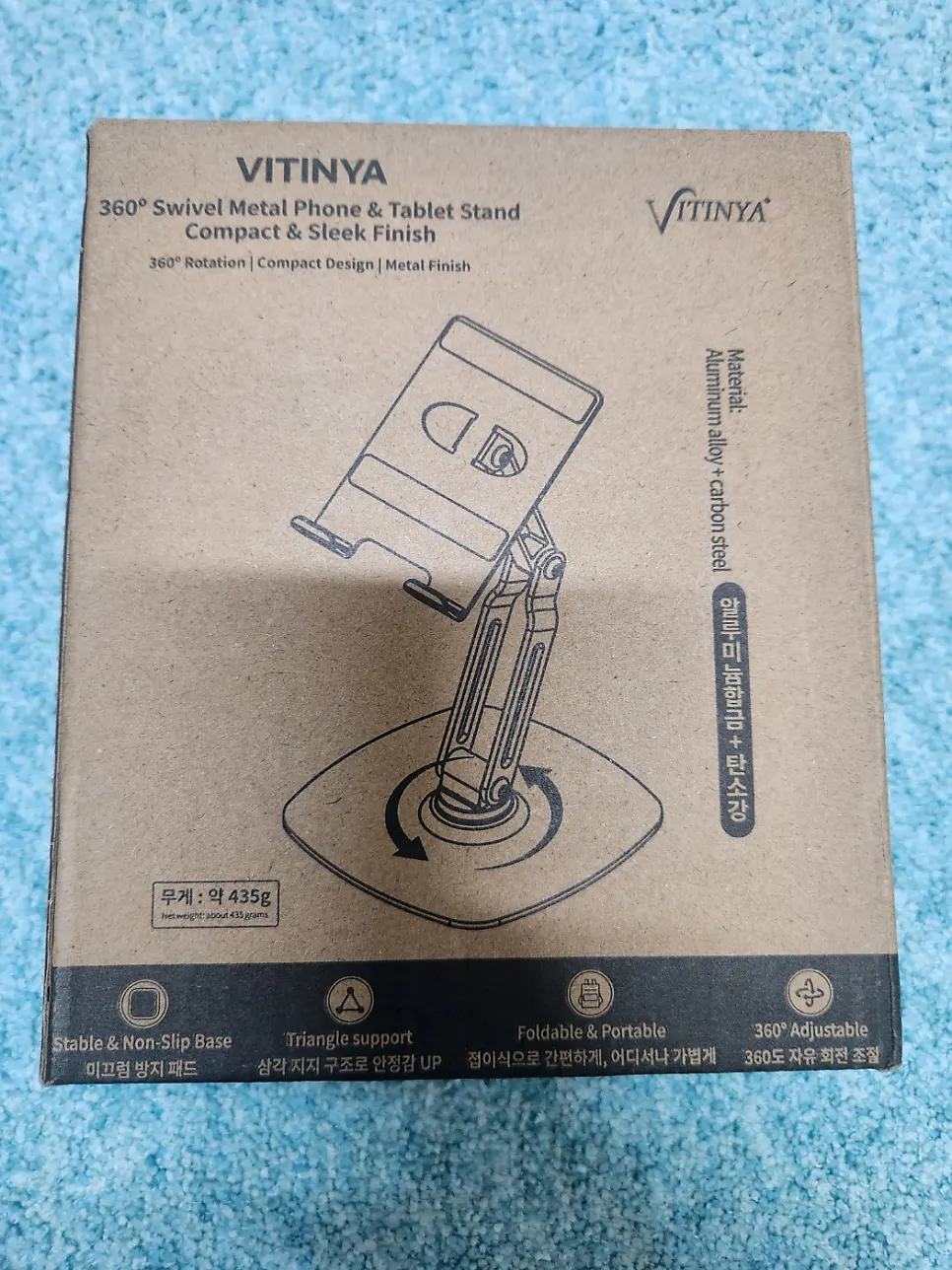
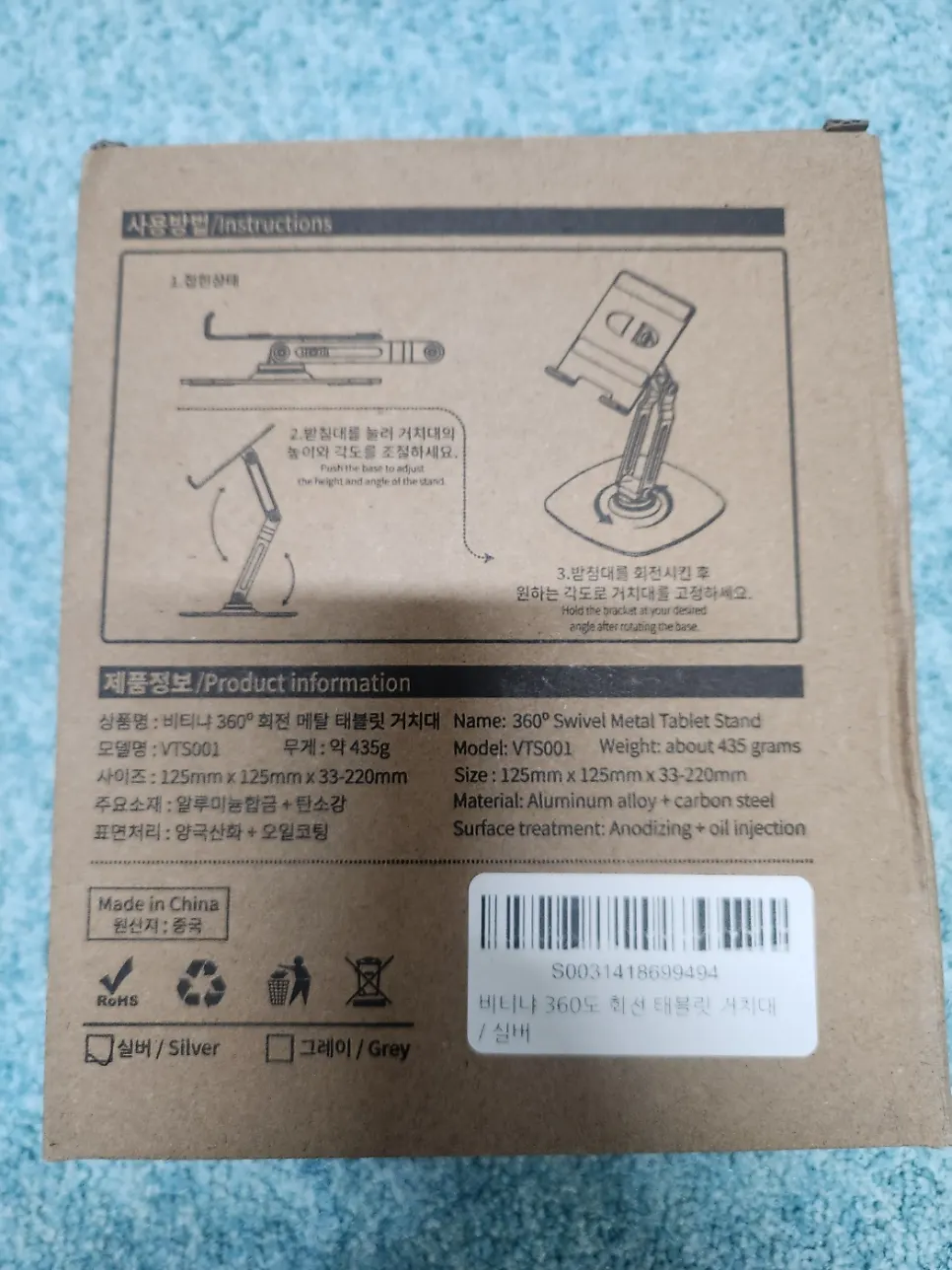
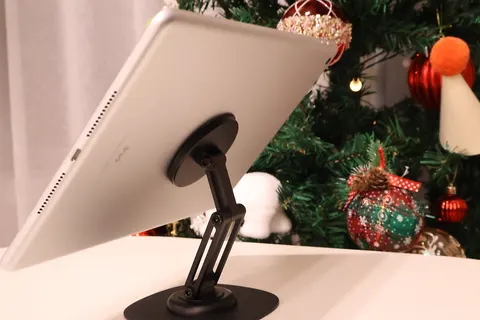
You can choose from modern colors such as silver and gray, so it does not compromise on blending with your interior. Many tablet stands on the market these days are plastic, so the body often tilts backward when you touch the screen or slides across the table. But thanks to 비티냐’s full metal frame and properly balanced base, there was barely any wobble even with a tablet on it.
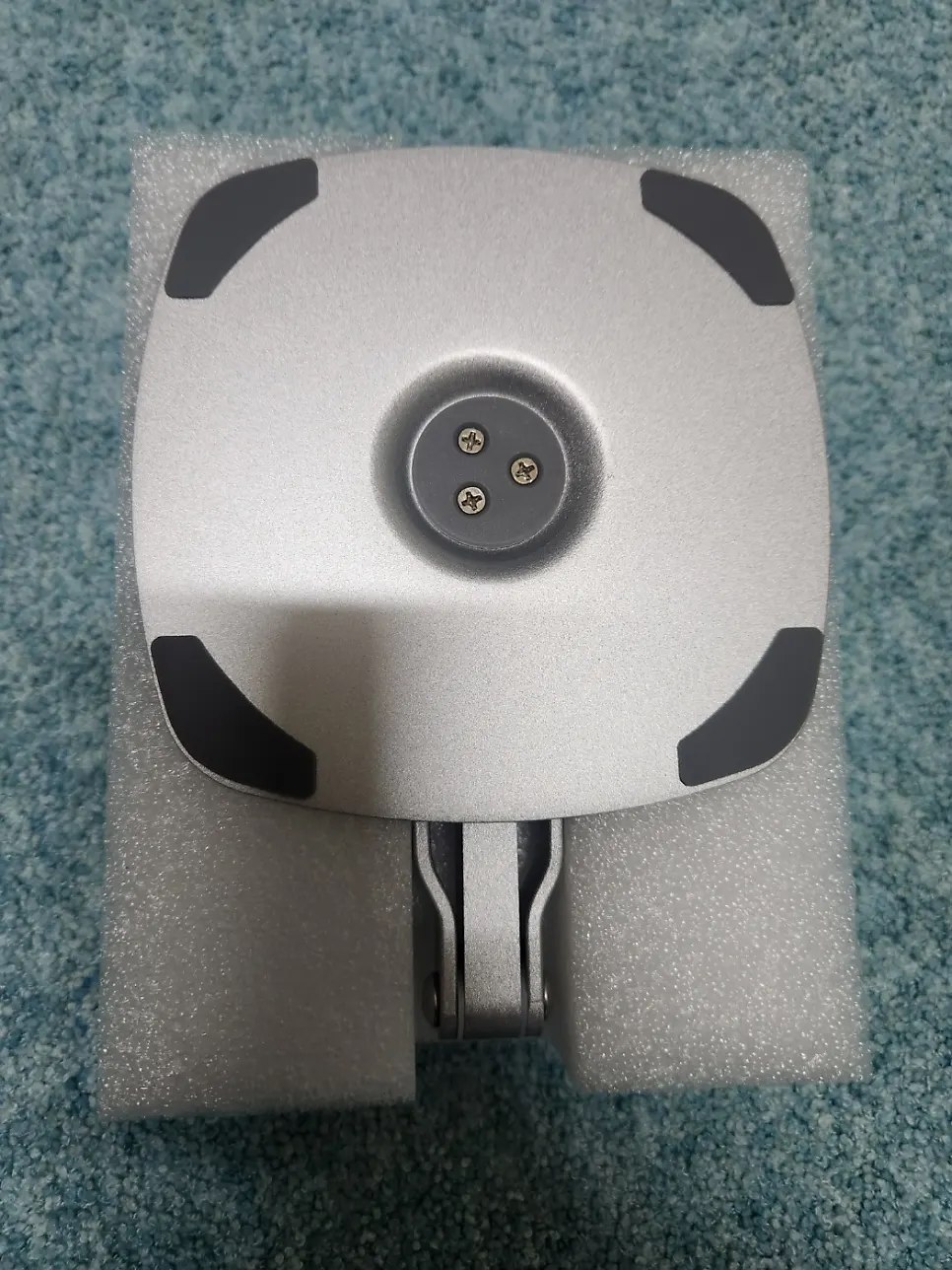
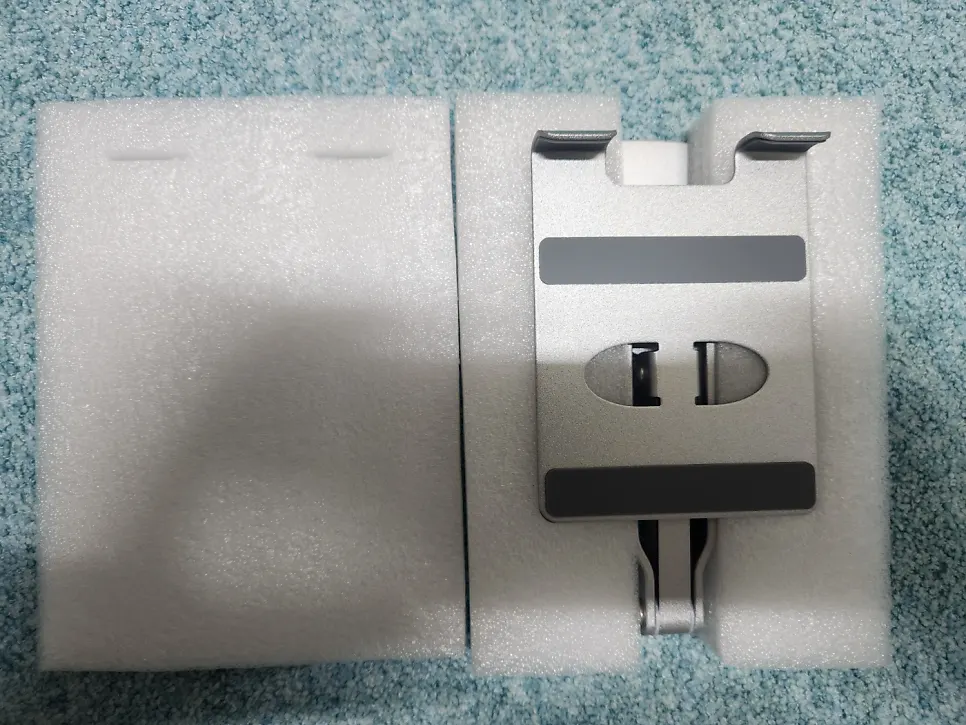
Another big advantage is that you can unfold and use it immediately, with no assembly required. It has a distinctly premium feel from the very first encounter.
How Is the 360° Rotating Angle Adjustment?
The biggest appeal of this product is its ability to rotate freely through 360 degrees. You can switch it left and right, tilt it down slightly, or raise it up, finding the best angle for the situation. That makes customized positioning possible for all kinds of activities, including watching videos, video calls, and following cooking recipes. The quality of the rotating joint is genuinely excellent.
Rather than the loose sound of a cheap product, it feels like metal parts smoothly click into place in stages. So it does not spin away with a light bump; it stays at the angle you intended. Once set, the angle does not slowly droop or slide sideways over time. Standing it upright in portrait mode is perfect for reading e-books or PDF documents, while landscape mode is ideal for watching videos or editing. It is so convenient to change the angle easily while watching recipe videos when cooking or home-workout videos when exercising.
Anti-Wobble and Anti-Slip Design
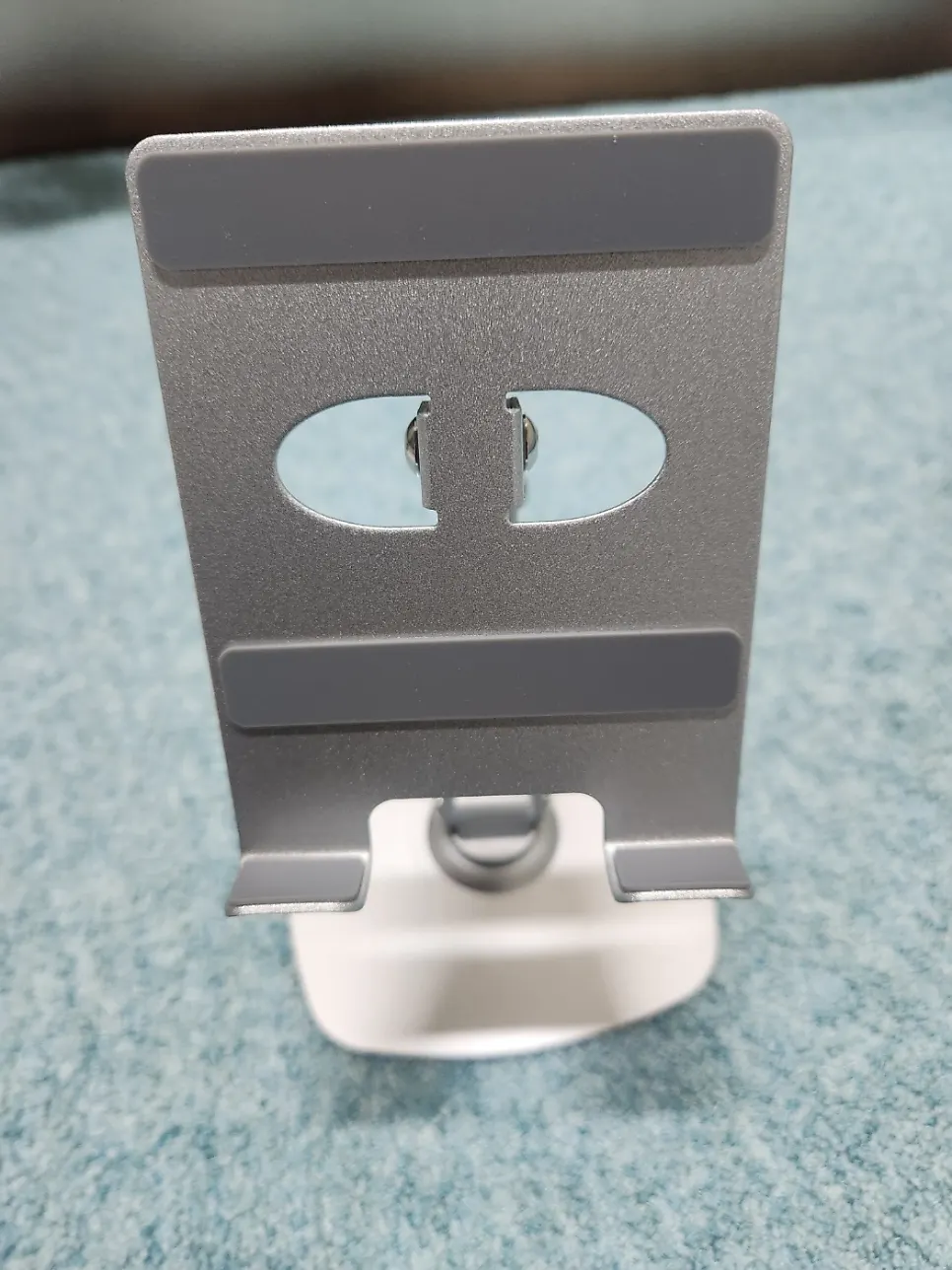
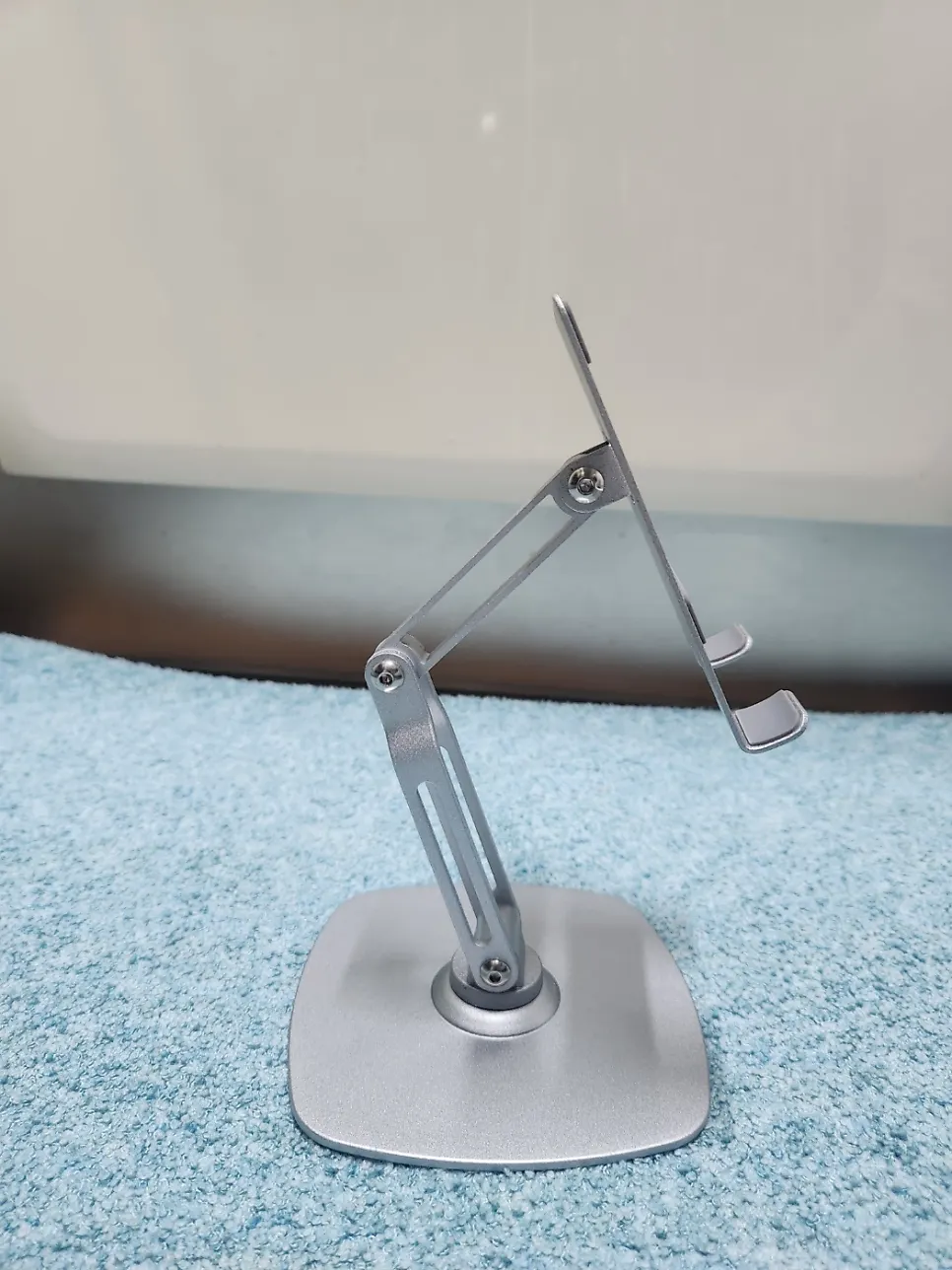
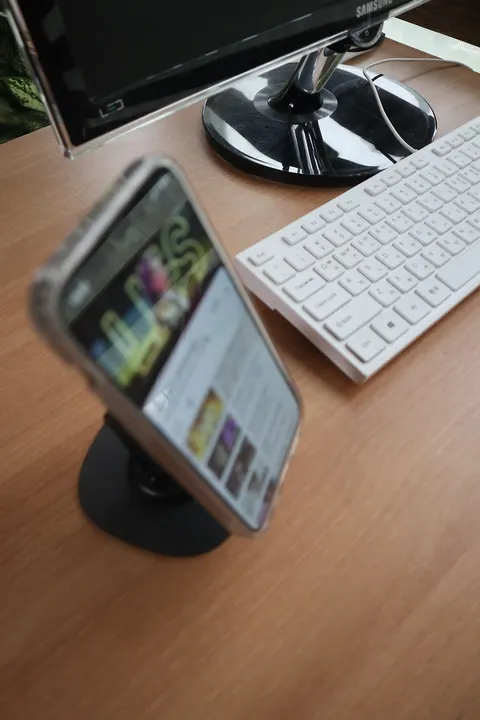
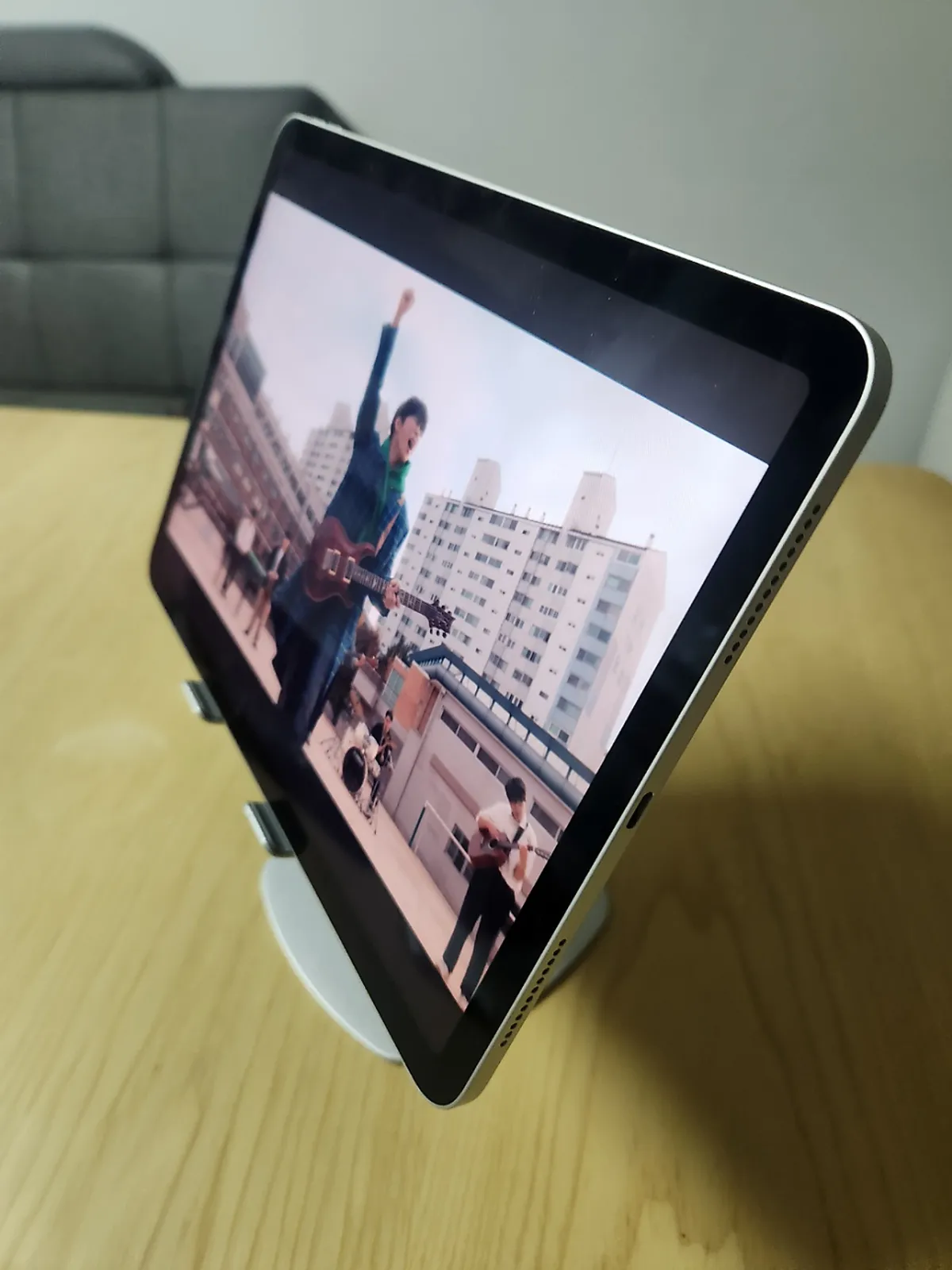
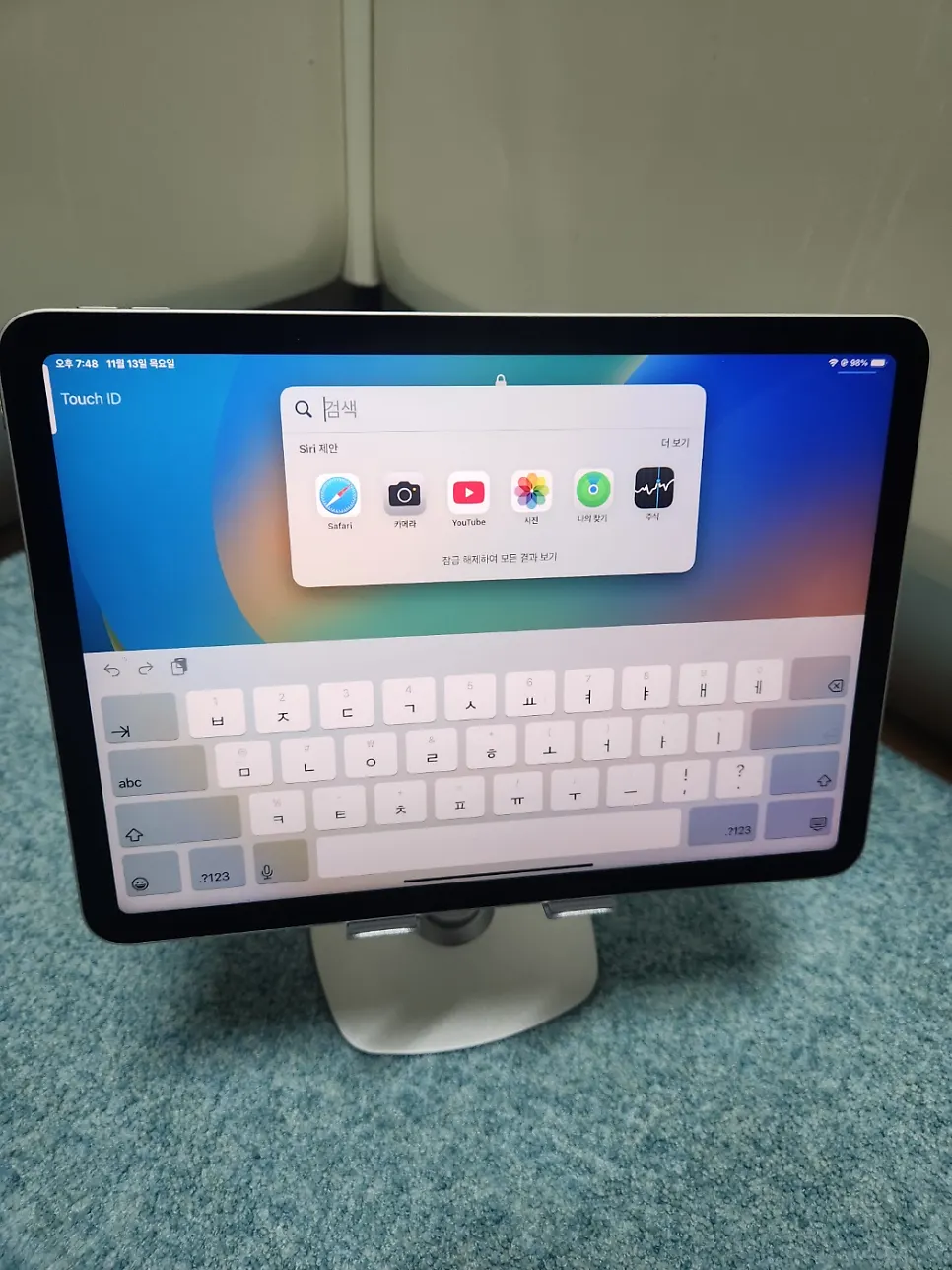
Its sturdy structure supports a tablet securely, so you can place anything from an iPad to an ordinary phone on it with confidence. Silicone pads on both the base and the holder mean there is no need to worry about slipping. Even when I firmly pressed the screen with a finger, it supported it solidly, and the stability was clear even in the more demanding tablet environment compared with a typical phone stand.
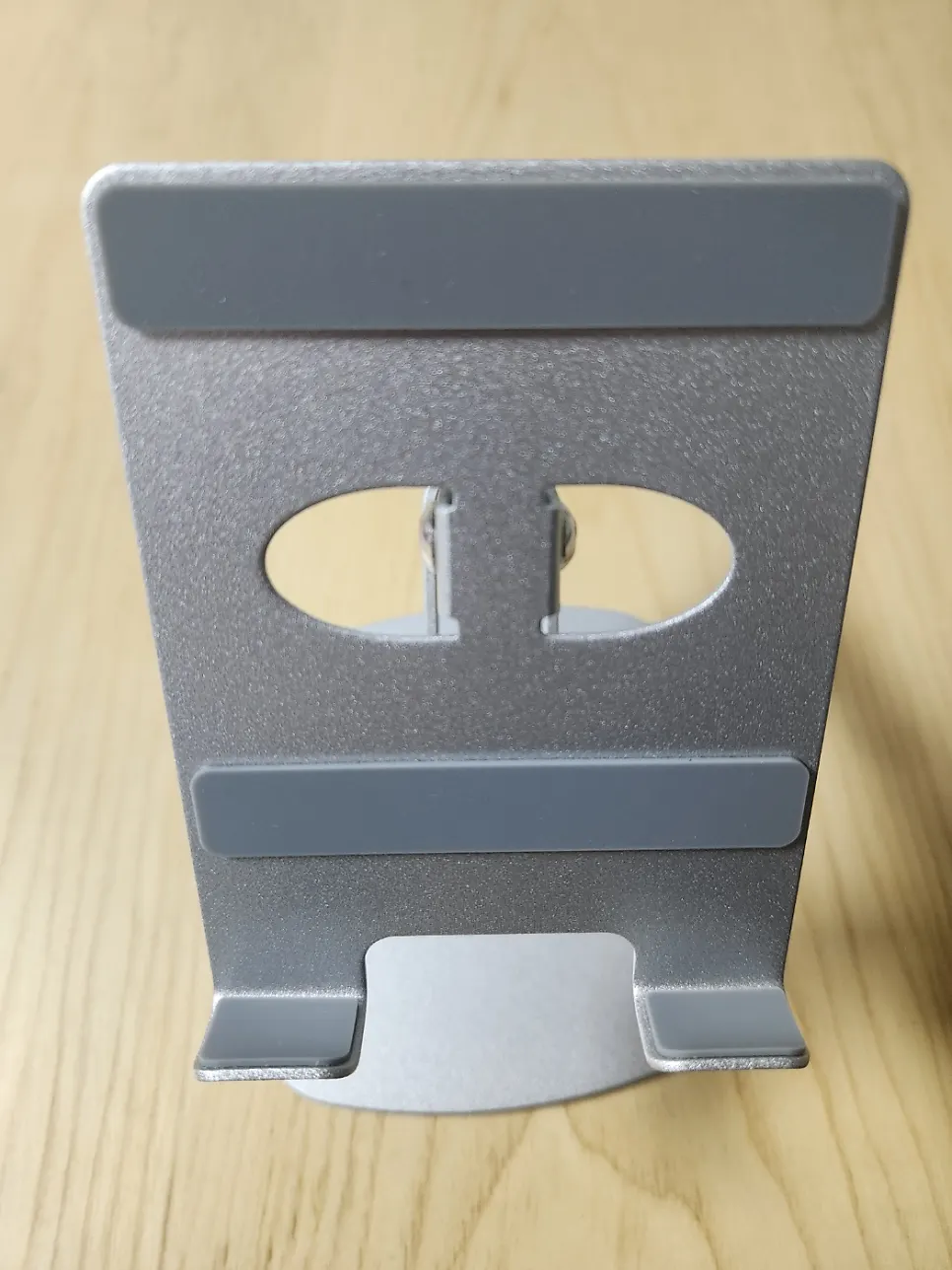
The holder has wide anti-slip silicone pads attached to it. There is no worry about scratches, and it wobbles less from side to side. The support lip is also just the right height, making it easy to switch between portrait and landscape while a charging cable is connected. The pad support, base weight, and centered strength of the joint are all very precise, making it highly satisfying in real use.
Height Adjustment and Foldable Portability
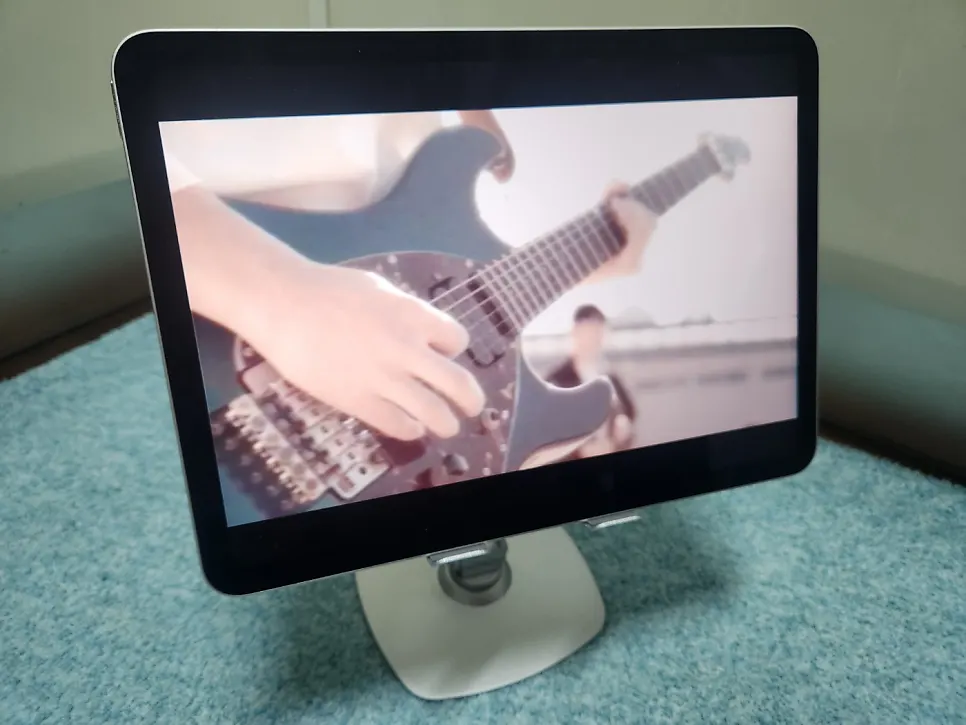
We have all experienced a stiff neck or shoulders after using a tablet for a long time, right? With the 비티냐 stand, setting it to an appropriate height and angle can also help prevent tech neck. Its foldable design slips into a small bag, and at around 400 g it is light and highly portable, making it useful anywhere—at home, at work, or at a café. Folded up, it becomes slim enough to fit easily into a laptop bag. I especially recommend it for people who work from home, travel often for work, or work at cafés.
Ways to Use a Tablet Stand in Everyday Life
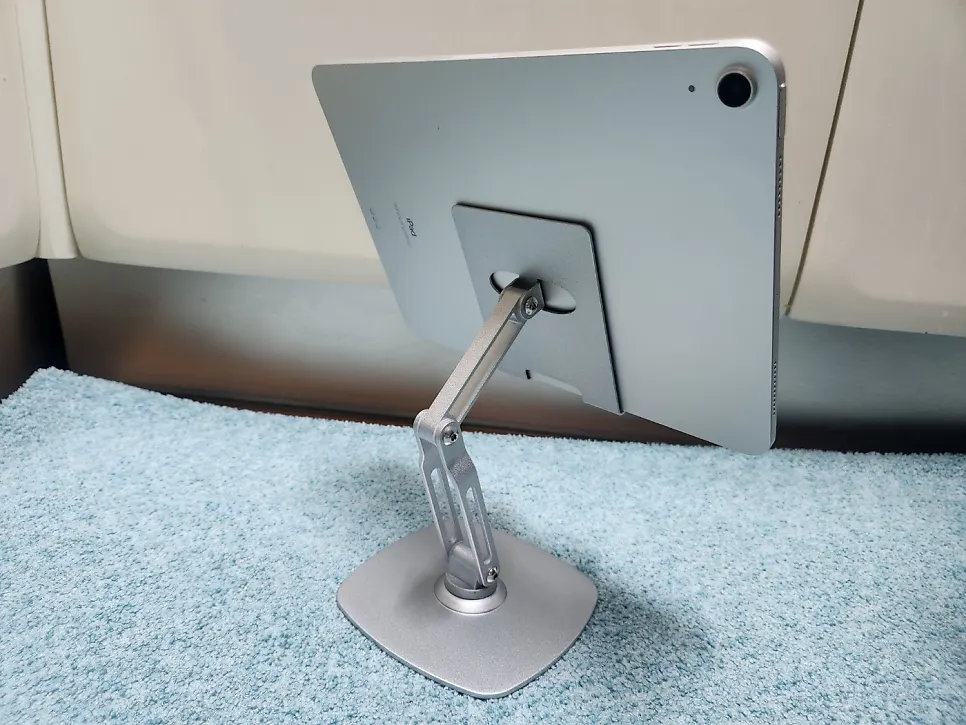
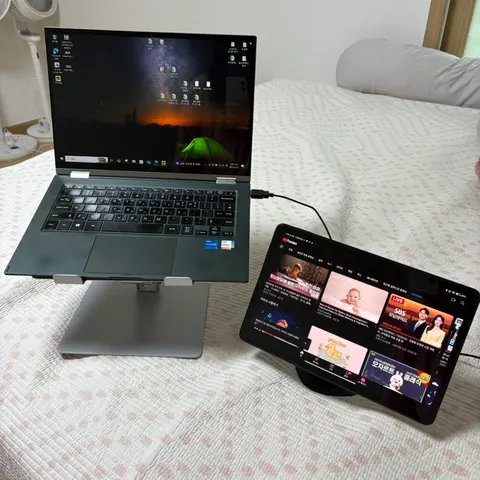
Once you experience using a stand, the range of uses keeps growing. In the office, it works like a dual monitor; at home, it can play cooking or home-workout guide videos; and in bed, it is great for watching Netflix and YouTube. Its uses are endless. Many people even use it like a laptop with a Bluetooth keyboard.
For Studying and Work
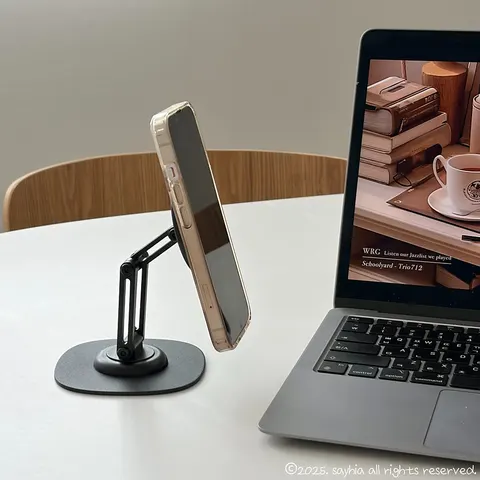
Placing it beside a laptop like a second screen is great for keeping a schedule, messenger app, or YouTube mini player open while working, which boosts productivity. Landscape mode is perfect for watching and editing videos, while portrait mode is ideal for viewing e-books, PDFs, and sheet music, or as a companion screen for note-taking apps.
For the Kitchen
In the kitchen, it was convenient because once I had a recipe video open, the angle did not shift even if I only touched it lightly. Even when your hands are covered in water or flour while cooking, you can keep your tablet safely on the stand.
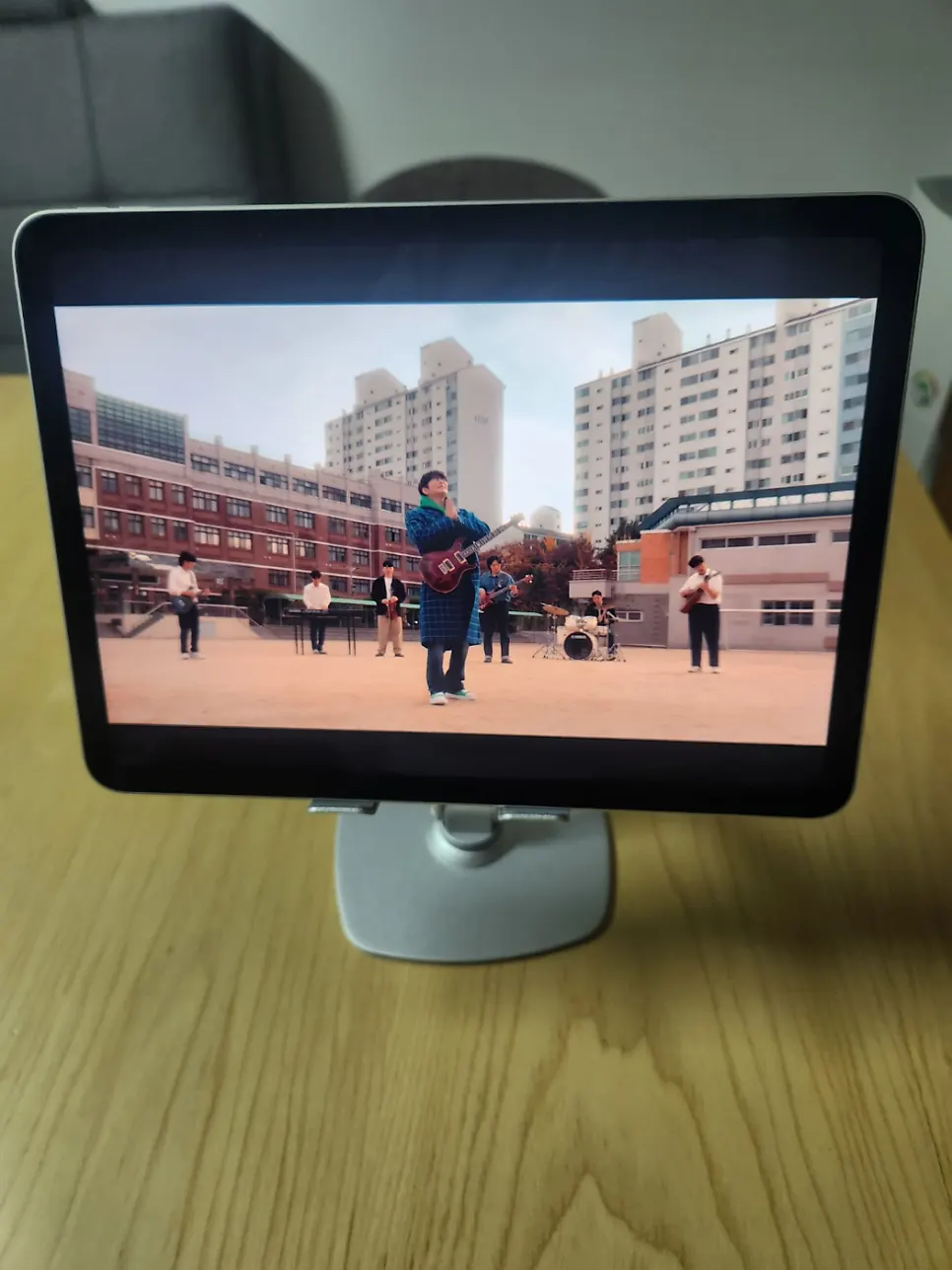
For Watching Videos
It is also excellent for comfortably watching Netflix and YouTube while lying in bed or on the sofa. Because you can adjust the angle freely, you can create the best viewing angle in any position. There is no need to hold it in one hand, so your wrist stays comfortable and you do not get tired even during long viewing sessions.
For Video Calls
With more people working from home or taking remote classes these days, it is really good for setting the camera angle during video calls. You can adjust it to an angle that shows your face naturally, creating a more professional impression.